You don’t have to spend a hundred bucks a month on software to teach what you know. When you launch your first training, you can easily host and sell your lessons on a clean, free setup. It protects your cash while you test your idea.
The Short Version
- Stop paying monthly fees before you have enrolled students in your classroom.
- Keep your lessons short to eliminate massive video files and boost student progress.
- Build on a free platform until steady sales cover your future software upgrades.
Jump to Section
The Expensive Course Platform Trap
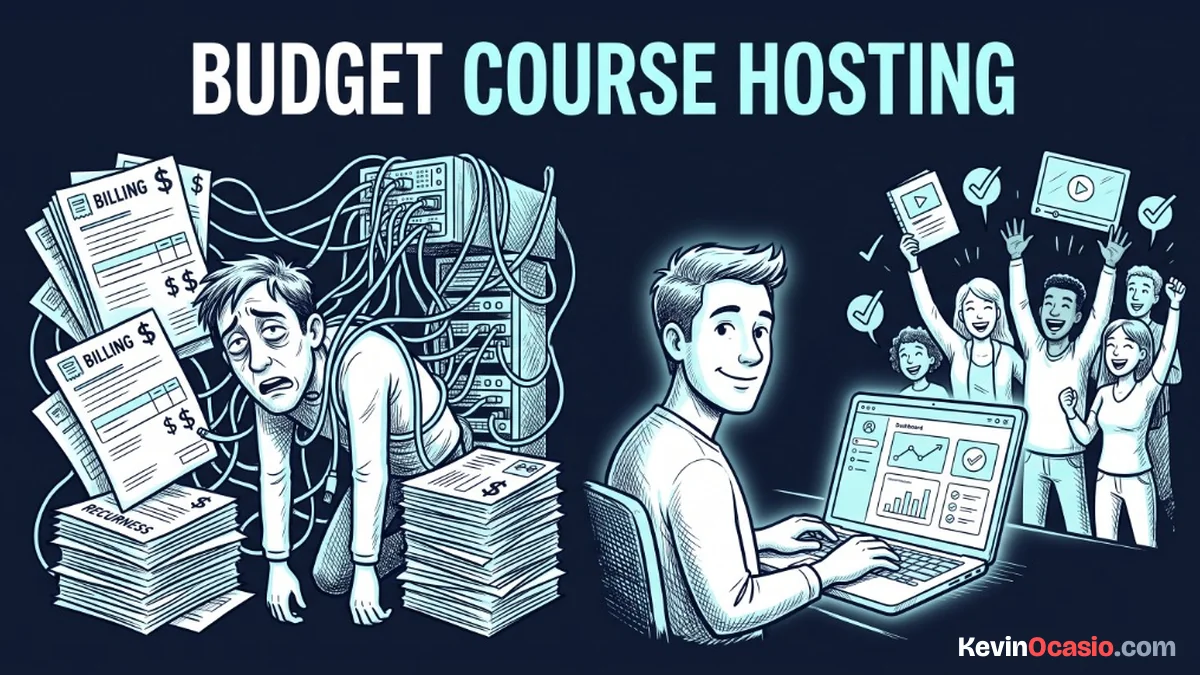
Don’t buy a big software plan before you ever teach a single student. You see ads promising fast sales if you pay $179 a month for an all-in-one portal. These tools give you community boards, mobile apps, and affiliate hubs that sit completely empty.
Paying for high-end features on day one is like renting an office before you have a customer. That monthly bill becomes a ticking clock. It puts needless stress on your wallet while you’re still making your slides.
Paying $179 every month for Kajabi makes no sense when you’re launching your first course. The price gap between Systeme.io and Kajabi for course creators is huge because Systeme gives you a clean lesson portal and checkout page for free.
You have to be smart about where to spend money in an online business when starting out. Your buyers don’t care if your lessons run on a fancy custom site. They only care about getting the help you promised.
Why Short Lessons Beat Long Video Lectures
There’s no need to make your course feel like a huge college class. When you sit down and record sixty-minute videos, you end up with massive files. Those heavy files create unnecessary headaches before you even launch.
Big video files eat up server storage fast. They also trigger high fees for video bandwidth on paid hosts. If you upload raw video files straight to your shared web host, the playback buffers and stops. Frustrated students give up trying to watch when videos keep stalling.
Most students never finish long lecture videos anyway. Switching to bite-sized microlearning lessons helps far more students actually finish your training. People can easily watch a quick five-minute lesson on a lunch break.
Cutting your training into bite-sized clips solves two problems at once. Your students finish the lessons and get results. At the same time, your video files stay tiny enough to host for free without hitting bandwidth caps.
How to Build and Sell Course Lessons on a Budget That Actually Work
You can run your whole student area without paying a single software bill. Instead of gluing separate plugins together for video, logins, and cart forms, you can run it all inside one free portal.
Using a simple all-in-one funnel builder lets you set up your sales page, connect Stripe, and host your lessons under one roof. You get clean member access rules that lock your lessons behind checkout with no monthly software fee.
If you want to keep your monthly bills at zero, a free funnel builder plan gives you a full course area, unlimited student spots, and clean checkout pages without taking an extra cut of your sales.
Here is how an expensive multi-app setup compares to running a lean course portal:
| Feature | Overpriced Software Stack | Lean Free-Tier Stack |
|---|---|---|
| Course Platform | $179/mo (Kajabi Basic) | $0/mo (Free All-in-One Account) |
| Video Delivery | $20/mo (Vimeo or Wistia) | $0/mo (Direct Embed or Native Upload) |
| Checkout & Access | $99/yr (Extra Cart Plugin) | $0/mo (Built-in Stripe Checkout) |
| Total Monthly Cost | $175+/mo | $0/mo |
You won’t save much money on platforms that take a cut from every student signup. I recommend selling courses on Systeme.io instead of Teachable so you don’t pay Teachable’s 7.5% order fee.
Connecting Checkouts and Automating Access
Once your lessons are ready, you need a way to take card payments and give buyers instant access. Nobody wants to wake up at three in the morning to send login emails by hand.
Modern checkout forms handle this handoff on their own. When a buyer enters their card details, the cart runs the payment through Stripe or PayPal. Then it sets up a private student account on the spot.
The automated handoff works just like when you sell digital downloads without fees on your own site. Your buyer gets a clean welcome email with a login link. They set their password and start watching your first lesson in under a minute.
Keeping your checkout simple also stops buyers from emailing support about missing links. The whole flow runs through one system, which means zero broken connections or failed plugin syncs.
Launch Your First Module Before Upgrading Anything
Don’t let shiny tool features pull your focus away from what matters. Your main job is making a training that helps people solve a real problem. You don’t need chat boards, quiz tools, or mobile apps to teach a great lesson.
Pick one clear problem you know how to fix. Outline five short video lessons. Record your screen with a basic USB mic, drop the clips into a free course dashboard, and share the link with your audience.
Once your course brings in steady sales and puts real profit in the bank, you can think about paid tools. Until then, keep your monthly bills at zero and let your students pay for your growth.
Frequently Asked Questions About Course Hosting on a Budget
Can I really host an online course for zero dollars a month?
Yes. Platforms like Systeme.io offer permanent free tiers. These tiers include a full course portal, unlimited student signups, and checkout forms without charging a monthly bill.
Where should I host my course video files for free?
You can upload lesson clips straight to platforms with free built-in video hosting. You can also embed unlisted videos from YouTube without paying for extra hosting.
Do I need to buy an expensive microphone or camera to film my course?
No. A simple USB mic and basic screen recording tools are all you need to make clear, helpful lessons that students love.
How do students get their login details after they pay?
The platform sets up a student account right away. It emails your buyer a private login link as soon as their card clears on Stripe or PayPal.
What happens if my course outgrows the free platform limits?
You only upgrade to a paid tier once your monthly course sales easily cover the cost. That keeps your business in the green at all times.
Can I sell a course on my own WordPress website instead?
Yes, but running a course on WordPress means adding membership plugins, setting up video protection, and managing student accounts. That takes much more tech work than using a free portal.
How many lessons should my first online course have?
Keep your first course small. Aim for three to five short modules with quick lessons so your students finish the training and get real results.
Do free course platforms take a cut of my sales revenue?
Standard payment tools like Stripe and PayPal charge their normal fee of roughly three percent plus thirty cents per sale. But free all-in-one platforms don’t take an extra cut on top of that.