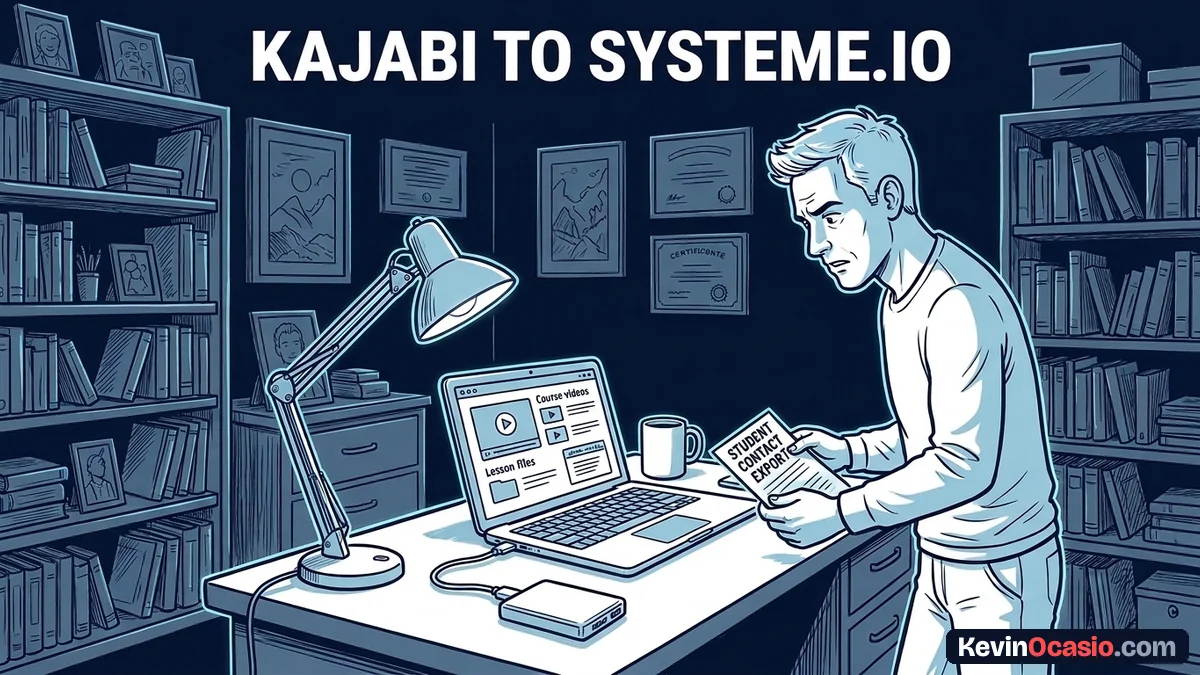
Paying $179 every month for Kajabi burns cash fast when you sell one main course. Moving your lessons and student lists to Systeme.io drops that bill down to zero or seventeen dollars a month. You keep all your records. You can make the switch in one afternoon.
The Short Version
- Download your course assets by saving your source video files and lesson text to local folders before canceling anything.
- Export your contact records from Kajabi as a clean CSV file and map existing tags into Systeme.io.
- Rebuild your curriculum layout inside the Systeme.io course builder and grant existing members free access tags so their learning never stops.
Jump to Section
Download Your Video Lessons and Course Files
Kajabi has no export button for full courses. The app streams video through an outside player. You must grab your video files and lesson notes from each module.
Log into your Kajabi account and pick your course under Products. Open each lesson and click the player settings menu. Download the source MP4 video file straight to your desktop. Put numbers on your lesson files so they stay in order.
Save your lesson text and PDF files into matching folders on your hard drive. Keeping files neat turns your rebuild into a fast copy task. You’ll save hours of hunting for lost files.
Check file sizes before you upload anything to your new home. Systeme.io gives you unlimited video storage on all plans with a 2 GB file cap. Keeping files under 100 MB helps videos load fast on mobile phones. You can also host big files on an unlisted channel and paste the link into your lesson.
Here is how plan limits, course space, and pricing compare between both platforms before you move your files.
| Feature & Cost Factor | Kajabi Basic Tier | Systeme.io Free & Startup Tiers |
|---|---|---|
| Monthly Base Price | $179/mo ($143/mo billed annually) | $0/mo (Free) or $17/mo (Startup) |
| Course Product Limits | 3 Products | 1 Course (Free) or 5 Courses (Startup) |
| Active Contact Cap | 2,500 active contacts | 2,000 contacts (Free) or 5,000 (Startup) |
| Video Hosting Storage | Included streaming (Wistia-backed) | Unlimited native storage (up to 2 GB per file) |
| Sales Funnels & Steps | 3 Funnels | 3 Funnels / 15 Steps (Free) or 10 Funnels (Startup) |
| Platform Transaction Fees | 0% | 0% |
Export Contacts and Clean Your Student Data
Once your video files sit on your hard drive, you need your student list. Kajabi stores buyers, leads, and students in one central Contacts tab. You can pull this data into a spreadsheet with two clicks.
Open Contacts in Kajabi, click Bulk Actions, and pick Export. Kajabi sends a download link for your CSV file to your inbox. This sheet holds names, emails, and past tags.
Take five minutes to clean out cold contacts before you upload the file. Trimming old leads helps you stop paying for software you don’t need so your account stays on cheaper tiers. You avoid paying for dead email addresses that never open messages.
Open the spreadsheet on your computer and make sure it uses clean text formatting so names look right. Delete blank columns you aren’t using. Group buyers by course so you can tag them fast upon arrival.
Keep your tag list focused, since extra options slow down decisions when managing member permissions. When students hit confusing login steps, they stall out and email support. That’s why clean tags keep your course delivery running smoothly.
Follow these steps to bring your student list into your new dashboard:
- Create Course Tags: Open Contacts in your Systeme.io dashboard, click Tags, and make a clear tag for each course, like ‘Student: Main Course’.
- Upload Your CSV: Click Import Contacts, choose your cleaned spreadsheet, and match your email and first name columns with the system fields.
- Apply Course Access Tags: Pick your course tag during the upload step so every student gets access right away.
How to Migrate Kajabi to Systeme.io Course Modules and Lessons
Now that your contacts and video files are ready, you can build your new course portal. This is where you actually migrate Kajabi to Systeme.io by setting up your modules, lessons, and access rules in the builder.
The course builder inside Systeme.io gives students a simple, clean learning layout. If you need to move multiple courses, read the Systeme.io review to see when upgrading from the free plan to the $17 Startup tier makes sense. Students get an easy menu and fast video playback.
Go to Products & Sales in your top menu and click Courses. Click Add a New Course and type in your title. Pick your domain name. Choose if lessons unlock all at once or drip out weekly.
Add modules to match the layout you had in Kajabi. Add lessons inside each module and drag your video player block into the page. Paste in your written lesson notes. You can style buttons and text fonts to match your brand look.
Your imported students need matching tags to unlock their course modules. You can set an automation rule that links your student tag to course access. You can also build a checkout page with a dedicated sales funnel builder so new buyers unlock their lessons the second payment clears.
If you want to sell an online course on a budget, this setup replaces three paid tools with one login. You skip costly WordPress membership plugins, video fees, and third-party email tools.
Follow this quick workflow inside the course builder to wrap up your setup:
- Add Your Modules: Click Add Module in the course outline, name each section, and put them in order.
- Create Video Lessons: Click Add Lecture under each module, pick the video block, and upload your MP4 files.
- Add Download Files: Use the file element inside lesson pages to link your PDF worksheets and templates.
- Set Access Rules: Open course settings, go to Automation Rules, and set the system to grant course access when someone gets your student tag.
Switch Billing and Shut Down Your Kajabi Account
With your course lessons online and your students tagged, the last step is moving your checkout and canceling your Kajabi plan. Taking care of billing steps stops double charges and keeps your sales flowing without a pause.
Connect your Stripe and PayPal accounts in your Systeme.io settings. Because your merchant accounts hold your history, you don’t need new bank reviews. Your payout schedule stays the same.
Active monthly subscriptions can’t move between carts with a simple button click. The cleanest way to handle active subscriptions without upsetting buyers is keeping their billing alive in Stripe while giving them free tags inside Systeme.io. You can also invite buyers to enter their card on your new checkout page when their next billing cycle arrives.
Send a warm welcome email to your students with their new login link. Tell them you moved the course to a faster home. Ask them to sign in and test their access. Most members will like the clean layout.
Once you confirm that a test student can log in, watch videos, and download files without trouble, cancel your Kajabi account. Dropping that $179 monthly charge saves you $2,148 a year in software fees.
Frequently Asked Questions About Kajabi to Systeme.io Migration
Will my students lose their course progress during the move?
Lesson checkmarks don’t transfer between platforms. Your students keep full access to all lessons and files, but their progress counters start fresh in the new dashboard.
Can I host my course videos directly inside Systeme.io for free?
You can upload your course videos directly into Systeme.io without paying extra fees. Each video file must stay under 2 GB, and you get unlimited total video storage on every plan.
How do I handle existing Kajabi recurring memberships?
Credit cards can’t move between tools automatically. You can keep active billing alive in Stripe while granting members free access in Systeme.io.
Do I need to hire a developer to complete this migration?
You don’t need to hire anyone or write code. The entire move uses simple file downloads, CSV imports, and drag-and-drop course menus that you can finish in an afternoon.
How long does it take to migrate a standard online course?
A standard course with twenty lessons takes two to three hours to move. Most of that time is waiting for video files to upload to your new account.
Can I connect my custom domain to my new course portal?
You can connect your custom domain by updating your CNAME DNS records at your domain registrar. You can use your main domain or a subdomain like members.yourdomain.com for your course area.