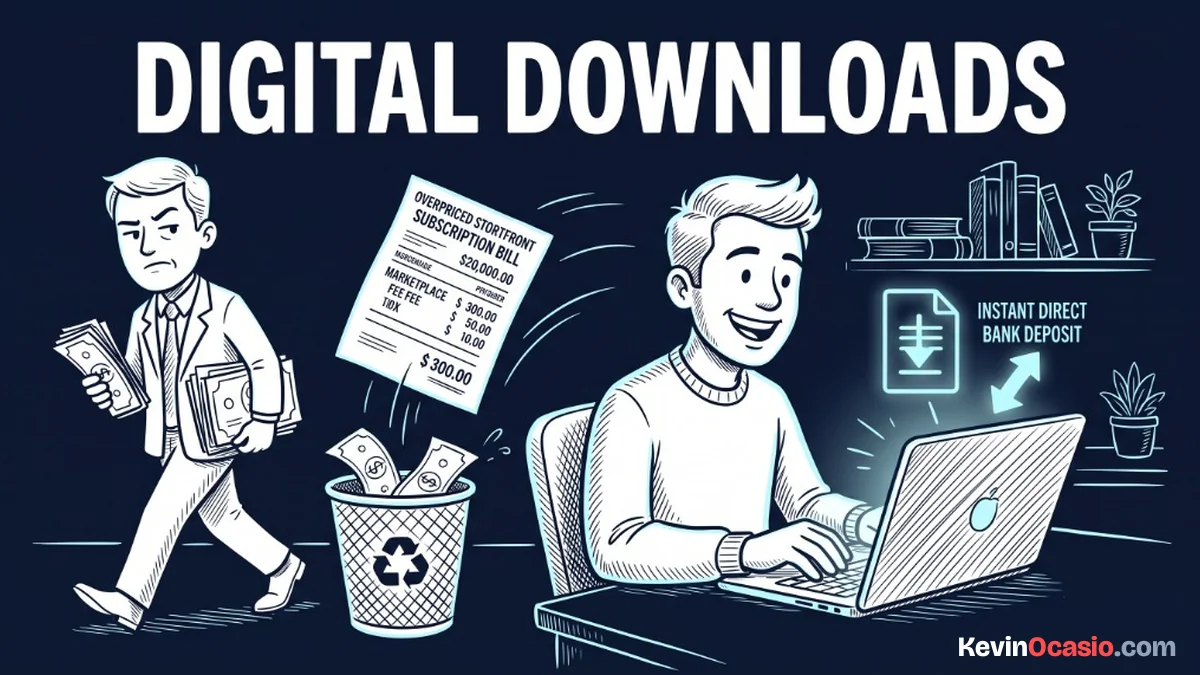
You spend a week making a helpful guide or simple template, and you set the price at ten dollars. When your first sale comes in, your storefront app takes over two dollars before you see a dime.
The Short Version
- Storefront platforms take huge cuts through monthly fees and order charges that eat your cash.
- Direct checkout forms connect straight to Stripe so you keep your sales.
- Automated tools deliver your files to the thank you page and buyer inboxes right away.
Jump to Section
- The Hidden Bite of Marketplace Cuts and Monthly Apps
- How to Sell Digital Downloads Without Fees Eating Your Margin
- Connecting a Free Funnel Builder to Stripe
- Setting Up Instant File Delivery and Sales Tax Handling
- Protect Your Digital Product Profit Over the Long Haul
- Frequently Asked Questions About Selling Digital Downloads
The Hidden Bite of Marketplace Cuts and Monthly Apps
When you start out, you probably look at big digital marketplaces first. It feels easy. You upload a PDF, share a link with your audience, and wait for sales.
The shock hits when you check your account balance at the end of the week. Sites like Gumroad hit direct sales with a ten percent cut plus fifty cents on every order. That’s on top of normal credit card fees. If a buyer finds your product through their marketplace feed, that cut jumps to thirty percent.
Fixed fees hurt cheap products the most. If you sell a five-dollar template, fixed charges take a huge bite out of your cash. After paying fifty cents, a ten percent fee, and card processing, you keep just three dollars and fifty-five cents. If a buyer asks for a refund, the platform keeps its fee anyway.
You might be tempted to run the other way and open an online store on Shopify. That stops the marketplace cut, but it brings a thirty-nine dollar monthly fee before you make a single sale. If you have a slow month, you still have to cover that invoice.
Those monthly charges add up fast when you test new ideas. Paying hundreds of dollars a year to keep a basic checkout page online eats your profit before you get off the ground.
You’ll lose an extra 7.5% sales cut on Teachable’s $39 Starter plan if you sell training videos. That’s why I like how Systeme.io beats Teachable on costs by keeping platform charges at zero.
How to Sell Digital Downloads Without Fees Eating Your Margin
You don’t need a fancy storefront to deliver digital files to buyers. All you need is a clean page to take the order, a payment account to charge the card, and a file download link. Everything else is just extra noise from software apps trying to sell you bigger plans.
When you sell through your own checkout page, you connect right to Stripe. Stripe charges two point nine percent plus thirty cents on a card sale. Nobody skips card fees, but you drop the ten percent platform cut entirely.
You also get your money faster. Storefront platforms often hold your payouts for a week or two, but Stripe sends deposits to your bank account in two days.
Here is how an expensive storefront setup compares to selling your downloads through a lean checkout system:
| Expense Category | Overpriced Storefront Stack | Direct Lean Checkout Stack |
|---|---|---|
| Monthly Software Cost | $39/mo (Basic Storefront App) | $0/mo (Free Funnel Account) |
| Platform Transaction Fee | 10% + $0.50 per sale | 0% platform fee |
| Payment Processing Fee | 2.9% + $0.30 (Standard Card Fee) | 2.9% + $0.30 (Direct to Stripe) |
| Total Cost on a $10 Sale | $2.09 (Over 20% lost) | $0.59 (Card network fee only) |
| Payout Schedule | 7 to 14 day rolling hold | 2-day direct bank transfer |
Connecting a Free Funnel Builder to Stripe
Setting up your own checkout flow is much easier than it sounds. You don’t need to write code or hire help to build an order form.
I recommend using a free sales funnel platform like Systeme.io to handle checkout and file delivery. Their free tier gives you three full funnels, unlimited file storage, and up to two thousand email contacts without taking a cut of your sales. If you want to see how far those limits take you, read my breakdown of the Systeme.io free plan. You get custom order forms, one-click bumps, and digital file delivery without paying a monthly fee.
Connecting Stripe takes two minutes inside your settings. You click the connect button, log into Stripe, and approve the link. Once that connection is active, money flows straight to your bank account, giving you room to test new offers without buying extra software.
Setting Up Instant File Delivery and Sales Tax Handling
Once a payment clears, your system must send the file right away. Buyers want their downloads the second their payment goes through.
The best delivery flow uses two simple paths. First, your checkout page sends buyers to a thank you page with a big download button. Second, an automated email sends a receipt with a backup link to their inbox. If a buyer closes their phone browser too fast, the download link is already waiting in their email.
You might also worry about handling sales tax on your downloads. Check the state rules on sales tax nexus so you know exactly when to collect from out-of-state buyers. Most solo creators don’t hit those high sales caps for a long time, but turning on tax tools in Stripe keeps your records straight.
Always track where your cash goes before you invest in extra tools. My guide on where to spend money in an online business shows you which tools earn their keep and which ones waste your cash.
Protect Your Digital Product Profit Over the Long Haul
Selling files directly gives you more than lower fees. It gives you ownership of your customer list and your checkout flow. Marketplaces like to hide customer emails or keep buyers locked inside their app. When you own the page, every buyer joins your private email list so you can tell them about future products for free.
You also avoid monthly app bills that eat away at your cash balance. If you want to cut down your tools today, read my guide on how to stop paying for software you don’t need.
Setting up a direct checkout funnel keeps your monthly bills at zero. Once you see how simple direct sales can be, you’ll never want to hand twenty percent of your revenue to a marketplace again.
Frequently Asked Questions About Selling Digital Downloads
Can I really sell digital downloads with zero monthly software costs?
Yes. Tools like Systeme.io offer free plans that let you host files, build order pages, and deliver downloads with no monthly fees. You only pay standard Stripe card fees on sales.
What payment processor should I use for direct downloads?
Stripe is the best choice for taking card payments online. It links with almost every checkout tool and sends deposits to your bank in two business days.
How do buyers get their files immediately after purchasing?
Your checkout page sends buyers to a thank you page with a download button right away. An automated email also sends a receipt with a backup link to their inbox.
Do I need to worry about state sales tax when selling digital files?
Most states have high sales caps before out-of-state sellers must collect sales tax. Turning on Stripe Tax handles the math automatically based on where your buyer lives.
Why do platforms like Gumroad take such a high percentage of sales?
Marketplaces charge more because they act as the merchant of record and file sales tax for you. If you want to keep more profit, selling directly saves you real cash.