When you start selling a guide or digital files, software companies push costly monthly plans. They want you to think you need an expensive store right away. If you haven’t made your first sales yet, paying monthly fees drains your cash before you turn a profit.
The Short Version
- Direct payment links skip costly store tools so you keep your cash until you make a sale.
- Free funnel tools give you checkout pages and instant file delivery without taking a cut of your earnings.
- Paying only on real sales protects your cash flow while you build an audience and test new offers.
Jump to Section
- The Trap of Monthly Platform Subscriptions Before You Have Sales
- How to Collect Payments Online Without Monthly Fees Using Direct Gateways
- Free Tools for Full Checkout Pages and Automatic File Delivery
- Set Up Your Payment System Today Without Monthly Bills
- Frequently Asked Questions About Collecting Payments Online
The Trap of Monthly Platform Subscriptions Before You Have Sales
Big store builders make their money on monthly fees, not on your business wins. They want thirty to ninety bucks from you every month whether you sell fifty items or zero. When you’re just starting out, taking on fixed costs adds extra stress. It burns through your cash while you’re still finding buyers.
Think about what happens when you sign up for a store app that costs thirty-nine dollars every four weeks. That adds up to nearly five hundred dollars a year before you take your first order. If you sell a twenty-dollar guide and make two sales, you brought in forty bucks. But you spent thirty-nine on software fees, leaving you with one dollar in profit.
Course sites pull a similar trick. They charge forty bucks a month for a basic plan and still take five percent of every sale you make. Other tools claim to have zero monthly fees, but then take ten percent plus fifty cents on top of card rates for each sale. When you’re trying to start an online business under $50 a month, giving away huge cuts to middle tools makes no sense.
A better way is running on a pay-as-you-sell setup from day one. You only hand over a small card fee when real cash hits your account. If you have a slow week or take time off, your software bill stays at zero.
How to Collect Payments Online Without Monthly Fees Using Direct Gateways
The fastest way to take customer money is through direct payment gateways like Stripe and PayPal. These companies don’t charge setup costs or monthly account fees. Instead, they take a standard rate of two point nine percent plus thirty cents on domestic card sales. You only pay when a customer buys.
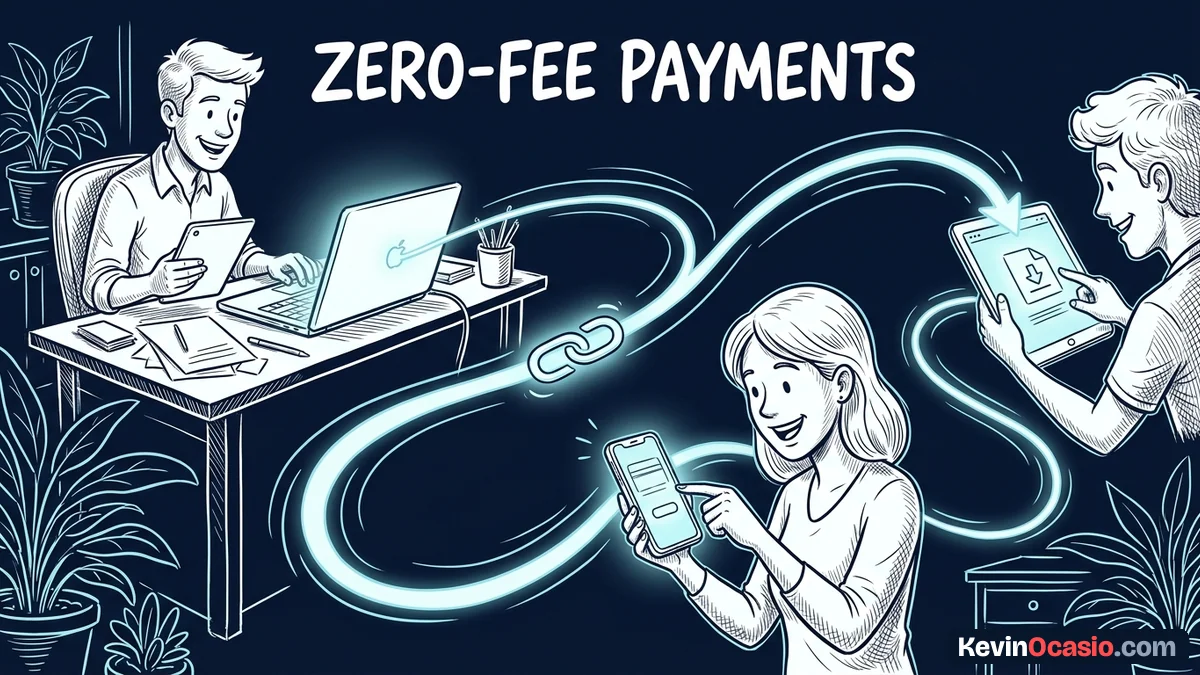
Stripe has a built-in tool called Payment Links that lets you make a clean checkout page in two minutes. You type in your product name, pick a price, and choose one-time or monthly billing. Then you copy the link. You can drop that link into an email, paste it on a simple page, or send it in a chat message.
When a buyer clicks your link, Stripe loads a secure payment form with Apple Pay and Google Pay. Making the buy button big and easy to tap on phones follows Fitts’s Law so people can check out fast. Mobile buyers won’t stick around if they have to tap through three slow screens just to buy a short guide.
If you want to sell digital downloads without fees, you can send buyers to a private link right after they pay. You get paid instantly, and your customer gets the file right away. Best of all, nobody takes a monthly cut from your pocket.
Free Tools for Full Checkout Pages and Automatic File Delivery
Direct links work great for quick sales. Still, you might want a full sales page, extra bump offers, and email delivery. You don’t need a costly plan for that. Free funnel tools let you build full checkout pages without extra platform fees.
On the Systeme.io free plan, you can connect Stripe and run three complete funnels. The tool takes zero cut of your sales. You only pay the basic card processing fee. You can host your files, send email links, and add order bumps to earn more on each sale.
Using a dedicated sales funnel builder gives you clean checkout forms without writing code. When a buyer pays, the system tags their email and sends the download link. It also adds them to your newsletter list. That gives you a smooth sales setup with zero monthly bills.
As your sales grow, you might want custom upsells and an affiliate program. At that point, you can look at dedicated checkout cart software with a single lifetime license. A single purchase cuts out monthly software rent for good. It keeps your business costs low year after year.
You get complete hosted funnels and pages with ClickFunnels if you don’t manage WordPress. I prefer embedding ThriveCart over ClickFunnels when you want order bumps directly on your current site.
Here is how direct payment tools compare to paying monthly store plans:
| Payment Setup | Monthly Platform Fee | Platform Commission | Standard Gateway Fee | Best For |
|---|---|---|---|---|
| Stripe Payment Links | $0 | 0% | 2.9% + 30¢ | Single products and direct sales |
| Free Funnel Builder | $0 | 0% | 2.9% + 30¢ | Lead funnels and automated file delivery |
| Hosted E-Commerce Store | $39/mo | 0% to 2% | 2.9% + 30¢ | Large physical product catalogs |
| Creator Marketplaces | $0 | 10% + 50¢ | Included or extra | Testing ideas with existing marketplace traffic |
Set Up Your Payment System Today Without Monthly Bills
You don’t need a huge storefront or costly software to start taking sales online. Every dollar you spend on monthly platform bills before you have steady traffic is money lost. Keeping things simple lets you focus your time on creating products people want.
Open a free Stripe or PayPal business account today and add your bank info. Make a simple payment link for your offer. Test it with a one-dollar buy to make sure the delivery link works. Then share the checkout link with your audience.
Once sales come in regularly, you can upgrade your tools with profits you already made. Until that happens, protect your cash flow. Keep your software bills at zero.
Frequently Asked Questions About Collecting Payments Online
What is the cheapest way to collect payments online?
The cheapest way is using direct Stripe Payment Links or PayPal buttons. Both options have zero monthly fees and zero setup costs. You only pay the basic two point nine percent plus thirty cents when a card clears.
Does Stripe charge a monthly fee for payment links?
No, Stripe doesn’t charge any monthly fees for creating and using Payment Links. Card processing fees only kick in when a customer buys through your link.
Can I charge recurring subscriptions without paying platform fees?
Yes, Stripe Payment Links handle weekly, monthly, or yearly repeat billing. You don’t need extra software. Free funnel tools also let you take recurring payments with zero monthly costs.
How do I send digital files to buyers automatically?
You can set your payment link to send buyers right to a private download page on your site or cloud drive. You can also have your email tool send a message with the file link right after the card clears.
When should I upgrade to paid checkout software?
Wait on paid checkout software until you have steady sales. You only need paid tools when you want one-click upsells or affiliate tracking. Pay for software upgrades with business profits, not personal cash.