You might think launching an online business takes hundreds of dollars in tools before making a dime. In reality, you can start an online business for under fifty dollars a month. All you need to do is skip the fancy apps and keep your setup lean.
The Short Version
- Pick one unified platform for your pages, emails, and checkout instead of paying for five separate apps.
- Connect a custom domain so your links look clean and trustworthy to prospective buyers.
- Launch your offer immediately to bring in sales before you add any new monthly bills.
Jump to Section
- The Hidden Trap of the Fragmented Tool Stack
- How to Start Online Business Under 50 Dollars with One Tool
- The Real Under-Fifty Monthly Budget Breakdown
- The Four Simple Assets You Need to Launch
- Keep Your Bills Small and Launch Your Offer
- Frequently Asked Questions About Starting an Online Business Under
The Hidden Trap of the Fragmented Tool Stack
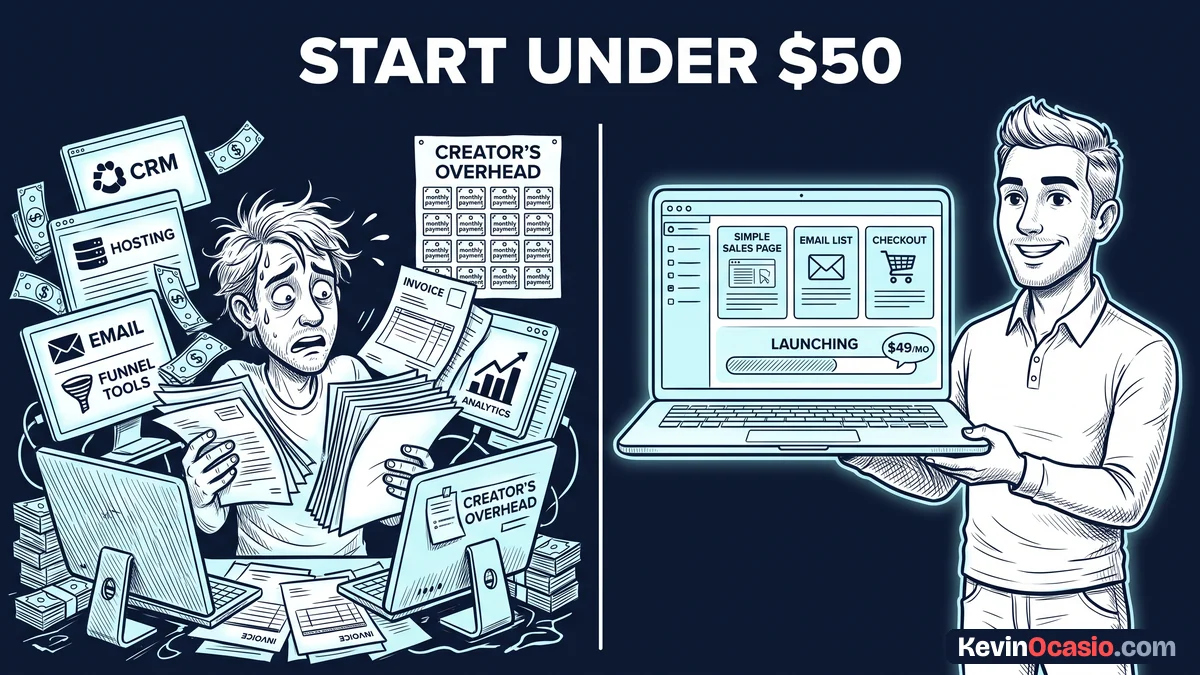
It’s easy to buy software before you’ve got anything to sell. Marketers push one app for landing pages and another for email. Then they tell you to buy a third app for carts and checkouts. Before you make your first sale, your monthly bills climb past two hundred dollars.
Paying for five different tools also steals your daily focus. You spend hours connecting apps and troubleshooting broken links. You end up jumping between browser tabs all day. Every hour you spend fixing software is an hour you lose from talking to customers.
If you waste money on software without testing demand, cash flow problems will shut down your business before you make a sale. If your bank account runs dry in month three, you have to shut down. Make sure to stop paying for software you don’t need while your list is small.
Starting with tiny bills gives you the breathing room to find your buyers. When your costs stay under fifty bucks, you can run for a full year without panic. That low stress lets you focus on helping people and making sales.
How to Start Online Business Under 50 Dollars with One Tool
The easiest way to cut your costs is to run everything from one dashboard. You don’t need separate plugins and monthly plans. Modern all-in-one software gives you opt-in forms, email blasts, and checkout pages under one login.
You can set up a full sales path in an afternoon. You design a simple opt-in page to collect leads and share a free file. Then you link directly to an order form for your paid offer. Because one tool handles both your list and your cart, links don’t break.
Using a dedicated sales funnel builder gives you all these tools in one spot. You can even test this setup on the Systeme.io free plan to keep your starting software cost at zero. Skipping complex tech leaves you with more energy to build what people want.
A single dashboard also makes your daily work faster. When a buyer orders your guide, the system tags them right away. It delivers the download link without delay. You never have to manually update customer records or check if apps talk to each other.
The Real Under-Fifty Monthly Budget Breakdown
Running a lean business doesn’t mean settling for a broken operation. It means spending money only on assets that protect your brand and help you sell. You only need two paid assets to look professional. Those are an all-in-one platform and your own web domain.
A custom domain costs about twelve to fifteen dollars per year. That breaks down to a little over one dollar a month. Owning your domain name protects your brand from day one. You can connect that domain to your platform so your links look credible.
Here is how an expensive multi-app setup compares to running a unified lean business:
| Software Category | Expensive Multi-App Setup | Unified All-in-One Setup |
|---|---|---|
| Landing Page Builder | $97/mo (Dedicated Page Tool) | $0 to $17/mo (Built-in) |
| Email Autoresponder | $29/mo (Entry Email Service) | Included in Dashboard |
| Checkout & Cart Tool | $49/mo (Dedicated Cart App) | Included in Dashboard |
| Course & File Hosting | $39/mo (Membership Platform) | Included in Dashboard |
| Custom Web Domain | $1.25/mo ($15/year Registrar) | $1.25/mo ($15/year Registrar) |
| Total Monthly Cost | $215.25 per month | $1.25 to $28.25 per month |
Running a setup like this is the core foundation of a lean startup stack designed to protect your bank account. Keeping your bills under thirty dollars leaves you with extra cash. You can use that extra money for research, books, or simple graphic designs.
The Four Simple Assets You Need to Launch
Once your platform and domain are live, you only need four simple assets to take your first order. Don’t waste days tweaking fonts or colors. Focus on the simple path that turns a cold visitor into an email subscriber and then into a buyer.
Your sales path starts with a clean lead page that offers a helpful checklist or short guide. Your free gift should solve one annoying problem for your reader in five minutes. When a visitor drops their email into your form, your software sends the file link right away.
After collecting an email, introduce yourself through a short welcome sequence that explains how you can help. On day one, send the free resource and share a quick tip. On day two, share a common mistake people make. On day three, present your paid offer and explain how it helps them win.
Processing payments only takes a quick link to Stripe or PayPal. Both tools are free to set up and only take a small fee when you make a sale. You can sell a short digital book, a video lesson, design templates, or a one-on-one call.
Keep Your Bills Small and Launch Your Offer
Your biggest threat right now is delay disguised as getting ready. Spending weeks comparing software features won’t get you closer to your first sale. Your only goal right now is to put a clear offer in front of real people.
Testing your first product with one of the best free funnel builder options lets you run your lead capture and checkout pages without spending a single dollar upfront.
Log into your dashboard, connect your custom domain, and publish your first page this week. Write your short welcome email and set up your checkout page so you’re ready to collect cash. Once that simple system is live, spend your hours sharing your knowledge and sending visitors to your page.
When you keep your costs low, you buy yourself the time needed to learn what your market wants. Stay lean, keep your bills small, and let your sales pay for any future tool upgrades.
Frequently Asked Questions About Starting an Online Business Under $50
Do I need web hosting to run an online business?
No, you don’t need web hosting if you use an all-in-one platform. The platform hosts your pages, emails, and checkout forms on their cloud servers. That saves you both setup time and monthly hosting fees.
Can I use a custom domain on a budget platform?
Yes, most all-in-one platforms let you connect your own custom domain on either their free or starter tiers. You buy the domain from a registrar for around fifteen dollars a year. Then you point its records to your dashboard.
How do I accept credit card payments without high fees?
You can connect free payment tools like Stripe or PayPal directly to your sales funnel dashboard. Neither tool charges a monthly fee. You only pay a standard transaction cut when a customer buys from you.
What kind of online business works best for under $50 a month?
Digital downloads, coaching, newsletter publishing, and simple services work best on a low budget. These business models carry zero inventory costs. You can deliver files or advice immediately after checkout.
When should I upgrade to paid software plans?
You should only upgrade your software plans after your free tier limits run out or when your business brings in steady cash. Let your buyers fund your software upgrades instead of paying out of pocket early on.
Do I need technical coding skills to build pages?
No, modern sales platforms use drag-and-drop builders that require zero coding knowledge. You can select a pre-made template, type in your text, insert your images, and publish a clean page in minutes.