You don’t need five different apps to run a paid monthly newsletter. Connecting separate tools only creates billing headaches that lock out paying readers and waste your time.
The Short Version
- Skip the multi-app software stack and pick a single tool that handles checkouts, customer tags, and email broadcasts.
- Tag paying members automatically on purchase so your platform grants or removes email access when billing status changes.
- Protect your monthly subscription cash by turning on automatic card updates and payment retries to cut churn.
Jump to Section
- Why Complex Membership Plugins Break Paid Newsletters
- Choosing the Right Paid Monthly Newsletter Software
- Setting Up Checkout and Automated Access Tags
- Managing Subscriber Churn and Failed Renewals
- Delivering Paid Broadcasts Without Email Headaches
- Launch Your Paid Newsletter Before Adding Complexity
- Frequently Asked Questions About Paid Monthly Newsletter Software
Why Complex Membership Plugins Break Paid Newsletters
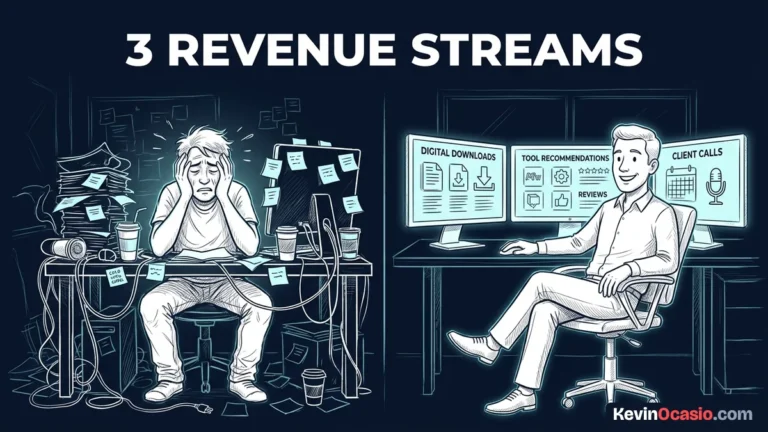
It’s easy to make this harder than it really is. You install WordPress membership plugins, set up extra carts, and try to link everything with custom webhooks.
Every tool you add between your checkout and your list creates a point of failure. A single broken webhook leaves a paying customer waiting for an email that never arrives.
When that happens, your new subscriber gets upset. They file a chargeback with their bank. You don’t need a full membership site. All you sell is good writing sent straight to an inbox.
Choosing the Right Paid Monthly Newsletter Software
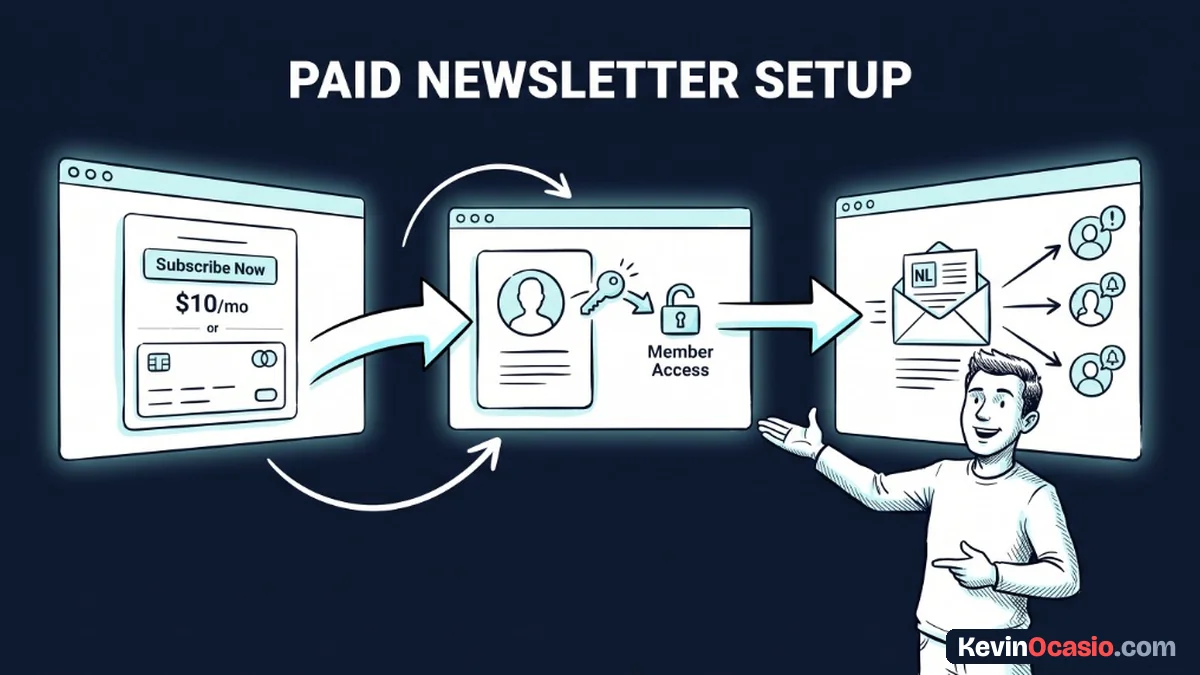
The right paid monthly newsletter software gives you three simple tools on one screen. You need a fast checkout form for cards, a contact tagger, and a reliable email sender.
If you buy separate apps for each step, you pay three bills before making a dime. That’s why I keep things simple. You can run your checkout pages and email delivery in one place.
You should always know why you shouldn’t put your entire online business on one platform without offsite backups. But using one system for checkout and delivery makes sense. It stops data sync delays between your sales cart and your list.
Take a look at the Systeme.io features overview to see how simple tags replace clunky plugins. You can test this setup with a free account on a dedicated sales funnel builder. It lets you collect payments today without extra fees.
Setting Up Checkout and Automated Access Tags
Setting up your paid offer takes less than an afternoon. You start by connecting Stripe or PayPal so customer payments go straight to your bank.
Price your newsletter between $9 and $19 a month. Add an annual plan that gives readers two months free for paying upfront. That yearly plan locks in your best readers and brings in steady cash on day one.
Your checkout page only needs a clear headline, three bullet points, and card fields. The key step happens inside the purchase rule. You assign a tag like Paid Member to the buyer once payment clears.
That single tag controls who gets access to your paid issues. Your software uses that single tag to know who gets your emails. You never have to manage passwords or member accounts.
Automating your access rules this way saves hours of support work. When a subscriber quits or their card declines, the software strips the tag right away. It stops future emails without any manual work.
Managing Subscriber Churn and Failed Renewals
You’re going to lose subscribers over time with any paid newsletter. But not all cancels happen because people dislike your writing. Between 20% and 40% of lost members leave due to failed payments, expired cards, or bank holds.
That hidden loss is called involuntary churn. It drains your monthly income if your software lacks automatic card retries. Good billing tools update expired payment details through card networks without bothering your buyers.
When a payment still fails, your software should trigger an automated retry email. This sends a polite note with a direct link. The subscriber can update their card in thirty seconds.
Beyond payment fixes, you keep cancels low by sharing real value in every issue. Finding fresh ways to keep readers engaged stops subscribers from drifting away. Subscribers who open and click your emails regularly stay on your paid list far longer than passive readers.
Here is how a messy multi-tool setup compares to running a simple newsletter platform:
| Feature & Capability | Overpriced Multi-App Stack | Simple Newsletter Platform |
|---|---|---|
| Monthly Software Cost | $120 to $250/mo (Cart + Email + Membership) | $0 to $17/mo (Unified Platform) |
| Member Access Control | Webhook syncing and custom login portals | Instant tag assignment and automatic removal |
| Failed Payment Handling | Manual Zapier retries and lost revenue | Automated payment retries and card updates |
| Delivery Reliability | API latency and sync disconnects | Direct inbox delivery from one database |
Setting up automatic payment recovery turns lost money into steady income. You don’t have to spend weekends sending awkward billing reminder emails to people whose cards expired.
Delivering Paid Broadcasts Without Email Headaches
Once your billing and tags are working, sending your paid newsletter is easy. You write your issue in your email editor, add your notes, and pick your audience.
Instead of sending to your entire list, filter your broadcast to contacts holding the Paid Member tag. This keeps free subscribers from seeing paid content. It also makes sure paying readers get what they bought.
Keep your paid issues separate from your sales funnels. I explain the key differences in my guide on broadcast emails vs automated sequences. Regular broadcasts build stronger trust with paying readers than canned email drips.
Deliver your newsletter on a steady schedule so readers build a habit. Publish every Tuesday morning or on the first of the month. That consistency trains your subscribers to look for your name in their inbox.
Launch Your Paid Newsletter Before Adding Complexity
You don’t need custom code to build a profitable newsletter business. All you need is a clear topic and an eager group of readers. Most of all, you need a checkout form that works every time.
Validate your idea with a small group of early readers before building private forums. Offer an early discount to your first ten subscribers. That lets you test your billing setup and get fast feedback on your writing.
Once those first recurring payments hit your bank account, your confidence grows and your tech worries disappear. Pick a simple platform today. Set up your customer tags, and send your first paid issue this week.
Frequently Asked Questions About Paid Monthly Newsletter Software
What is the best paid monthly newsletter software for beginners?
An all-in-one tool like Systeme.io is the easiest starting point. It combines subscription checkouts, contact tags, and email broadcasts in one dashboard. You can launch your newsletter for zero dollars a month while you find your first readers.
How does the software remove access when a subscriber cancels?
Modern newsletter tools use automated tagging rules. The moment a subscriber cancels their plan or their card declines, the tool strips their paid tag. They stop getting premium emails right away.
Should I offer an annual plan for my paid newsletter?
Yes, offering an annual plan is a smart move. Giving subscribers two months free for paying once a year brings in upfront cash. It also wipes out monthly cancellation risks for that member.
Do I need a separate WordPress website to run a paid newsletter?
No, you don’t need a WordPress site to run a paid email newsletter. You can host your sales page, checkout form, and emails inside a single funnel tool without managing web hosting or themes.
How much should I charge for a monthly paid newsletter?
Most creators charge between $5 and $20 a month for consumer newsletters. Specialized business newsletters often charge $29 to $99 a month. Pick a price that fits the real value and time savings your content delivers.
Can I send both free and paid emails from the same account?
Yes, you can manage both lists in the same dashboard by using contact tags. When you write a free email, you send it to all subscribers. When you write a paid issue, you filter the send to members with the customer tag.
What happens when a subscriber’s credit card expires?
Quality newsletter tools use automated retries to charge the card on a smart schedule. The tool also sends the subscriber an email with a secure link to update their payment details before access ends.
How do I stop subscribers from forwarding my paid emails to friends?
You can’t completely stop someone from forwarding an email, but very few people actually do it. Focus your energy on sharing fresh tips that make your subscription worth the monthly price rather than worrying about email forwarding.