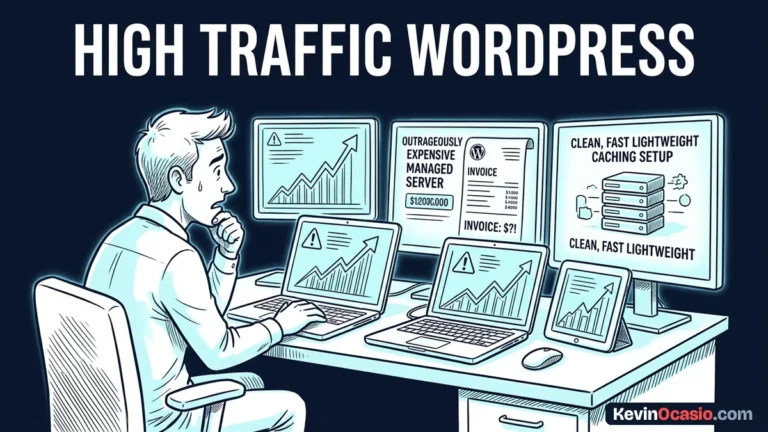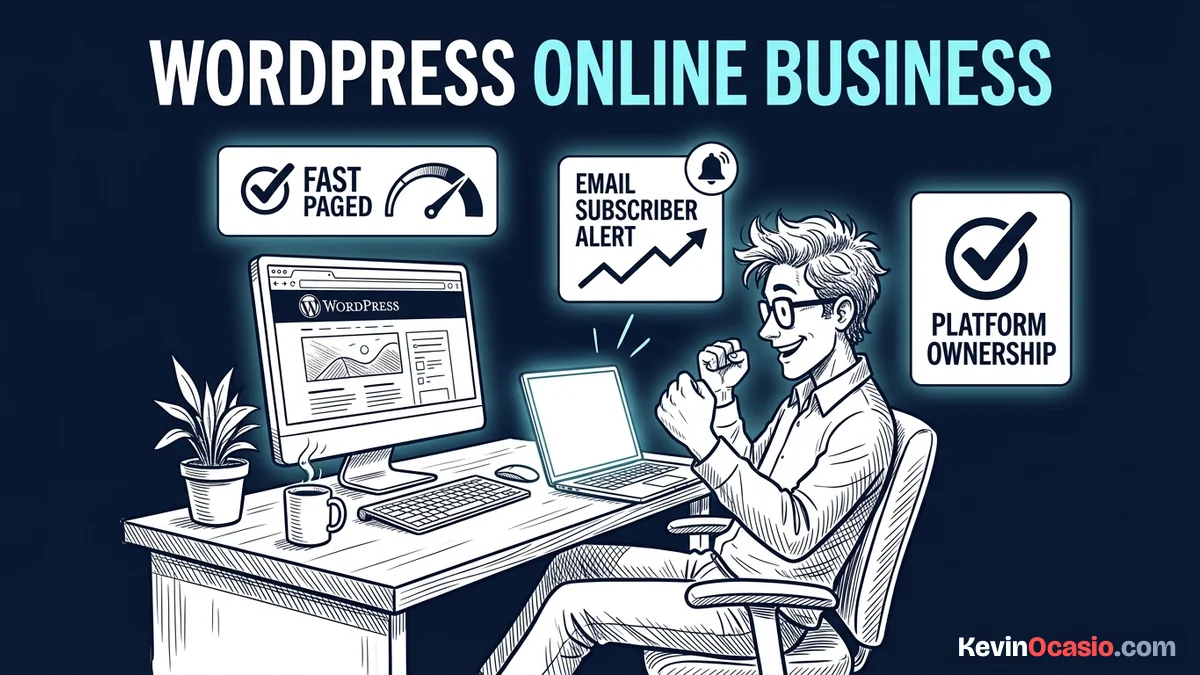
It’s easy to jump into an online business and buy flashy software right away. You end up with big monthly bills before you make your first sale. When you host your own site, you protect your money and keep full control over your work.
The Short Version
- Own your entire website by running WordPress on clean, low-cost web hosting.
- Pick a lean theme and stick to native blocks to keep your pages fast.
- Build your email list from day one so you never rely on rented platforms.
Jump to Section
- Why True Platform Ownership Starts with Self-Hosting
- Setting Up Clean Web Hosting and Your Domain
- Pick Lean Themes to Build Online Business with WordPress Fast
- Connecting Email Lead Capture and Minimalist Plugins
- Publishing Foundation Content That Attracts Ready Buyers
- Launch Your Clean WordPress Asset This Weekend
- Frequently Asked Questions About Building an Online Business with WordPress
Why True Platform Ownership Starts with Self-Hosting
Renting a site builder feels easy at first. The trouble starts when you want to move your content or lower your bills. Hosted platforms lock your text, pages, and buyer details inside closed systems that you can’t export.
If that software company hikes its price or shuts down your account, you lose your whole setup fast. That’s why smart builders run on open tools where they own their files. You never want another company to hold the keys to your income.
WordPress runs a huge part of the web because nobody can take your site away from you. More than forty percent of all websites run on the platform, giving it the largest content management system market share in the world. People stick with it because owning your software keeps you in complete control of your business.
When you own your setup, every guide you post and every buyer you help stays yours. If your web host slows down, you can move your site to a new server in under an hour. You are the boss of your own web business.
Setting Up Clean Web Hosting and Your Domain
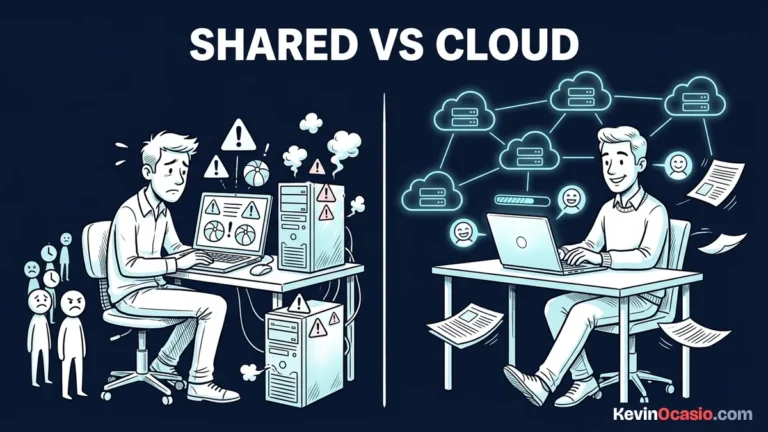
Good web hosting is the base that keeps your site fast and online. You don’t need expensive servers or complex tech setups when you start out. A simple shared plan gives you plenty of speed and space for your first few years.
Picking reliable shared hosting gives you fast page speeds, a free domain name, and a one-click setup tool for under three dollars a month. If you want a full breakdown of setup steps and pricing, check the Hostinger review for plan limits, dashboard tools, and renewal costs.
Choose a short domain name that ends in .com and tells visitors what you do. Avoid hyphens, numbers, or odd spellings that people might mess up on their phones. Keep your domain name simple so anyone can remember it after hearing it once.
Once your hosting account is ready, use the auto-installer to add WordPress to your domain. Uncheck the extra toolbars, sample themes, and partner add-ons that hosts try to bundle into your site. You want a fresh setup with zero clutter.
Pick Lean Themes to Build Online Business with WordPress Fast
Don’t ruin your site speed right away by installing heavy visual page builders. Those drag-and-drop tools add piles of messy code, heavy scripts, and extra files that choke your pages on phones. Slow pages turn visitors away before they ever read your words.
Every second a visitor waits for your page to load hurts your sales. That’s why you should skip heavy builders and install a fast, lightweight theme instead. It gives you clean styling, fast load times, and a rock-solid base that works right out of the box.
The built-in block editor inside WordPress gives you all the tools you need to make great pages. You can build clean columns, callout boxes, buttons, and text layouts without adding a single extra plugin. Your pages stay light and search engines love how fast they load.
Fiddling with pixel margins for days won’t get you more readers or new sales. A simple page with dark text on a white screen lets people read your advice and buy without distractions.
Connecting Email Lead Capture and Minimalist Plugins
A website without an email form is just a silent billboard. Most people who visit will leave and forget you unless you give them a reason to join your list. Collecting emails gives you a direct line to your audience that no search engine can take away.
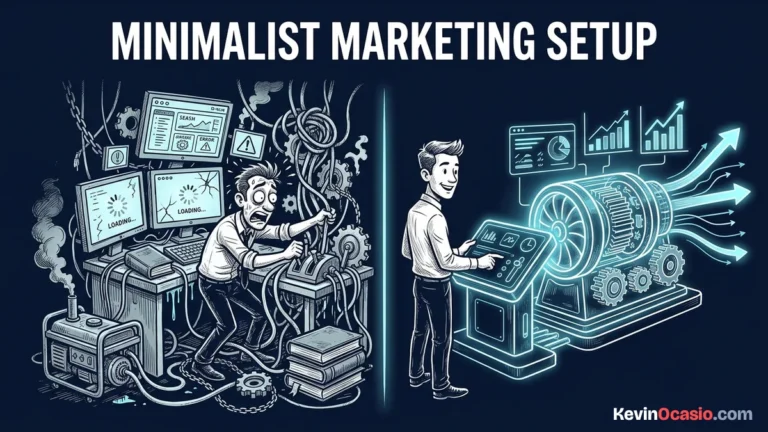
Put an opt-in box on your home page and at the end of your best posts. Give away a simple one-page guide or a useful checklist that helps your reader solve a quick problem. Running a minimalist marketing setup keeps your tools simple, protects your sales, and speeds up your site.
Keep your active plugin count under ten so your site stays fast and secure. You only need a clean caching tool, a solid SEO plugin like Rank Math, spam protection, and a basic form builder. Adding too many plugins leads to code bugs and slow page loads.
Here is how a self-hosted WordPress setup compares to relying on closed website builders:
| Feature | Self-Hosted WordPress Stack | Closed Website Builders |
|---|---|---|
| Monthly Base Cost | $3 to $5 per month (Clean shared hosting) | $29 to $97 per month (Closed platform fees) |
| Ownership | 100% control over database and files | Locked into closed software formats |
| Page Speed | Fast native blocks with clean HTML code | Heavy scripts and forced platform bundles |
| Email Setup | Connects freely to any email platform | Price hikes as your subscriber list grows |
| Moving Your Site | Move to any server in under an hour | Rebuild your whole site if you want to leave |
Saving sixty to ninety dollars each month on software fees gives you more breathing room to build your audience. That money stays in your pocket while you focus on testing offers and writing good content.
Publishing Foundation Content That Attracts Ready Buyers
After your site is set up, your main job is writing content that solves real problems. Don’t waste days writing journal entries or random musings that nobody is searching for online. You want to answer specific questions that people type into search engines when they need help.
Set up three foundation pages right away: a clean homepage that explains what you do, an about page that shares your story, and your first big guide. This step-by-step tutorial on how to start a blog walks through planning topic pillars that bring search traffic to your site.
Focus on answering buyer questions from people who are ready to make a choice. Clear tutorials that show readers how to solve a problem, review the tools they need, and point them toward good options build trust and drive consistent affiliate sales.
Write your posts just like you talk to a friend at a kitchen table. Use simple words, short sentences, and real-world examples. People appreciate honest guidance far more than stiff corporate talk.
Launch Your Clean WordPress Asset This Weekend
Building an online business doesn’t take months of planning or thousands of dollars. You can launch a lean site in a single weekend when you focus on what matters. Cut out the noise and take direct action on the core steps.
Get your domain name and grab reliable shared hosting to set your home base. Install WordPress, turn on a clean theme, and put a simple email form on your site. Then write your first helpful guide and publish it for the world to see.
Owning your site gives you peace of mind and keeps your monthly software bills low. When you run on open code, every tutorial you create and every subscriber you earn stays under your direct control.
Frequently Asked Questions About Building an Online Business with WordPress
How much does it cost to start an online business with WordPress?
You can launch a self-hosted WordPress site for under fifty dollars for your first year. That covers your domain name and shared hosting with no need to buy paid plugins.
Do I need to know how to code to run WordPress?
No coding skills are needed. The built-in block editor lets you build pages, add buttons, and format text visually while writing clean code in the background.
What is the difference between WordPress.com and WordPress.org?
WordPress.org is free open software you install on your own hosting for full ownership. WordPress.com is a hosted service that charges monthly fees and limits your features.
How many plugins should I run on a new site?
Keep your active plugins under ten. You only need tools for caching, search engine basics, spam defense, and a simple contact form to keep your site fast.
How do I make money once my site is online?
You can earn income by recommending useful tools through affiliate links, selling simple digital files, or offering direct services. An email list lets you reach your buyers directly.