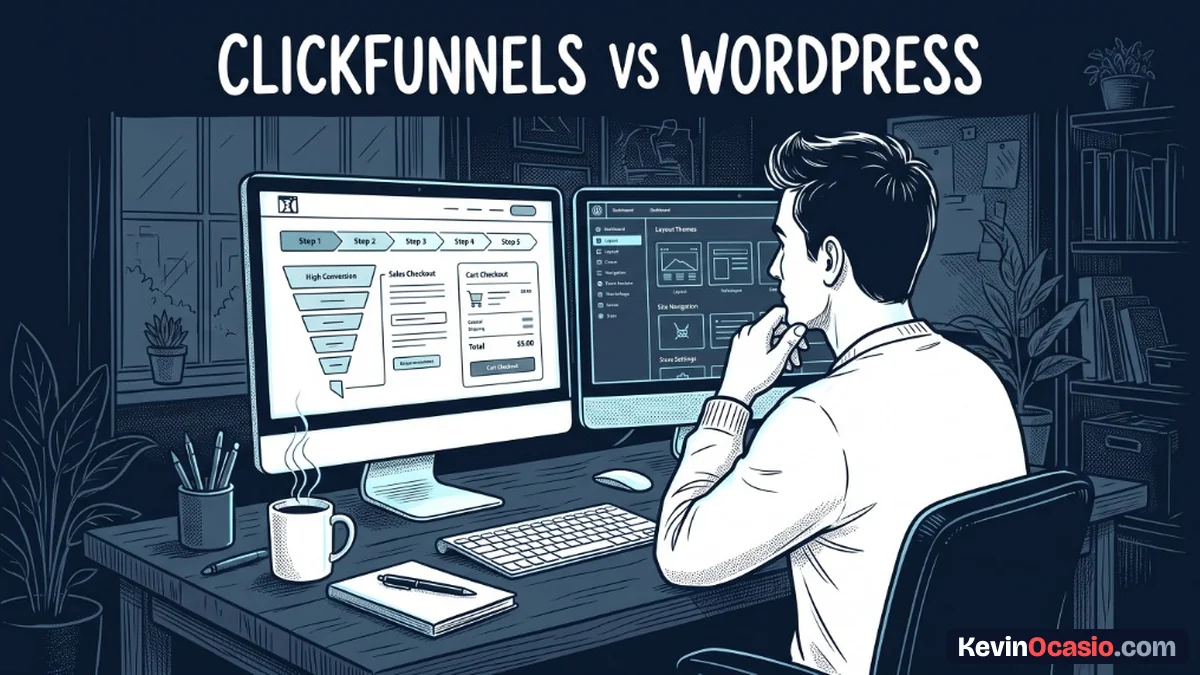
You have an ad budget ready to spend. You have a digital product ready to sell. When you look at ClickFunnels and WordPress, you’re choosing between fast launch speed and complete asset control.
The Short Version
- ClickFunnels gives you speed with pre-built checkout pages, 1-click upsells, and simple split testing on day one.
- WordPress gives you ownership because you control your code, customer lists, and content so you don’t pay monthly platform rent.
- Pick your business priority by launching on ClickFunnels for quick ads or building on WordPress for a lasting asset.
Jump to Section
- ClickFunnels vs WordPress for Paid Traffic and Launch Speed
- The Technical Build: Hosted Funnel Engine vs Modular Plugins
- The True Cost Comparison for Growing Businesses
- Data Portability and the Hidden Cost of Platform Rent
- Which Platform Deserves Your Focus and Ad Budget?
- Frequently Asked Questions About ClickFunnels and WordPress
ClickFunnels vs WordPress for Paid Traffic and Launch Speed
When you spend money on Meta or Google ads, slow setup hurts your momentum. If an ad angle looks good, you’ll need an order form online before tomorrow morning.
Speed is where ClickFunnels shines. You log into the dashboard, pick a sales layout, and connect Stripe. Checkout steps, order bumps, and upsells work right away, so it doesn’t take hours of custom setup.
Setting up WordPress takes more work on day one. You’ll need to buy hosting and connect your domain. You also have to install a theme and configure a cart plugin. If you want a complete breakdown of the platform’s checkout tools, read my ClickFunnels review to see how the software holds up.
Running split tests is also much faster on a hosted funnel tool. If you want to test two sales hooks this weekend, ClickFunnels lets you clone a page and split your traffic with a couple of clicks. On WordPress, that’s harder because running split tests on a custom checkout takes extra plugins or tracking tools.
The Technical Build: Hosted Funnel Engine vs Modular Plugins
The main split between these two tools comes down to platform design. ClickFunnels 2.0 is an all-in-one hosted engine. Your sales pages, checkout forms, and member areas all run under one roof so you don’t juggle separate tools.
You don’t have to worry about plugin updates, server speed, or code bugs. The platform team runs the system while you focus on your ads and copy. If you want to test the checkout tools yourself, you can start a free trial through ClickFunnels.
WordPress uses an open, modular setup. You sign up for a good web host like Hostinger or SiteGround. Then you install a clean theme like GeneratePress and add CartFlows for your checkout.
Every piece of a WordPress site can be swapped out whenever you want. If you want a cheaper email tool or a different cart, you change that single piece without losing your site. It’s a setup that puts you in full control, and I break down this platform choice in my guide on WordPress vs funnel builders.
The True Cost Comparison for Growing Businesses
Software costs look very different once you run paid traffic. Beginners often look for free tools. Active sellers care about monthly bills against their real ad spend, and that’s where the math matters.
ClickFunnels starts at $97 per month for the Launch plan with up to 20 funnels and 10,000 contacts. When your ad traffic grows and you need unlimited funnels, the Scale plan jumps to $197 per month. The Optimize tier costs $297 per month. That’s $1,164 to $3,564 each year just for your funnel software.
Building your funnels on WordPress costs far less to run each year. You can get business hosting on Hostinger for roughly $48 to $100 per year. You can buy CartFlows for $99 a year and get a domain for $9. Even with an email tool like GetResponse for $19 a month, your total annual bill won’t top $500.
This table compares the real costs, launch timelines, and control between both setups:
| Feature or Capability | ClickFunnels 2.0 | WordPress with Cart Plugins |
|---|---|---|
| Starting Price | $97/mo (Launch Plan) | ~$15 to $35/mo (Hosting + Plugins) |
| Annual Operating Cost | $1,164 to $3,564/year | $250 to $500/year |
| Time to Launch | 30 to 60 minutes | 1 to 3 days |
| Order Bumps & Upsells | Built-in native features | Requires CartFlows or ThriveCart |
| Split Testing | 1-click traffic rotation | Requires testing plugins or scripts |
| Data Ownership | Hosted on platform servers | 100% self-hosted and portable |
That cost gap adds up fast over three years. ClickFunnels charges you a high price for setup speed. WordPress gives you big cash savings, but it’s up to you to handle the setup steps yourself.
Data Portability and the Hidden Cost of Platform Rent
Hosted software comes with a quiet trap called platform rent. As long as you pay ClickFunnels every month, your sales pages stay live and your checkout links work.
Once you pause your account or hit a credit card issue, your entire funnel goes dark. Your checkout pages stop loading and your customer links break. When traffic hits a broken link, your active ad campaigns won’t make a single sale.
Leaving a closed platform is tough once you have hundreds of active buyers. You’ll face the steep switching costs of vendor lock-in when you realize that moving away means rebuilding every page and funnel by hand.
WordPress protects your business from that risk. You control your code, customer lists, blog posts, and product files on your own hosting account. If your web host raises rates, you can move your site to a new provider in one afternoon. If you want to see that setup in action, read my tutorial on how to build an online business with WordPress.
Which Platform Deserves Your Focus and Ad Budget?
Your choice comes down to your main traffic source and your tech skills. Neither tool is right for everyone because they don’t solve the same business problems.
You should pick ClickFunnels if you spend money on paid ads and need tested checkouts working today. If an extra five hundred dollars in ad profit covers your software fee, paying for fast setup makes good financial sense.
On the other hand, WordPress makes more sense when you want to build an authority site with search traffic and lasting content. You’ll spend a few extra days setting up your cart and checkout forms, but you’ll never pay platform rent to stay online.
Look at your immediate goals before you pick a tool. If you’re testing a new ad offer this week, launch on ClickFunnels to get your product online fast. If you’re focused on owning a business asset for the next ten years, build on WordPress and keep your profits.
Frequently Asked Questions About ClickFunnels and WordPress
Can I connect ClickFunnels to my existing WordPress site?
Yes. ClickFunnels has a dedicated plugin and lets you map subdomains like funnels.yourdomain.com directly to your sales pages while keeping your main blog on WordPress.
Is WordPress fast enough to handle paid ad traffic spikes?
It’s fast enough as long as you use solid hosting and page caching. A light theme like GeneratePress on a good host lets WordPress checkouts process traffic spikes without crashing.
Do I need WooCommerce to sell products on WordPress?
Not necessarily. While WooCommerce is common, you don’t have to use it. You can use clean checkout tools like ThriveCart, CartFlows, or simple Stripe buttons to sell digital products without extra store complexity.
How difficult is it to set up 1-click upsells on WordPress?
Setting up 1-click upsells on WordPress takes a cart plugin like CartFlows or an outside tool such as ThriveCart. It usually takes about an hour to connect your Stripe account and configure your upsell steps, so it’s not a huge technical hurdle.
Can I cancel ClickFunnels later and move my pages to WordPress?
You can export your customer lists and order records, but you can’t copy your page designs on their own. You’ll need to rebuild your sales pages and checkout flows inside WordPress before you close your ClickFunnels account.