ClickFunnels makes sales pages, upsells, and order bumps easy to build. If you run ads to a live product, it can pay for itself in a few days. Paying $97 a month before you make your first sale, though, will quickly drain your cash.
The Short Version
- Drag-and-drop pages let you set up order bumps and one-click upsells in minutes without code.
- Launch pricing starts at $97 a month, which works best for sites that already have buyer traffic.
- Zero platform fees mean you keep your full profit on every customer sale.
Jump to Section
- The ClickFunnels Review Reality: What You Actually Get for a Month
- The Core Checkout Engine: Why Order Bumps and 1-Click Upsells Pay the Bills
- ClickFunnels 2.0 vs Classic: The Speed and Workflow Upgrade
- The Break-Even Math: Who Wins with ClickFunnels and Who Gets Burned
- How to Decide If ClickFunnels Fits Your Business Right Now
- Frequently Asked Questions About ClickFunnels
The ClickFunnels Review Reality: What You Actually Get for $97 a Month
Look at the checkout on almost any big digital launch, and you’ll see the layout ClickFunnels made famous. The platform gives you a clean screen to build opt-in forms, order carts, and sales pages without code. You don’t need to link five tools together just to collect an email and take a card payment.
The base Launch plan costs $97 a month, or $81 when paid yearly at $972. That tier gives you one website, twenty funnels, three admin accounts, one domain, and space for 10,000 contacts. You can also build all the courses and pages you need before you hit a wall.
Bigger accounts can step up to the Scale plan for $197 a month, or $164 billed annually. That option unlocks three websites, as many funnels as you need, five team logins, and 25,000 contacts.
Top-tier shops can pick the Optimize plan at $297 a month, which drops to $248 when paid by the year. It comes with fifteen team seats and room for 100,000 contacts. None of the plans take a cut of your sales, so you only pay your normal card processor.
The Core Checkout Engine: Why Order Bumps and 1-Click Upsells Pay the Bills
The main reason people buy ClickFunnels is the checkout flow. A standard online shop sends buyers through a cart, a shipping step, and a payment screen. That creates too many spots for people to leave. ClickFunnels puts the whole buying flow on one clean page.
An order bump is a small checkbox right on the order form. A buyer can add a handy guide or quick training with one tap before they pay. It works because buyers can add a simple upgrade right when their card is already in hand. When you add order bumps and upsells to a live offer, your average order size jumps right away without buying more ads.
Once that first charge clears, the platform shows an immediate one-click upsell page. The buyer doesn’t need to type their card number again because the system saves the payment details. If they tap the buy button, the extra item charges to their card right then. That smooth flow turns a breakeven ad campaign into real profit.
ClickFunnels 2.0 vs Classic: The Speed and Workflow Upgrade
For years, the biggest gripe with old ClickFunnels was slow page speed and a clunky editor. ClickFunnels 2.0 runs on a faster engine to fix those problems. Pages load much quicker on phones. The builder also gives you global sections so you can update a header, menu, or footer across your whole funnel in one click.
The email tool also got a big upgrade with visual workflows. Instead of basic rules, you can map out visual paths that tag buyers, send emails, and branch based on what someone bought. Setting up a solid confirmation sequence inside your workflow relieves post-purchase buyer anxiety to keep buyers happy and stop refunds before they start.
You also get a built-in course tool, so you don’t need to buy a separate member site. Still, remember that simple funnels beat complex funnels every time. You don’t need to use all fifty buttons in the dashboard just because they’re there. Start with a clean sales page, a working order form, and a simple thank-you email.
The Break-Even Math: Who Wins with ClickFunnels and Who Gets Burned
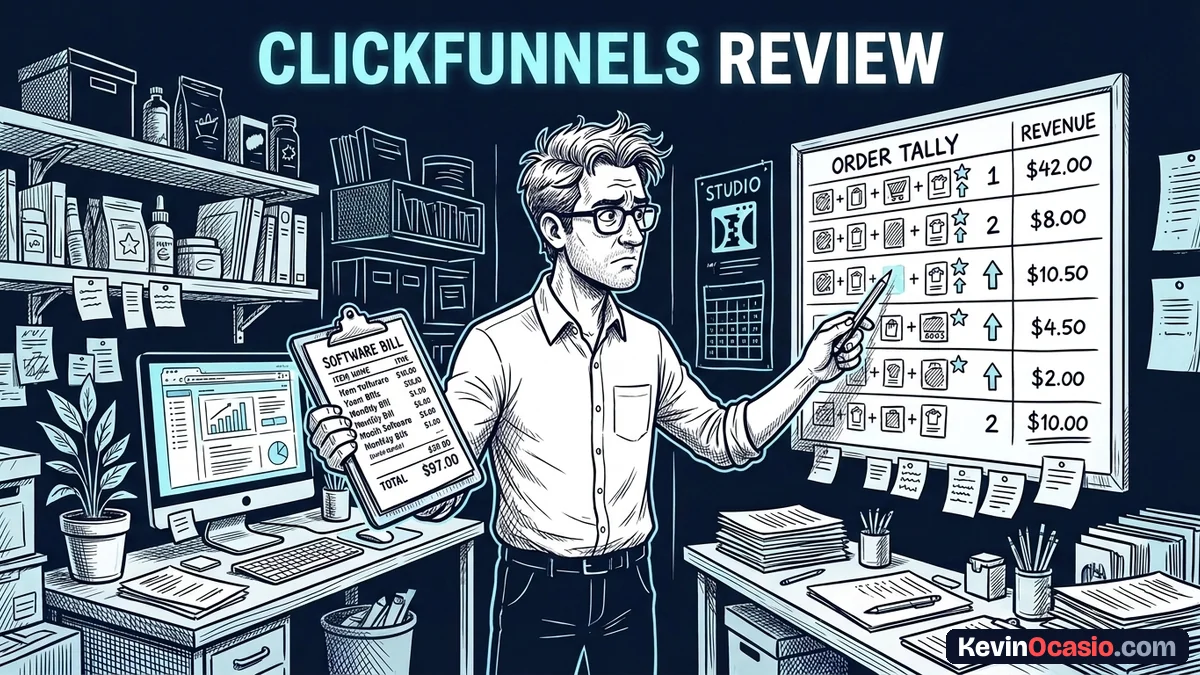
Before you try the 14-day free trial on ClickFunnels, look at the simple math. At $97 a month, your software bill is $1,164 a year. If you sell a fifty-dollar digital guide with a twenty-seven-dollar order bump, your average cart value sits near seventy-seven dollars. With normal Stripe card fees, making just two sales a month covers your software bill.
The table below breaks down what you get at each official plan so you can see where you fit:
| ClickFunnels Tier | Monthly Price | Annual Rate | Funnels & Websites | Contact Limit |
|---|---|---|---|---|
| Launch | $97/mo | $81/mo ($972/yr) | 20 funnels, 1 site, 1 domain | 10,000 contacts |
| Scale | $197/mo | $164/mo ($1,968/yr) | Unlimited funnels, 3 sites, 3 domains | 25,000 contacts |
| Optimize | $297/mo | $248/mo ($2,976/yr) | Unlimited funnels, unlimited sites, 9 domains | 100,000 contacts |
If you already have a product ready and steady traffic, that math is an easy win. You’ll make that money back fast because the checkout flow converts cold clicks so well. Once you learn how to write a simple high-converting sales page, you can send clicks to your offer and let the platform take the payments.
Trouble starts when people treat software like a lottery ticket. If you don’t have a product to sell or an audience ready to buy, that $97 bill hits your bank account every thirty days while you look at an empty screen. That turns good software into an expensive bill that drains your drive before you even launch.
How to Decide If ClickFunnels Fits Your Business Right Now
My advice for picking ClickFunnels comes down to where you stand today. If you have a live offer that you want to scale with paid ads, the fast checkout and upsell flows make it one of the best tools out there. It gives you a complete sales machine to test new landing pages and order bumps in an afternoon.
If you’re starting out on a tight budget, though, don’t buy expensive software to build a business that only lives on paper. Test your idea first with cheap or free tools, write your lessons, and make sure people want what you sell. Once you have steady sales and need a dedicated checkout machine to scale, you can jump to ClickFunnels and let it earn its keep.
Frequently Asked Questions About ClickFunnels
Is ClickFunnels 2.0 good for complete beginners?
It’s simple to use because the drag-and-drop editor needs zero code, but the $97 monthly cost makes it a poor pick if you don’t have a live product or steady traffic yet.
Does ClickFunnels take a cut of my sales?
No, ClickFunnels charges zero platform fees on any plan. You only pay standard card fees from your payment gateway like Stripe or PayPal.
Can I use my own domain with ClickFunnels?
Yes, the Launch plan lets you connect one custom domain, Scale bumps that to three, and Optimize gives you nine with free SSL included.
Can I export my funnels if I leave?
No, ClickFunnels uses a locked-in builder, so you can’t export page layouts to WordPress or other tools. You can export all your contacts and sales logs via CSV at any time.
How does the 14-day free trial work?
You get full access to platform features for two weeks without paying up front. If you cancel before the trial ends, your card won’t be charged.