Software sales pages promise that you can run your entire business from one screen. When you compare ClickFunnels and Builderall, you run into two very different ways to sell online.
The Short Version
- ClickFunnels cuts away clutter to focus on fast checkout funnels, order bumps, and 1-click upsells.
- Builderall packs forty tools into one dashboard for less money, but gives you a crowded screen with shallow apps.
- Pick ClickFunnels for sales if checkout conversion drives your income, or choose simpler tools if you want lower monthly bills.
Jump to Section
- ClickFunnels vs Builderall: The Core Operational Trade-Off
- Checkout Flow and Conversion Features Compared
- The Reality of Builderall’s 40-Tool Dashboard
- Pricing Tiers and What You Actually Pay Each Month
- Pick the Funnel Platform That Fits Your Revenue Stage
- Frequently Asked Questions About ClickFunnels vs Builderall
ClickFunnels vs Builderall: The Core Operational Trade-Off
ClickFunnels focuses on one clear job. It turns visitors into buyers through direct sales funnels. You get an opt-in page, a sales page, and an order form. That’s built so every piece serves that exact checkout path.
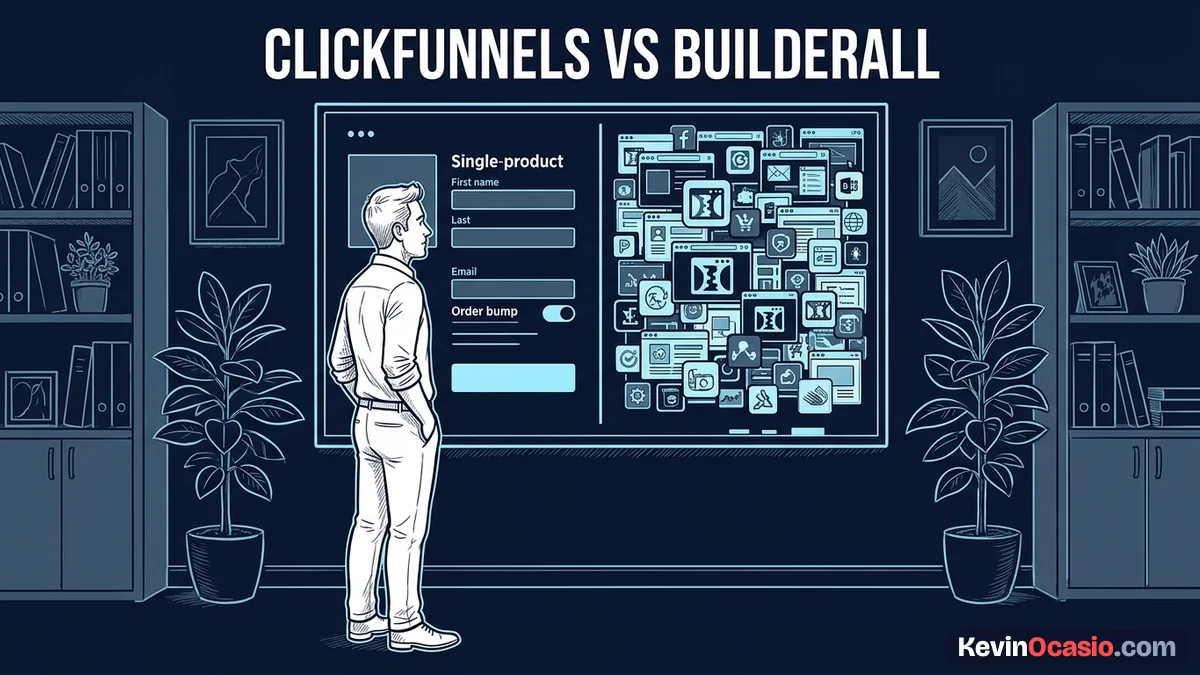
Builderall takes the opposite path. It puts over forty marketing tools into one account. You get a page builder, an email tool, and a webinar room. Getting all of that for one monthly price looks like a huge bargain on paper.
That giant toolbox costs you real focus. Most solo builders only need three simple tools: a fast landing page, a clean checkout, and an email list. When you bury those basics under dozens of extra apps, it’s hard to keep your momentum.
You waste hours clicking through messy menus instead of selling. Picking between these platforms comes down to a clear choice. You either want one fast builder that closes sales, or an oversized dashboard packed with apps you’ll never use.
Checkout Flow and Conversion Features Compared
When a buyer lands on your checkout page, any delay costs you money. ClickFunnels built its name by fine-tuning the checkout flow for fast sales. It’s built so checkout forms load fast with instant order bumps and 1-click upsells. Buyers never have to type their card details twice.
Adding an order bump in ClickFunnels takes two minutes inside the editor. You click an element and add your price. The cart charges cards through Stripe, so there’s zero strange redirect friction.
Builderall runs sales through its Super Checkout app. You can set up sales pages, order bumps, and upsell steps. It’s a separate app from the Cheetah page editor, so you’re jumping between screens.
You must set up your product in Super Checkout first, copy your links, and paste them into Cheetah. If you set a tag or redirect wrong, your checkout breaks and won’t give you any warning.
Keeping a clean attention ratio on landing pages protects your checkout conversions. Extra menu links give buyers an easy escape route. ClickFunnels locks visitors into a single conversion path so they’re focused on buying.
My ClickFunnels review breaks down these checkout steps in detail. It shows how focused order forms protect your sales conversion rates.
The Reality of Builderall’s 40-Tool Dashboard
Builderall uses two main tools: Cheetah for pages and MailingBoss for emails. Cheetah is a drag-and-drop page builder made of wide rows. You can drag text and buttons anywhere on your screen.
That open canvas sounds nice until you view pages on a phone. Cheetah skips a rigid grid. Moving a box on desktop often ruins your mobile layout, so you’ve got to fix blocks by hand.
MailingBoss handles your email list and sequences without extra fees. Linking a Cheetah form to a MailingBoss list takes multiple setup screens. If you miss a field match, new leads vanish into a blank list.
The bigger problem is software clutter. Having forty tools in one login sounds great until you realize you’ll never touch the extra apps. When a team builds forty apps at once, none get the care they need.
That heavy setup causes mental fatigue and wasted hours. My guide on why simple software beats complex software shows how lean systems make more money with less headache.
Pricing Tiers and What You Actually Pay Each Month
ClickFunnels offers three clear plans. Its Launch plan costs $97 a month, or $81 a month on annual billing at $972 a year. That’s enough for 1 website, 20 funnels, and 10,000 contacts, plus a 14-day free trial.
The Scale plan costs $197 a month ($164 a month billed yearly at $1,968 a year) for unlimited funnels and 25,000 contacts. The top Optimize plan runs $297 a month.
Builderall starts lower with four tiers. The Core plan starts at $27 a month ($12.75 a month on yearly billing) for 1 site. Most builders start on the Essentials plan at $47 a month ($35.25 a month on yearly terms) for 10 sites and 3,000 contacts.
The Advanced plan costs $97 each month, or $72.75 a month on an annual plan, for 25 sites and 10,000 contacts. Builderall doesn’t have a free plan, but offers a 14-day trial with a 30-day money-back guarantee.
Here’s a direct side-by-side comparison of plan costs, usage limits, and core features between both platforms.
| Feature / Capability | ClickFunnels (Launch Plan) | Builderall (Advanced Plan) |
|---|---|---|
| Monthly Cost | $97/mo ($81/mo paid yearly) | $97/mo ($72.75/mo paid yearly) |
| Core Purpose | Focused Checkout Funnels | Multi-App Marketing Suite |
| Websites & Funnels | 1 Site, 20 Funnels | 25 Sites, Unlimited Funnels |
| Email Contacts | Up to 10,000 Contacts | Up to 10,000 Contacts |
| Order Bumps & Upsells | Native, 2-Click Setup | Supported via Super Checkout |
| Page Editor Workflow | Fast, Structured Block Builder | Free-Form Drag & Drop (Cheetah) |
| Extra Utilities Included | Courses, Member Portals | 40+ Apps (Webinars, Chatbots, Booking) |
| Platform Transaction Fees | 0% Platform Fees | 0% Platform Fees |
| Free Trial Period | 14-Day Free Trial | 14-Day Trial (30-Day Guarantee) |
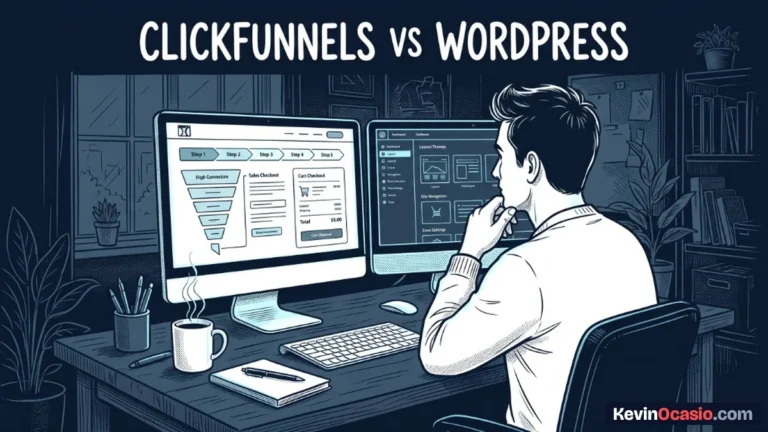
Builderall gives you more tools at the $97 mark. Yet ClickFunnels gives you a much better checkout flow. If you want to compare hosted funnels with self-hosted options you own directly, check my breakdown of WordPress vs funnel builders before you buy.
Pick the Funnel Platform That Fits Your Revenue Stage
Choosing between ClickFunnels and Builderall comes down to your monthly budget and technical tolerance. Both tools let you collect money online. Yet they serve two very different types of online builders.
If you sell digital goods through paid ads, ClickFunnels gives you a huge advantage with its fast checkout flow. The $97 fee is steep for beginners. That high monthly cost only makes sense once you have steady buyer traffic.
Builderall works best when you manage multiple client sites on a budget. The $47 Essentials plan gives you lots of tools for half the price of ClickFunnels, as long as you can accept a slower interface.
Check your current monthly income before you choose. If you have zero audience, don’t spend $97 a month on ClickFunnels yet. Launch a proven offer first to avoid strain on your wallet.
Sketch your simple checkout flow on paper first. Pick the tool that helps you launch this week. Focus on real sales before paying for extra apps you don’t need.
Frequently Asked Questions About ClickFunnels vs Builderall
Is Builderall really cheaper than ClickFunnels?
Builderall costs less on its entry plans. Its Essentials plan starts at $47 a month, while ClickFunnels charges $97 on Launch. At the $97 tier, both tools charge the exact same price for 10,000 contacts.
Can you build complete checkout funnels on Builderall?
You can create full funnels using the Cheetah page builder and Super Checkout app. It supports order bumps, upsells, and downsells, though setup takes more steps than ClickFunnels.
Does ClickFunnels include email marketing in its $97 Launch plan?
Every Launch account comes with built-in email tools and automated workflows for up to 10,000 contacts. You don’t need an outside autoresponder to send broadcasts or follow-up emails.
Which platform is easier for a beginner to learn?
ClickFunnels is much easier to learn because its dashboard focuses strictly on sales funnels and checkout pages. Builderall gives you over forty apps, and that’s overwhelming for new users.
Can you host a native WordPress site inside Builderall?
Builderall includes a dedicated WordPress setup tool to host sites on their servers. ClickFunnels doesn’t host WordPress, so you must run WordPress on your own web host.
Do either ClickFunnels or Builderall take transaction fees on sales?
Neither platform charges extra transaction fees on your product sales. Both tools charge zero percent platform fees, though standard merchant processing fees from Stripe or PayPal still apply.
Can you export your sales funnels if you cancel your account?
You can’t export your funnel pages to an outside host or website. If you cancel your subscription with either company, your active funnels and sequences go offline.
Which platform handles order bumps and 1-click upsells better?
ClickFunnels handles order bumps and 1-click upsells better with native settings and saved card billing. Builderall requires setting up products inside Super Checkout before linking them to Cheetah pages.