You can easily waste close to one hundred dollars every year on email accounts before making your first sale. You don’t need a pricey monthly bill just to get a custom web address.
The Short Version
- Pick an honest registrar that sells dot-com web names at wholesale cost with free privacy.
- Set up free email forwarding using trusted domain tools and outbound mail relays instead of paying monthly seat fees.
- Lock down your records with proper mail authentication tags so every message you send lands clean in the inbox.
Jump to Section
- The High Cost of Default Business Email
- The Two Parts of the Setup
- How to Set Up a Professional Domain Business Email Cheap
- Dedicated Mailboxes vs Free Email Routing
- Protecting Your Domain and Inbox Reputation
- Lock Down Your Domain and Business Inbox This Afternoon
- Frequently Asked Questions About Professional Domain Business Email Cheap
The High Cost of Default Business Email
When you launch a site, bad advice tells you to hook your web address straight into Google or Microsoft. That sounds quick and simple. But then you look at your credit card bill every month. Paying six or seven dollars every month adds up to eighty dollars a year for an empty inbox.
Big tech brands want you on a monthly subscription from day one. They bundle team chat rooms and cloud drives that solo builders never touch. If you’re building alone, paying steep fees for a box you use three times a week makes no sense.
If you burn through your cash on software tools, you run out of funds fast. Keeping your fixed bills near zero gives you room to build real assets without stress. You can run the exact same setup and send mail from your own name for a tiny fee.
The Two Parts of the $15 Setup
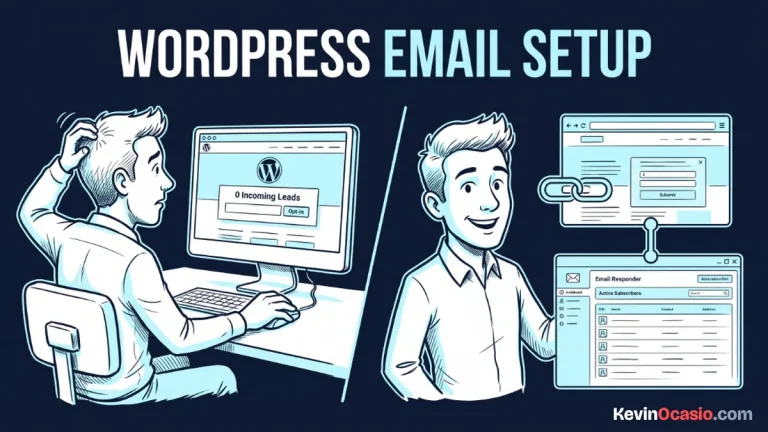
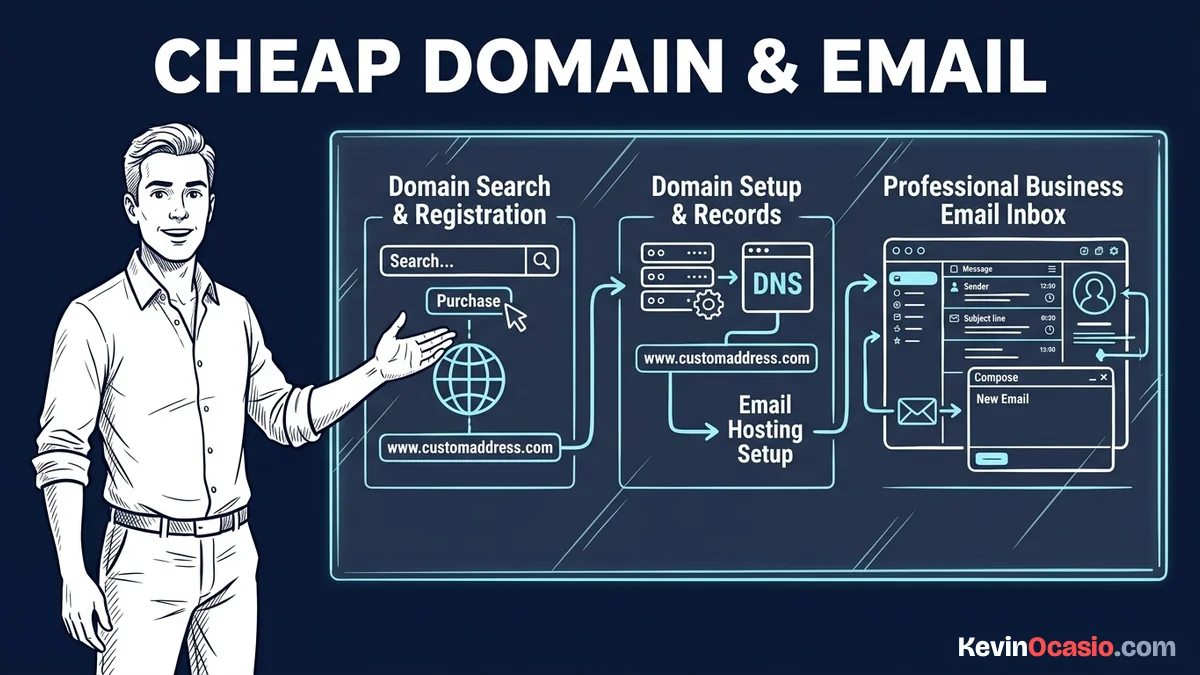
A real business email setup takes two separate pieces that software brands love to mix together. You need a domain name. You also need a way to send and receive messages. Once you split the name from the inbox, the math changes in your favor.
The wholesale cost for a standard dot-com name sits around ten dollars a year. That price covers the registry fee and the tiny ICANN fee. Good registrars charge ten or eleven dollars total. They never charge extra fees to hide your personal details.
Shady sellers pull you in with a ninety-nine cent deal for your first year. Then they hit you with a twenty-five dollar renewal bill next year. They also push paid add-ons during checkout. If you skip those upsells, your name costs less than twelve dollars on an honest site.
Keep a few dollars left in your fifteen-dollar budget. When you handle the mail side for free, you never pay a monthly fee for your address again. You can put those extra funds toward starting an online business under 50 dollars and keep your early cash safe.
How to Set Up a Professional Domain Business Email Cheap
Setting up your custom address takes less than thirty minutes. You start by picking up a dot-com name through an affordable registrar like Spaceship, Porkbun, or NameSilo. You want a team that includes free privacy protection and keeps renewal rates fair.
Once your web name is live, you point your nameservers to a free Cloudflare account. Cloudflare speeds up your pages and gives you a free tool called Email Routing. This feature lets you create custom addresses, like info or help, and sends incoming messages straight to your regular Gmail account.
Receiving messages is only half the job. You also need to reply from your new business address without showing your private inbox. You fix this with an outbound mail relay like Brevo, which gives you three hundred free outgoing emails every single day.
After you copy your relay keys, you paste the details into your Gmail settings under Accounts. Gmail then gives you a clean dropdown box every time you write a message. You can read client mail in your normal inbox and send replies using your custom domain without spending a dime.
Dedicated Mailboxes vs Free Email Routing
Free email routing works great for solo operators. But some builders prefer a separate inbox. If you want a standalone webmail screen with phone app sync, low-cost options still fit within a tiny annual budget.
Budget domain hosts offer private mailboxes for four or five dollars a year. Spaceship gives you Spacemail for fifty cents a month. That plan gives you five gigabytes of storage. You get a clean inbox with separate logins while keeping your total bill under fifteen dollars.
Another option is the forever free plan from Zoho Mail. It gives you custom domain hosting for up to five users with zero monthly fees. The catch is that you must use their browser window or phone app. You can also read the guide to keeping monthly software bills close to zero to see how these lean choices stack up.
Here is how standard corporate mail stacks up against low-cost and free setups:
| Setup Route | Custom Domain Cost | Mailbox Cost | Total Annual Cost | Best Use Case |
|---|---|---|---|---|
| Corporate Suites (Google Workspace / Microsoft 365) | $10 to $12 / yr | $72 to $86 / yr | $82 to $98 / yr | Large teams needing shared calendars |
| Dedicated Budget Mailbox (Spacemail / Private Mail) | $10 to $12 / yr | $4 to $5 / yr | ~$15 / yr | Solo owners wanting a separate login |
| Free Routing and Relay (Cloudflare + Brevo) | $10 to $12 / yr | $0 / yr | $10 to $12 / yr | Solo builders managing one central inbox |
Protecting Your Domain and Inbox Reputation
Setting up an address means nothing if your invoices and replies land in the spam folder. Top mail providers like Google and Yahoo have strict rules to block spam bots. If your DNS records don’t match your domain, mail servers will drop your messages on the spot.
You protect your inbox delivery by adding your core authentication records into your domain dashboard. Your SPF record tells mail servers which relays can send messages for you. Your DKIM record adds a digital seal to each email to prove nobody altered the text.
Adding these security tags takes five minutes. You can test them with tools to verify SPF and DKIM alignment so your records line up. Doing this makes sure your emails reach real people every time.
Once your records are active, you can connect your custom domain to funnels without extra fees. Simple tech choices give you full control over your web assets as your business grows.
Lock Down Your Domain and Business Inbox This Afternoon
Running a lean online business means skipping monthly software fees when a free tool does the exact same job. You don’t need a heavy corporate suite when you’re starting out and watching every dollar. Sticking to simple tools keeps your mind clear and your bills tiny.
Grab a cheap dot-com name from an honest registrar. Point your records to a free mail router. Turn on your outbound relay today. You’ll save seventy dollars on software bills this year, protect your cash, and own a clean business address you keep for life.
Frequently Asked Questions About Professional Domain Business Email Cheap
Can I use this setup with my personal Gmail account?
Yes, you can forward inbound messages to your personal Gmail inbox for free using Cloudflare Email Routing. You can also link a free mail relay like Brevo. This lets you send and reply from your custom domain inside Gmail.
What is the real difference between email forwarding and a hosted mailbox?
Email forwarding redirects incoming mail to an existing inbox. It doesn’t store mail on a server. A hosted mailbox stores your messages on a separate server with its own login page and folders.
Will my emails land in spam when using free forwarding?
Your emails won’t land in spam if you add valid SPF, DKIM, and DMARC records to your domain DNS settings. These records prove to inbox providers that your outgoing messages are real.
How many custom email addresses can I create with free routing?
Cloudflare Email Routing lets you set up two hundred custom addresses for a single domain name at zero cost. That means you can add info, support, and personal names without paying extra fees.
Can I switch to Google Workspace or Microsoft 365 later?
You can move to a paid corporate mailbox at any time by updating your domain MX records. When your business brings in steady cash and you hire help, migrating takes less than thirty minutes.