You buy a clean web address for your business. You set up your WordPress site and publish your first post. Trouble begins when you want to launch a sales funnel. Many creators think they must buy a second domain name just to host checkout pages.
The Short Version
- You don’t need two domain names to run a content website and high-converting sales funnels side by side.
- Keep your primary web address on your WordPress host and point a free subdomain to your funnel builder.
- Protect your brand and wallet by avoiding double renewal fees and keeping visitor trust high across every checkout page.
Jump to Section
The DNS Trap That Breaks Your Site and Email
Trying to put one domain in two spots causes immediate trouble. A web address can only point root traffic to one web host at a time through an A record. Sending that root traffic to two different hosts breaks your setup right away.
Things get messy when you try to point your main address to a hosted funnel tool with an alias record. Standard DNS CNAME rules stop an alias record from sharing space with your root domain records. Breaking that rule shuts down your email. Your inbox stops receiving messages because your mail exchange records get ignored.
Some funnel platforms even ask you to change your full nameserver setup over to their servers. That bad advice rips control away from your web host. Your WordPress site goes dark at once. Your live articles disappear from the web.
You don’t need to risk your main site just to sell a digital guide or take an order. You can keep your blog safe and your inbox working with no extra hassle. The clean fix is splitting your setup with a simple subdomain.
The Subdomain Bridge: Connect Custom Domain to Funnels
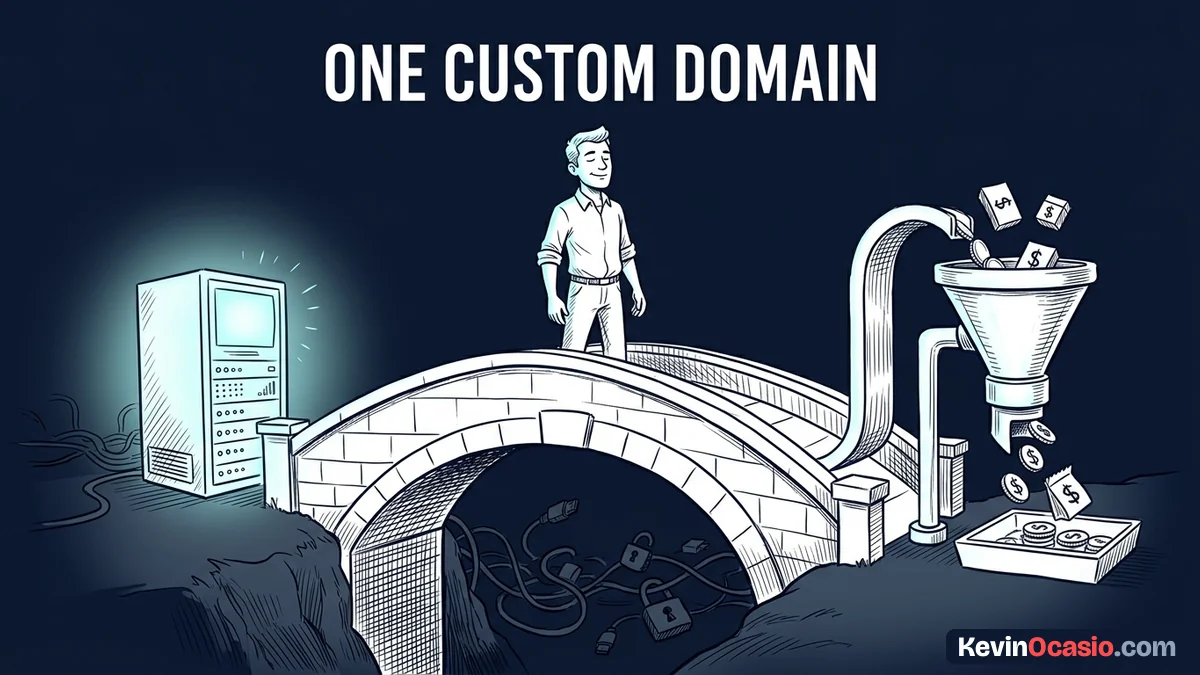
The cleanest way to connect a custom domain to your funnels is using a subdomain bridge. Your main address stays parked on your WordPress host. That setup gives you total control over your articles, your about page, and your search rankings.
Running your primary hub on fast web hosting, like the server setup covered in the Hostinger breakdown, keeps your monthly costs low. When you want to offer a free lead magnet or a paid course, you add a prefix like go or start. That gives you a clean sub-address like go.yourdomain.com.
You can link that new prefix directly to a dedicated funnel platform using the Systeme.io free plan without paying a dime. Visitors still see your trusted name in their browser bar. That simple step keeps buyer trust high while giving you rapid drag-and-drop sales pages.
Using two separate spaces also shields your business during busy product launches. When you send a big email broadcast, hundreds of visitors click your checkout link at the exact same minute. Your hosted funnel tool absorbs that heavy wave of visitors so your WordPress site won’t slow down or crash.
Here’s how the three main domain choices compare on annual costs, technical headaches, and buyer trust:
| Domain Setup | Annual Domain Cost | Setup Friction | Brand Trust & Conversion |
|---|---|---|---|
| Separate Domains | $28 to $40 per year | Moderate (Two sites to manage) | Low (Confuses visitors with mismatched URLs) |
| Subdomain CNAME Bridge | $0 extra | Low (Single 5-minute DNS record) | High (Unified name across all pages) |
| Subfolder Reverse Proxy | $300+ per year in server tools | High (Complex code and routing scripts) | High (Runs everything on one root path) |
Notice how the subdomain bridge gives you high trust with zero added renewal bills. You skip the cost of buying extra names. You also avoid the messy code of custom proxy scripts. It’s the exact same setup used by top software brands.
Setting Up Your DNS Records in Five Minutes
Adding your subdomain bridge takes less than five minutes inside your domain account. Log into the site where you bought your web address. Open your DNS records tab to see your active zone entries.
Leave your existing root A records alone so your WordPress site stays online. Look for the button that adds a fresh record. Select CNAME from the dropdown list. Type your chosen prefix, like go or join, into the name box.
Paste the target address from your funnel builder into the points-to box. Pick a standard time setting, like 3600 seconds, and click save. That simple step creates a direct bridge from your prefix to your hosted checkout engine.
Modern web networks update these record changes across the globe in just a few minutes. Once your record goes live, your funnel tool will issue a free security certificate automatically. That protects your checkout forms and keeps buyer payment details safe before you take your first sale.
Launch Your Entire Sales Engine Under One Clean Address
Stop letting tech confusion delay your product launch. You don’t need a messy web of extra domain names to sell downloads, book client calls, or collect email leads.
Log into your domain account today, add your CNAME record, and link your first checkout funnel. Once that link is live, you can build landing pages with complete confidence. Your main website stays fast, safe, and rock-solid.
Building a lean business is all about keeping your tech simple and your monthly bills small. When your entire brand runs under one clean address, you spend less time fixing broken links and more time making sales.
Frequently Asked Questions About Connecting Domains to Funnels
Will using a subdomain for my funnels hurt my website SEO?
No, using a subdomain won’t hurt your search rankings. Search engines see your subdomain as a connected part of your brand. Your main domain keeps building organic trust from your blog posts.
Can I connect multiple subdomains to different funnel tools?
Yes, you can create as many subdomains as you want for free. You can route one prefix to a lead capture page and another to a course portal without any conflict.
Do domain registrars charge extra fees for subdomains?
Domain sellers never charge fees for adding subdomains. Your regular domain registration gives you unlimited DNS records, so setting up new prefixes costs zero extra cash.
What happens to my business email when I add a CNAME record?
Every new email reaches your inbox without a hitch. Because your CNAME record points only to a specific prefix, your root mail records stay untouched.
Why does my new funnel page show a security warning at first?
Hosted funnel platforms need a few minutes to issue a free security certificate after your DNS updates. Give the servers fifteen minutes to finish the setup, then refresh your page to see the lock icon.