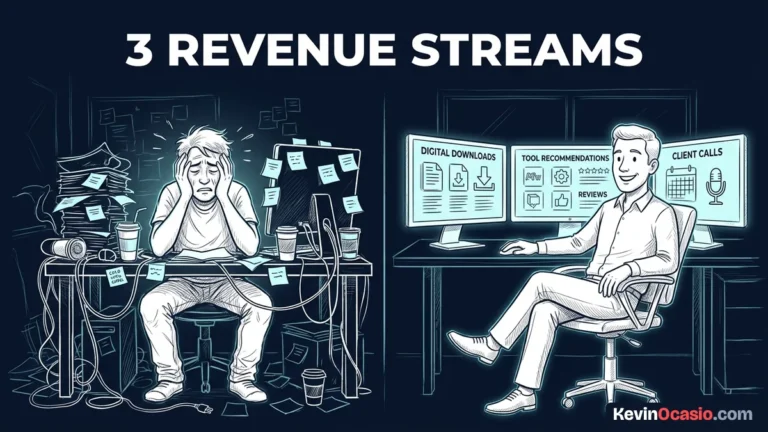
You sign up for five software trials before you make a single dollar online. By the time your first monthly billing cycle clears, you’re stuck paying for tools you barely know how to open.
The Short Version
- Three simple tools handle everything you need to sell products, send emails, and take payments online.
- Drop expensive extra apps like complex project boards, unneeded sales funnels, and pricey social schedulers.
- Keep monthly bills tiny so you protect your cash flow and stay in business long enough to make real sales.
Jump to Section
What Belongs in a Simple Monthly Business Stack
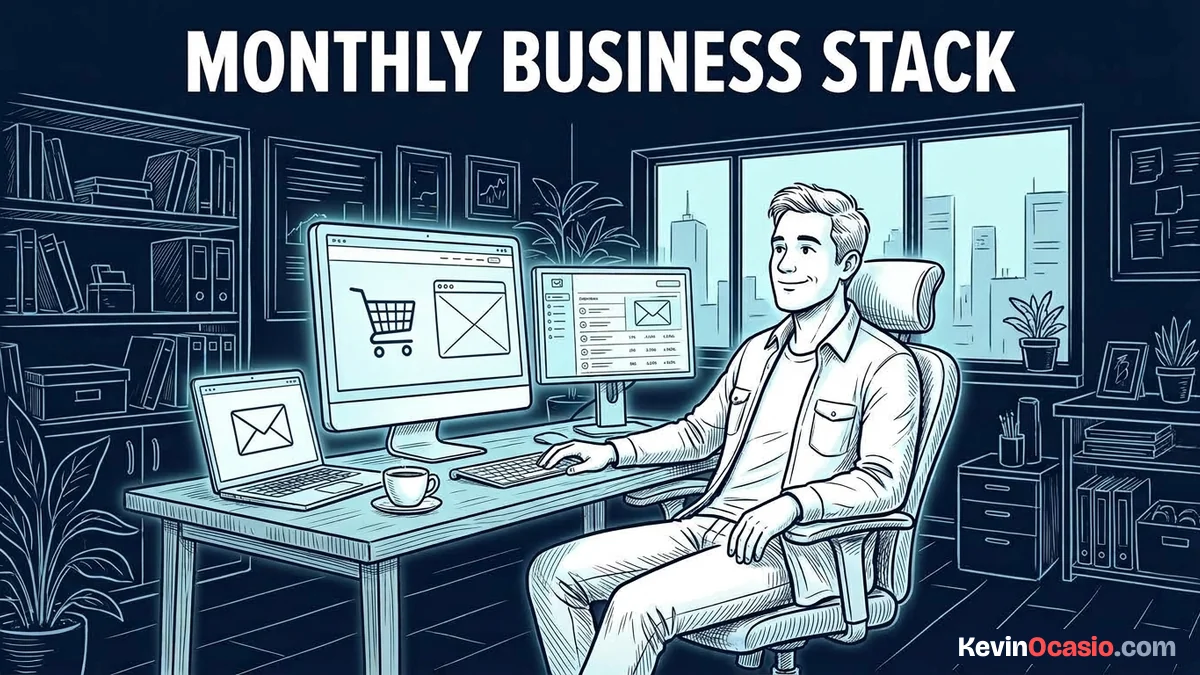
There’s no reason to buy a dozen apps to run a good business from your laptop. When you strip away the noise, a simple monthly business stack only needs three core parts to work.
Your business needs a clean web home on your own domain name. This is where you post helpful guides and tell people what you do. You can run this on self-hosted WordPress for a few bucks a month. You can also pick a basic site tool that lets you publish simple pages.
A solid email tool lets you collect leads and send notes. Social media feeds can drop your reach overnight without warning. When someone joins your email list, you have a direct line to their inbox that you own.
Payment tools give buyers a clean way to check out with a credit card. When a buyer wants your digital guide or service, the cart takes the payment. It sends the download link right away without any manual steps.
If you want to keep your early expenses low, read my guide on how to start an online business for under $50 a month without signing big software contracts. That small setup gives you everything you need to build an audience and take orders.
The Hidden Financial Drain of Software Sprawl
Software fees feel small when you buy them one by one. You pay twenty bucks here and thirty bucks there. You tell yourself each app will save you time. Within six months, you’re paying hundreds of dollars every month for tools you open once a week.
You probably waste a third of your software spending on tools you don’t touch. Most of those extra apps end up sitting completely idle while monthly fees hit your card.
The money you lose is only half the problem. Jumping between eight different apps every morning scrambles your brain and drains your energy. Every time you switch between separate tools, you pay a cognitive switching cost that eats up focus and cuts into your daily output.
Setting up a lean startup stack keeps your daily routine calm because each tool has one specific job. You spend your morning writing useful guides and helping buyers instead of fixing tool settings.
Here is how an expensive multi-app setup compares to running a lean, focused stack:
| Business Task | Overpriced Multi-App Setup | Simple Monthly Stack |
|---|---|---|
| Web Home & Content | $40 to $80/mo (Locked-in site builder) | $3 to $5/mo (Self-hosted WordPress) |
| Email & Newsletter | $60 to $120/mo (Complex marketing suite) | $0 to $19/mo (Basic email autoresponder) |
| Checkout & Payments | $97 to $297/mo (Heavy funnel builder) | $0/mo (Free cart + basic card fee) |
| Project & Task Notes | $25 to $40/mo (Paid team software) | $0/mo (Simple text notes or paper) |
| Total Monthly Cost | $222 to $537/mo | $3 to $24/mo |
Where to Spend Cash and Where to Stay Completely Free
When you build on a tight budget, you have to be honest about what makes sales. I break down the exact numbers on where to spend money in an online business, but the core rule is simple. You pay for assets you own directly and stay free on everything else.
Buy your own custom domain name right from day one. A domain costs about ten to twelve dollars a year. It gives you a clean web address that stays yours forever. If you ever switch web hosts down the road, your links and audience move with you.
Good web hosting is worth the small cost if you build on WordPress. Reliable shared hosting costs around three to five dollars a month when paid yearly. That small bill gets you fast page speeds, daily backups, and full control over your files.
Stay completely free on graphics, task lists, and social media tools. You don’t need a paid design tool to make clean covers or post graphics when free web apps do the job. You also don’t need a monthly scheduling app when you can write short posts and share them by hand.
Pick a payment cart that charges standard card fees per sale instead of a heavy monthly fee. Paying three percent on each order protects your cash until you’re making steady sales.
Strip Away the Noise and Focus on Cash Flow
Building a good business comes down to making useful things and showing them to people who need help. Fancy dashboards and complex tool suites don’t bring in buyers. Clear offers and direct emails do.
Check your bank account today and print out your last card statement. Go down the list line by line and circle every monthly tool fee you see. If you haven’t opened an app in the last fourteen days, hit the cancel button right now.
Keep your three basic tools running smoothly and spend your working hours helping people. Once your sales are steady and your monthly profit is up, you can decide if a paid tool is worth your cash.
Frequently Asked Questions About a Simple Monthly Business Stack
How much does a simple monthly business stack cost?
You can run a complete business stack for three to twenty-four dollars a month. That budget covers a custom domain name, reliable web hosting, and a basic email autoresponder.
Can I run an entire online business using free tools?
Yes, you can launch using free tiers for web pages, email marketing, and checkout forms. The only tool you should always pay for upfront is your own custom web address.
Do I need separate software for landing pages and funnels?
No, you don’t need separate funnel builders. You can publish clean landing pages directly inside WordPress or use the built-in pages of your email platform.
When should I upgrade to paid business software?
Upgrade only when you hit hard plan limits or when a paid tool saves you hours of manual work each week. Never upgrade based on features you might use in the future.
Why is self-hosted WordPress cheaper than all-in-one platforms?
Self-hosted WordPress runs on inexpensive hosting without arbitrary contact caps or page limits. You own your content completely and avoid steep monthly price hikes.
How do I avoid buying tools I don’t end up using?
Make yourself wait two weeks before signing up for any new tool. If you still need the software to complete a specific task after fourteen days, test it on a free trial first.
What is the single most important tool in an online business stack?
Your email autoresponder is the most valuable tool you own. It gives you an unblocked channel to talk directly to your subscribers and make sales without relying on social algorithms.