You’ll waste a lot of money if you upgrade your web hosting way too early. You see an ad that promises fast speeds, so you pay thirty-five dollars a month for a site that gets ten hits a day.
The Short Version
- Stay on budget hosting until your site makes steady sales and can pay its own way.
- Make the upgrade when checkout pages stall or freeze up during busy promotions.
- Save your time with staging tools and expert help that fix problems fast.
Jump to Section
- The Real Mechanics of a Managed WordPress Hosting Upgrade
- Why Dynamic Checkout Pages Break on Cheaper Servers
- The Math of Paying Thirty-Five Dollars a Month vs Ten Dollars
- Developer Features That Save You Real Working Hours
- Clear Signs You Need to Make the Move Right Now
- Protect Your Cash by Upgrading Only When Sales Demand It
- Frequently Asked Questions About Managed WordPress Hosting Upgrades
The Real Mechanics of a Managed WordPress Hosting Upgrade
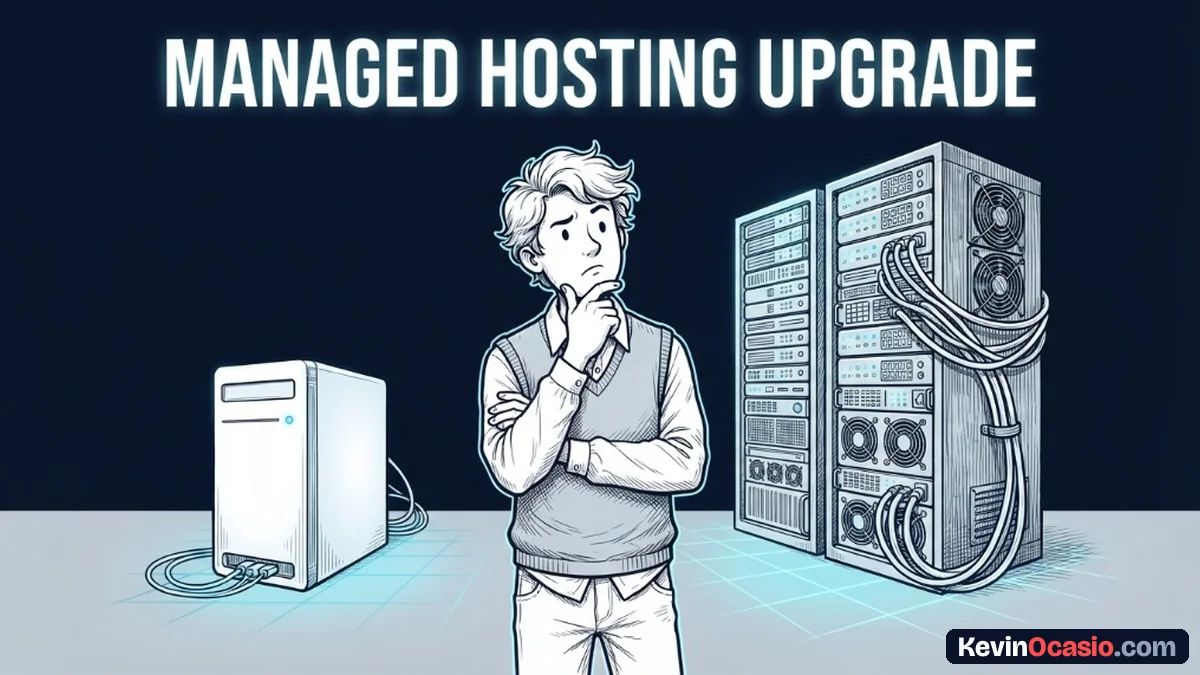
A managed WordPress hosting upgrade gives you a server built for one job. Instead of running on a server cluttered with generic software, your setup is tuned strictly for WordPress.
The host sets up page caching right at the server level. This means you don’t need heavy cache plugins to make your pages load fast.
Automatic core updates and daily backups also run in the background. If you run a simple blog, paying extra cash for those basic tasks makes no sense.
Cheap hosting handles basic blog posts and small niche sites with ease. You only need more power once your site starts selling products and taking payments.
Why Dynamic Checkout Pages Break on Cheaper Servers
When someone reads a basic blog post, the server sends a saved copy of the page. Cheap hosts can serve thousands of these visits without any trouble.
Checkout pages work in a totally different way. When a buyer adds an item to a cart or types in a card number, the server can’t use a saved page.
Your server uses background tasks called PHP workers to process every sale. Cheap hosting plans often give you just two workers. Think of them as two registers in a busy shop.
If three buyers try to check out at once, the third person has to wait. If too many people buy at the same time, the server chokes. That leads to checkout errors or crashed database connections that kill the sale.
Good managed hosts fix this issue by giving you dedicated worker pools. That extra power keeps checkout pages fast so you don’t lose sales.
The Math of Paying Thirty-Five Dollars a Month vs Ten Dollars
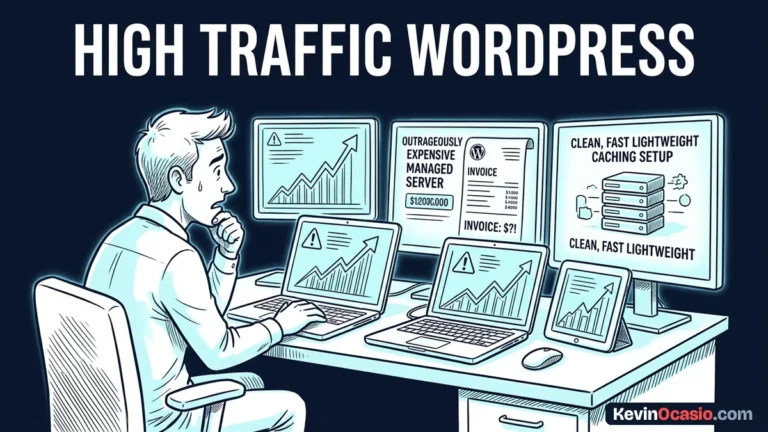
The biggest catch with managed hosting is the steep monthly price. Good plans often start at thirty or thirty-five dollars each month for one site.
Many managed hosts also put caps on your monthly traffic. A starter plan might limit you to twenty-five thousand visits. If you go over that mark, the host charges you extra fees.
Cheap plans give you way more visits for less money. In my Hostinger breakdown, I show how low-cost cloud plans handle lots of traffic for under ten dollars a month.
Paying more only makes sense when your site brings in real money. If a broken page costs you fifty dollars in lost sales, a thirty-five dollar plan is worth every penny.
Here is how cheap hosting compares to a managed WordPress setup:
| Hosting Feature | Standard Budget Hosting | Premium Managed Hosting |
|---|---|---|
| Monthly Cost | $3 to $10 per month | $30 to $35 per month |
| Traffic Limits | Unmetered static pageviews | 25,000 visits on starter tiers |
| PHP Workers | 2 to 4 shared workers | Dedicated isolated worker pools |
| Staging Sites | Manual setup or none | One-click test copy and push |
| Tech Support | General server agents | Dedicated WordPress agents |
| Site Backups | Weekly or manual saves | Daily automated offsite saves |
If you want to see how different setups handle traffic spikes without crashing, my guide on shared hosting vs cloud hosting shows you what to look for.
Developer Features That Save You Real Working Hours
Speed isn’t the only reason people switch to managed plans. You also get tools that save your time and keep your site safe.
One-click staging sites are a great example. On a cheap host, updating plugins on a live site can break your checkout in seconds.
Managed hosts let you clone your site to a private test area with one click. You can test new tools and fix bugs before your buyers see them.
Daily backups give you the same peace of mind. If a bad update breaks your site, you can restore a working copy in thirty seconds.
You also get help from agents who know WordPress inside and out. When an error pops up, they help you fix it instead of telling you to hire an outside developer. If your pages feel sluggish right now, my guide on why your website is slow helps you find the issue.
Clear Signs You Need to Make the Move Right Now
Nobody needs to guess when it’s time to move up. Your sales and daily site speed tell you when you need a bigger plan.
Your monthly sales numbers give you the first clear signal. If your site makes over one thousand dollars each month, don’t host it on a cheap shared plan. One outage during an email push can wipe out a year of hosting savings.
Checkout responsiveness during live promotions tells you the rest of the story. If buyers say the cart spins or hangs when you send an email, your server needs more workers.
Time spent fixing technical headaches also costs you money. If you spend hours each month fixing broken plugins and testing updates, switching to reliable web hosting gives you those working hours back.
Protect Your Cash by Upgrading Only When Sales Demand It
Don’t upgrade your hosting just because an ad says it’s better. Spending forty dollars a month on hosting when you make zero sales is a fast way to go broke.
A small monthly bill protects your cash flow while you build your business. Stick with cheap hosting while you write posts, grow your email list, and test your first offers.
Upgrading only makes sense once real buyers and steady sales push your current host to its limit. When your checkout starts to slow down under real traffic, that’s when you make the jump.
Frequently Asked Questions About Managed WordPress Hosting Upgrades
Does managed WordPress hosting make my site faster right away?
Yes, managed hosts use fast caching and dedicated resources to speed up pages. But heavy page builders and big image files can still slow your site down.
Can I run a shop on cheap budget hosting?
A small shop runs fine on cheap hosting if you only make a few sales a day. Once you run sales events with high traffic, you’ll need more server power.
What happens if my site goes over the visit limit?
Your pages stay live, but the company adds an overage fee to your monthly bill. These charges usually cost one or two dollars for every extra thousand visits.
Is moving my site to a managed host hard?
Switching is simple because support teams will migrate your files for free. The entire transfer takes less than an hour without any downtime for your visitors.
Do I still need security plugins on a managed host?
Server firewalls and auto scans protect your site on managed hosts. Many managed hosts ban security plugins because the server already handles protection for you.