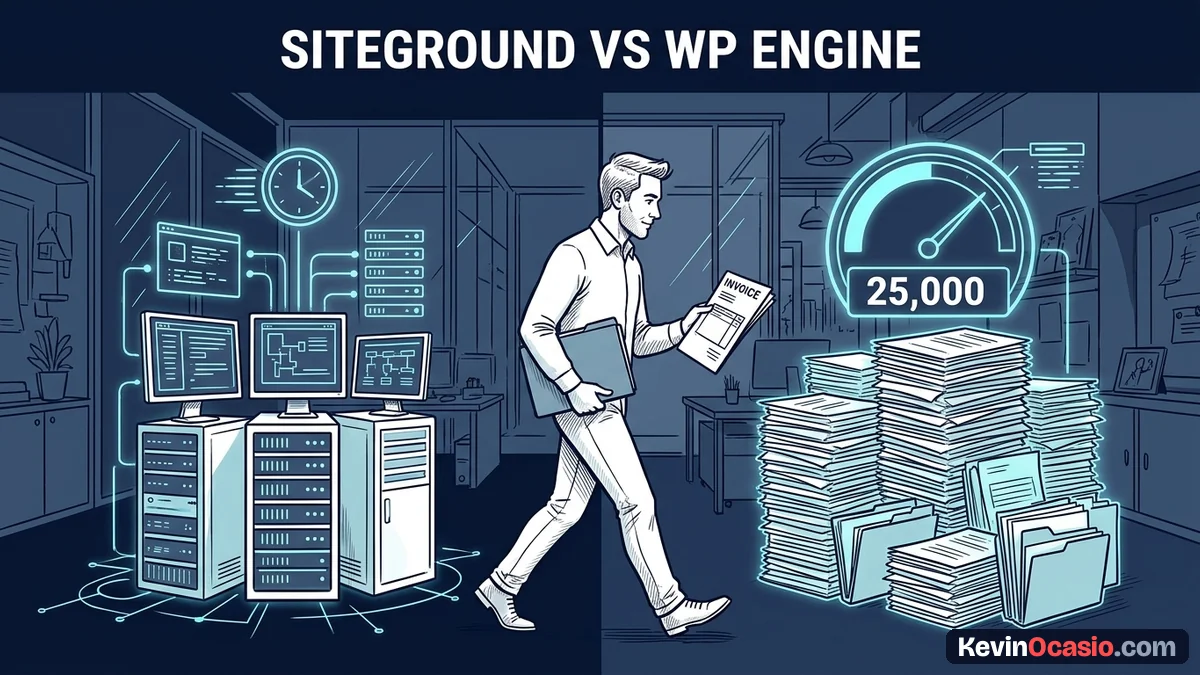
You want a fast WordPress site that stays online during sales events. You also don’t want high hosting bills eating up your profits before you make your first sale. When you look at SiteGround and WP Engine, you find plans built for two very different budgets.
The Short Version
- Pick SiteGround for affordable speed on Google Cloud with unlimited site hosting on GrowBig plans.
- Avoid WP Engine visit caps that charge $2 per 1,000 extra visits unless you run a high-budget client agency.
- Protect your monthly cash flow by keeping your web hosting bill small while your traffic and audience grow.
Jump to Section
- SiteGround vs WP Engine: Fast Cloud Shared Hosting vs Dedicated Managed Servers
- The Real Cost Trap: Traffic Limits, Overage Fees, and Staging Tools
- Comparing Features, True Costs, and Daily Builder Usability
- Choose the Right Host for Your WordPress Budget
- Frequently Asked Questions About SiteGround vs WP Engine
SiteGround vs WP Engine: Fast Cloud Shared Hosting vs Dedicated Managed Servers
You hear almost every web host promise top speed. Still, they set up their servers in very different ways. SiteGround runs its shared hosting platform right on Google Cloud. You get custom server caching, automated updates, and fast page loads without paying high hosting prices.
In my SiteGround review, you can see how their entry pricing stays low on promotional deals. The StartUp plan starts at $2.99 per month for one site. Their GrowBig plan starts at $4.99 per month and lets you launch as many sites as you want.
Renewals kick in at $17.99 to $29.99 per month. Even then, you get multi-site staging and daily backups on SiteGround without extra fees.
WP Engine works from a different angle. They focus on managed WordPress hosting with developer tools, automated backups, and custom page caching. Their entry Startup tier costs $28 to $30 per month when billed once a year. That price jumps to $35 on a monthly plan.
Paying thirty-five dollars every single month might work for a large company with deep pockets. If you work alone or run a growing site, that price tag adds heavy monthly bills before you make steady cash.
The Real Cost Trap: Traffic Limits, Overage Fees, and Staging Tools
The biggest shock on WP Engine isn’t just the base monthly price tag. The real catch sits in how they count your monthly traffic. WP Engine caps its Startup plan at 25,000 monthly visits for just one website.
If a new post takes off or you send an email blast, your traffic can jump past that cap fast. Instead of taking your site down, WP Engine bills you an overage fee of $2 for every 1,000 extra visits. A sudden burst of 10,000 extra visits adds twenty dollars straight onto your monthly hosting bill.
SiteGround handles traffic without visitor counters. They give you unmetered data transfer and size their plans by storage space. You get 10 GB on StartUp and 20 GB on GrowBig. That means you never have to check your traffic stats in fear of extra fees on your card.
You can’t afford random server crashes, because website uptime builds customer trust during a sale. Think about your current stage before choosing a managed WordPress hosting upgrade. Paying high managed rates might not make sense yet.
Both hosts give you 1-click test sites. You can test plugin updates or layout tweaks before they go live. SiteGround includes this staging tool on its GrowBig plan. That lets you test changes safely on multiple sites without buying pricey add-ons.
Comparing Features, True Costs, and Daily Builder Usability
Here is how both hosts compare across the limits, tools, and pricing details that hit your monthly budget.
| Feature or Limit | SiteGround (GrowBig) | WP Engine (Startup) |
|---|---|---|
| Introductory Price | $4.99/mo (12-month term) | $28/mo (annual term) |
| Standard Renewal Price | $29.99/mo (or $34.99/mo monthly) | $30/mo (or $35/mo monthly) |
| Websites Allowed | Unlimited websites | Strictly 1 website |
| Traffic Allowance | Unmetered data transfer | 25,000 visits/month limit |
| Overage Charges | Zero visit overage fees | $2 per 1,000 visits over limit |
| Storage Space | 20 GB SSD storage | 10 GB storage |
| Free Business Email | Included (unlimited mailboxes) | Not included (third-party required) |
| Best Use Case | Solo builders with multiple sites | High-budget single-site agencies |
SiteGround wins easily on everyday value. Being able to run two, three, or five test sites on one GrowBig plan saves you real cash every year. On WP Engine, adding extra sites means jumping to their Professional tier at $58 per month. That doubles your hosting bill right away.
WP Engine does offer perks if you manage a full team of coders who push code through Git. Their custom cache keeps pages fast, and their support staff only handles WordPress problems.
Knowing where to spend money in an online business comes down to cutting dead weight. Paying a high price for server perks you never touch burns cash before you turn a profit.
Choose the Right Host for Your WordPress Budget
For a simple blog, niche site, or digital product shop, start with SiteGround’s GrowBig plan. You get the speed of Google Cloud, daily backups, free email inboxes, and unlimited sites for a low cost.
Only look at WP Engine if you manage a busy client site that brings in thousands of dollars each month and needs custom coding setups. If you don’t manage complex code for corporate clients, paying their high single-site price makes zero sense.
Keep your hosting bills low while you build your audience, write content, and test your funnels. Once your site brings in steady cash each week, you can always upgrade your server setup down the road.
Frequently Asked Questions About SiteGround vs WP Engine
Does WP Engine shut down my site if I exceed 25,000 visits?
WP Engine won’t shut down your site when you pass your limit. They keep your site online and add an overage fee of $2 for every 1,000 extra visits to your next bill.
Can I host more than one website on WP Engine’s entry plan?
No, the Startup plan from WP Engine limits you to one website. If you want to host more sites, you must upgrade to plans starting around $58 per month.
Does SiteGround include free business email accounts?
Yes, SiteGround gives you free email inboxes right inside their Site Tools panel. WP Engine doesn’t host email, so you must pay extra for a separate inbox provider.
How does SiteGround match WP Engine speed on shared hosting?
SiteGround runs on Google Cloud servers and uses multi-layer caching with their Speed Optimizer plugin. This serves cached pages straight from memory, giving you fast load times without managed host prices.
Is SiteGround fast enough to handle sudden traffic spikes?
Yes, SiteGround’s GrowBig and GoGeek plans handle traffic spikes well. Google Cloud network speed and server caching keep your pages fast during email blasts or social links.
Can I migrate my WordPress site between these hosts easily?
Both hosts offer free migration plugins that move your WordPress files and database for you. You can switch hosts in less than an hour without touching raw server code.
When does it make sense to pay for WP Engine?
WP Engine makes sense when you run a big client site or agency. It fits teams that need advanced Git tools and WordPress-only tech support.