You make your first sale, and your phone buzzes. A buyer asks where the file is. Sending download links yourself turns your business into a tiring support job.
The Short Version
- Use an instant redirect page right after payment so buyers can grab their files without waiting on email.
- Send an automated backup email with download links within thirty seconds to stop missing-file complaints.
- Host your downloads in private storage with expiring links to protect your files from public sharing.
Jump to Section
- The Cost of Manual Fulfillment and Slow Delivery
- The Hybrid Path to Deliver Digital Products Automatically
- Where to Host Your Download Files Safely
- Connecting Your Checkout to Your Email Delivery
- Handling Download Support Tickets Before They Happen
- Build Your Automated Delivery System This Afternoon
- Frequently Asked Questions About Delivering Digital Products
The Cost of Manual Fulfillment and Slow Delivery
When you launch your first digital download, sending files by hand feels easy. You tell yourself that you’ll attach the PDF whenever a sale alert hits your screen.
That manual habit breaks down when you step away from your desk. Buyers expect files within thirty seconds. When three hours pass without a link, buyers worry that they got scammed.
Panicked buyers don’t wait for you to reply. They call their bank and dispute the charge right away. A clear billing descriptor stops confusion if buyers forget your business name. Instant access stops chargebacks before they cost you fees.
Manual delivery turns small sales into urgent chores. You shouldn’t have to check your phone at dinner to paste cloud links into emails. An automated setup delivers your files around the clock without you touching a button.
The Hybrid Path to Deliver Digital Products Automatically
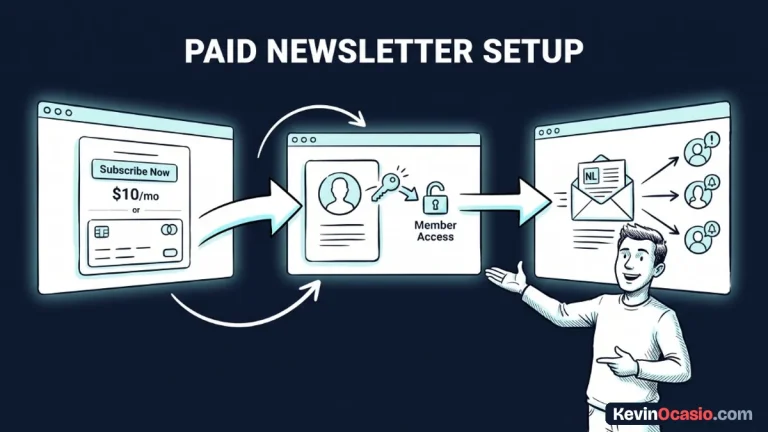
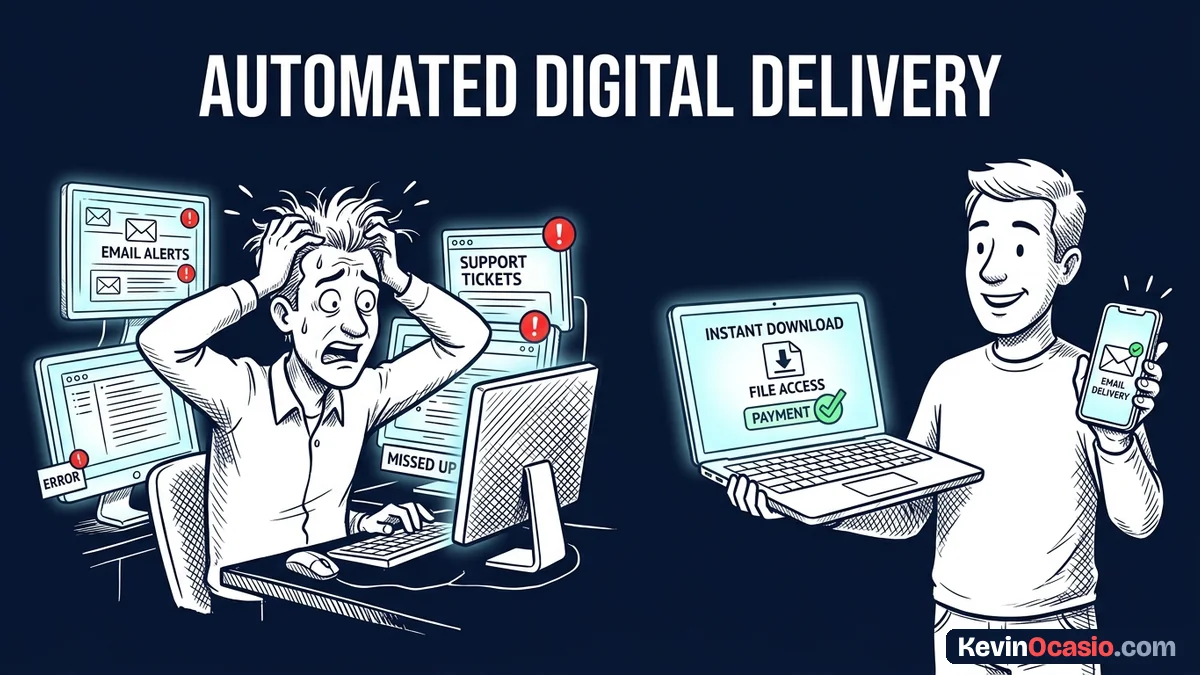
The best way to deliver digital products automatically is with a two-part hybrid delivery path. You don’t have to pick between a web page or an email. You can use both paths at the same time to cover every buyer habit.
Your checkout system handles the first step the moment payment clears. It sends the buyer straight to a thank-you page with a large download button. That gives desktop users quick access to their files without opening their inbox.
Email tools send a backup note thirty seconds later. This message acts as a receipt with a direct file link. If someone buys on a phone and closes the tab, they can open the email later on their computer.
Relying on only one delivery path causes problems. In my guide on why simple software beats complex software, I show that simpler setups break far less often. They save you hours of headaches.
Where to Host Your Download Files Safely
Storing paid files is different from adding pictures to a blog post. Never drop premium ebooks or templates into your public WordPress media library. Anyone can view your page code, copy the file link, and post it online without paying.
Keep your raw product files in private cloud storage or inside a sales tool. Good tools create temporary download links. These links expire after a set time or a few clicks. Once the link expires, it shuts down to stop unauthorized sharing.
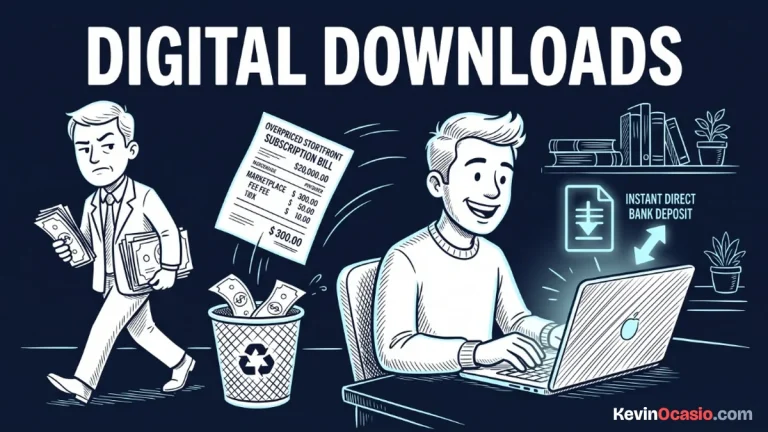
Protecting your files doesn’t mean you need an expensive storage bill. In my guide on how to sell digital downloads without fees, I show how simple tools handle safe file hosting. If you prefer dedicated software, a reliable checkout cart stores your files and makes expiring links with zero hassle.
Connecting Your Checkout to Your Email Delivery
Connecting your checkout form to your email list doesn’t take custom code. When a customer buys, your payment tool sends an instant signal called a webhook to your delivery system. That signal tags the buyer profile. It starts the delivery email and logs the customer record.
You don’t need to build this by taping four tools together with paid connector apps. You end up paying for a cart plugin, a file locker, a link router, and an email app. Every extra tool adds another monthly bill and another link that can break.
Instead, you can run this entire delivery path under one roof without monthly fees. In my breakdown of the Systeme.io free plan, I show how to link your payment account to an all-in-one tool at zero cost. An integrated sales funnel builder handles your checkout form, file delivery, and email triggers in one place.
Here is how a multi-tool setup stacks up against a lean delivery path:
| Software Component | Fragmented Multi-App Stack | Lean Integrated Setup |
|---|---|---|
| Checkout & Cart Form | $49/mo (Standalone Cart Plugin) | $0 to $27/mo (Integrated Funnel Platform) |
| Secure File Storage | $15/mo (Third-Party File Locker) | Included (Protected Native Storage) |
| Email Autoresponder | $29/mo (Separate Email Service) | Included (Built-In Delivery Sequences) |
| Automation Connector | $20/mo (Third-Party Webhook Tool) | Built-In (No Extra Connectors Needed) |
| Total Monthly Software Cost | $113/mo in recurring tool bills | $0/mo on starter plans |
Dropping extra tools saves more than $1,300 every year in recurring software costs. Keeping your checkout and file delivery in one tool removes fragile links between separate apps that break when you least expect it.
Handling Download Support Tickets Before They Happen
Even with automated delivery, customer mix-ups can still happen. Most delivery snags come from simple human mistakes. A buyer might mistype their email during checkout, or a phone might hide saved files.
Adding two short lines of advice directly on your thank-you page stops most of these support emails before they start. Print the customer’s email on the thank-you screen so they spot typos fast. Remind phone users that zip folders save to their Files app instead of opening in a browser.
Include a clear help link on both your download page and your delivery email. When a buyer knows how to reach a real person, they send a polite question. They don’t file a dispute with their card provider.
Build Your Automated Delivery System This Afternoon
Setting up automated delivery isn’t a hard project. You can set up your download redirect in less than an hour. You can store your product file and write your backup email in the same afternoon.
Package your product into a clean PDF or zip folder before setting up your checkout form. Upload your file into your sales tool as a protected digital asset tied to your price. Draft a short delivery email with their download link and a quick thank-you note. Include your help address so buyers know where to reach you.
Run a live test buy with your own card using a $1 discount code. Make sure your browser redirects to the download page and the file opens cleanly. Verify that the backup email lands in your inbox within sixty seconds. Once that test clears, your automated delivery setup is ready for real sales.
Frequently Asked Questions About Delivering Digital Products
What is the fastest way to deliver digital products automatically?
The fastest way pairs a thank-you page redirect with a quick delivery email. The web page gives buyers instant file access right on their screen. The email gives them a backup link they can open later.
Should I deliver products on a web page or through email?
Use both paths together rather than picking just one. An on-page redirect sends files to buyers the second they pay. Email delivery lets mobile shoppers find their files later in their inbox.
How do I stop buyers from sharing my download links?
Store your files inside a sales platform or cloud folder that creates temporary download links. Expiring links shut down automatically after a few hours or clicks. That stops buyers from sharing working links on public forums.
What happens if a customer types the wrong email address during checkout?
Showing a download button on your checkout confirmation page protects buyers who mistype their email. Even if the backup message bounces, the customer can still grab their file from the thank-you screen. Then they can email you to fix their address.
Can I deliver digital products automatically using WordPress?
Yes, you can deliver digital downloads through WordPress using simple plugins or checkout carts. Store your files in private cloud folders instead of your media library. That stops unpaid downloads.
Do I need expensive course software to sell simple downloads?
No, you don’t need expensive course tools to sell simple guides and templates. Modern sales platforms let you host product files and take payments. They also send automated delivery emails on free starter plans.
What file formats are easiest to deliver to mobile phone buyers?
Standard PDF documents and single MP3 audio files are the easiest formats for mobile shoppers. Phones can open them directly without extra apps. If you deliver multiple files in a zip archive, add a short note on your download page. Remind buyers to open the zip file inside their phone’s Files app.