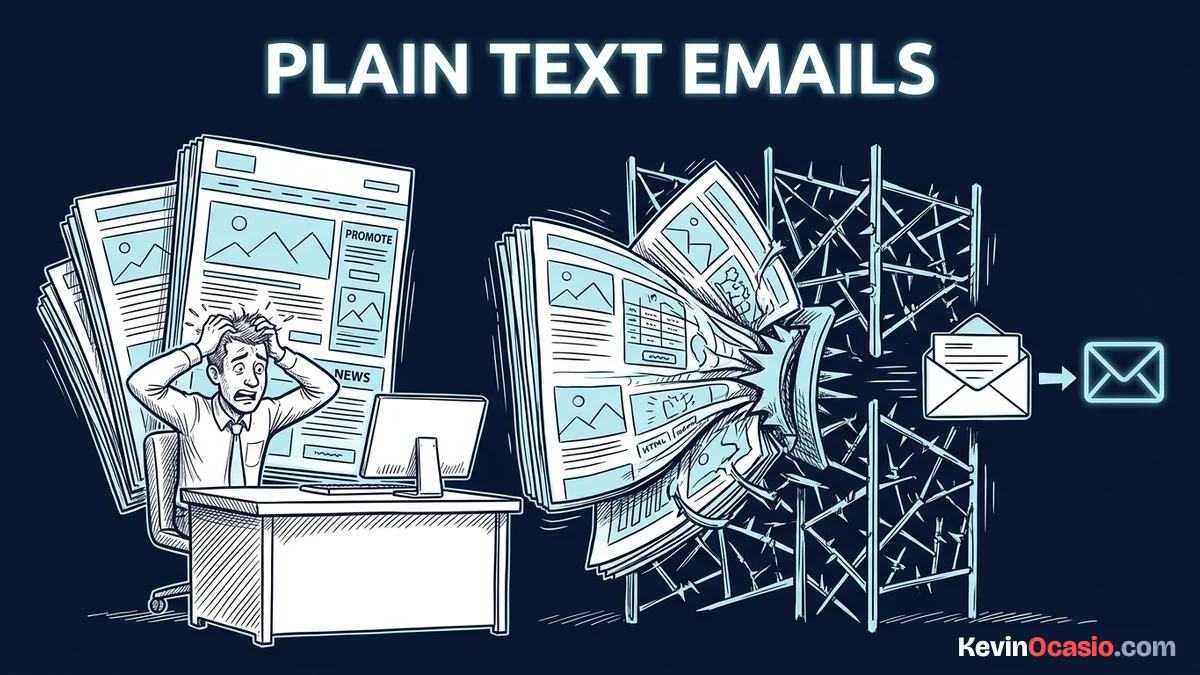
Most email tools urge you to pick a flashy template. They offer banners, two-column grids, and big hero photos. That glossy design looks nice in a preview, but it hurts your delivery and kills your sales.
The Short Version
- Plain-text emails land directly in the main inbox because spam filters flag heavy graphics and code as sales blasts.
- Dropping giant image headers keeps your email file size small, stops Gmail from cutting off your links, and speeds up mobile reading.
- Writing simple personal copy invites replies from real buyers and turns your list into a reliable sales channel.
Jump to Section
- Why Spam Filters Favor Raw Copy Over Heavy Layouts
- The Real Performance Gap in Plain Text Emails vs Image Templates
- Mobile Readers Hate Waiting on Broken Visuals
- Conversational Copy Builds Trust That Triggers Sales
- Clean Your Campaigns and Focus on What Converts
- Frequently Asked Questions About Plain Text Emails vs Image Templates
Why Spam Filters Favor Raw Copy Over Heavy Layouts
Mailbox providers have one job. They protect their users from junk. When an email hits an inbox, automated filter rules scan the code before showing the message to the reader.
If your message has nested tables, custom styles, and image links, mailbox rules flag it as a sales blast. That heavy code tells Google and Yahoo that a big company sent the email.
Filters push those heavy messages straight into the Promotions tab or the spam folder. Most people rarely check their Promotions tab. When they do check it, they just look for tracking numbers or discount codes.
Raw text avoids that automated sorting trap. When you send a message with simple paragraphs and normal text links, it looks like a quick note from a friend or coworker. It doesn’t look like mass marketing.
Spam filters spot that clean code right away. That’s why plain messages glide past commercial rules. They land right at the top of the main inbox where people read them.
The Real Performance Gap in Plain Text Emails vs Image Templates
The real difference between plain-text emails and image templates comes down to file size and code weight. An image template easily swells to seventy or eighty kilobytes before you write your first word.
When your HTML file size creeps above 102 kilobytes, Gmail triggers message clipping. That hides the bottom half of your message behind a tiny link. That cut-off hides your buy button and blocks your unsubscribe link. Angry readers then hit the spam report button instead.
That creates a huge problem for your business. When your main link is hidden behind a cut-off bar, your clicks drop fast. Almost nobody clicks to read the rest of a clipped message.
Here is how simple plain text compares to graphic-heavy templates inside an actual inbox:
| Inbox Metric | Plain-Text Email | Flashy Image Template |
|---|---|---|
| HTML Payload Size | 2 KB to 8 KB | 60 KB to 150+ KB |
| Gmail 102KB Clipping Risk | Zero (always stays small) | High risk of cut-off text and hidden links |
| Image Blocking Impact | None (all text shows right away) | Empty white boxes with broken icon marks |
| Default Mailbox Placement | Lands directly in Primary inbox | Often sent to Promotions or Spam tabs |
| Mobile Load Speed | Instant display on any mobile connection | Noticeable lag waiting on image hosts |
| Creation and Testing Time | 10 to 15 minutes of writing | Hours fixing columns and phone screens |
You make more sales from your list when you remember that simple software beats complex tools. Cutting away decorative visual fluff keeps your tech stack lean. It delivers your core pitch without technical hiccups.
Mobile Readers Hate Waiting on Broken Visuals
More than half of your subscribers open your emails on their phones. They read while standing in line, riding the train, or walking to lunch. Mobile data drops and slows down all day long.
Many phone email apps turn off image downloads to save data and battery life. When someone opens a graphic template with images blocked, they see a broken wall of empty white boxes.
Your headline vanishes. Product pictures turn into blank gray squares. Your graphic button disappears. The reader has to tap a small bar at the top of their screen just to see what you sent.
Nobody waits around for a broken email to load. If your message makes no sense in the first two seconds, readers swipe away. They’ll delete it and move on.
Plain text skips all of those mobile display headaches. Words wrap cleanly to any screen width. They load in a split second, and there’s no waiting on a slow mobile connection.
Conversational Copy Builds Trust That Triggers Sales
Your readers buy from someone they feel connected to, not from a cold corporate logo. When an email looks like a glossy store flyer, your reader puts their guard up. They know you’re selling them something.
Think about the emails you get from your closest friends, your family, or your accountant. They won’t send you two-column layouts, promo hero banners, or countdown timer widgets.
Real people write clean text messages with simple sign-offs. When you use that same simple format for your email campaigns, you tap into that natural personal trust.
Your message feels like a private one-on-one note rather than a mass marketing blast. Readers let their guard down. They read your thoughts and click your links because they hear from a real person.
That personal dynamic also prompts people to hit reply and ask questions about your products. Setting up a welcome email sequence that sells works best when you invite readers to reply directly with their biggest struggle.
Two-way replies send the strongest possible trust signal to mailbox providers. When Gmail sees that your subscribers regularly write back, it marks you as a trusted sender. That’s what keeps your future emails in the main inbox.
Clean Your Campaigns and Focus on What Converts
You don’t need expensive graphic tools or hours of template testing to build a profitable email list. Spending three hours fixing table margins and button colors won’t make you sales. It’s just busywork that distracts you from growing your business.
If you use an all-in-one platform like Systeme.io, you see how much easier selling becomes when you ditch complicated visual builders. You want tools that let you build and sell without extra hassle. If you run a self-hosted site instead, you can connect a dedicated email autoresponder, open the simple text editor, and write a high-converting message in fifteen minutes.
When you log into your email platform, take a close look at your active broadcasts and automated drafts. Stripping out the big header banners, company logos, and social icon rows immediately cleans up your message.
Swapping graphic buttons for clean, underlined text links also makes your emails easier to read. Words placed naturally inside your sentences fit any phone screen. That lets your words do the actual selling.
Once you send your next sales email as a clean, text-first note, the difference shows up right away. You’ll see higher open rates, fewer spam complaints, and more sales landing in your account.
Frequently Asked Questions About Plain Text Emails vs Image Templates
Can I still use links and bold text in plain-text emails?
Yes. Most creators use simple text-based HTML rather than raw, unformatted text. You can still use bold text, bullet lists, and normal links while keeping the code size tiny and clean.
What is the difference between pure plain text and simple HTML?
Pure plain text contains zero code tags and can’t display clickable links or bold styling. Simple HTML looks like plain text to the reader, but it lets you add links, line breaks, and basic text formatting.
Why does Gmail clip emails that use graphic templates?
Gmail clips any message whose HTML code size exceeds 102 kilobytes. Graphic templates pack huge amounts of inline styles, tables, and tracking code that push the file over that limit.
Do plain-text emails work for physical ecommerce products?
Physical goods benefit from photos, but a personal note works better. Linking to your product page beats cramming photos into an email that lands in Promotions.
How does email file size hurt inbox delivery?
Large email files trigger spam filters because sales blasts rely on heavy HTML layouts. Larger files also slow down sending speeds and raise the risk of Gmail clipping your message.
Should I ever include an image in my emails?
You can occasionally include a single screenshot or chart if it helps explain a key idea. Keep the image file small, skip decorative logos, and make sure your note makes sense if the image fails to load.
Why do big retail brands use graphic templates if plain text sells better?
Big retail brands care about glossy displays and visual catalogs across thousands of store items. Solo creators and online entrepreneurs care about direct sales, personal trust, and immediate cash flow.
How do two-way email replies help my inbox placement?
When a subscriber replies to your email, mailbox algorithms mark your sender address as an approved personal contact. That trust signal tells Gmail and Yahoo to keep your future emails in the primary inbox.