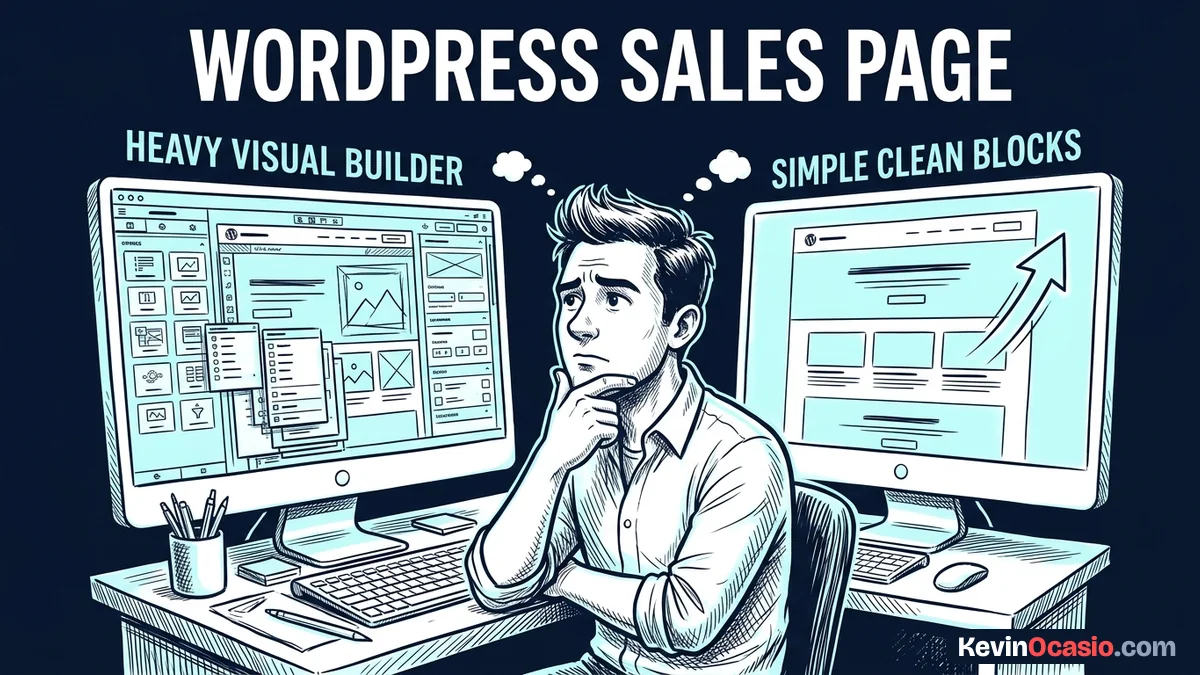
You might think you need a heavy drag-and-drop page builder to make a sales page in WordPress. That belief costs you money every month in plugin bills. Worse yet, it slows your site down until buyers give up and click away.
The Short Version
- Native WordPress blocks give you all the tools you need to build clean, fast sales pages without extra plugins.
- Stripping your header and footer cuts out noisy links so buyers stay focused on your main offer.
- Linking buttons to simple carts keeps your site light, protects mobile speed, and trims your software costs.
Jump to Section
- Why Visual Page Builders Hurt Your Conversion Rate
- Turn Off Your Header, Navigation, and Footer Links
- Building a Sales Page: WordPress Without Page Builder Plugins
- Native WordPress Blocks vs Visual Page Builder Plugins
- Connect Your Sales Page Directly to a Hosted Checkout Cart
- Publish Your Clean Sales Page and Start Taking Orders
- Frequently Asked Questions About WordPress Sales Pages
Why Visual Page Builders Hurt Your Conversion Rate
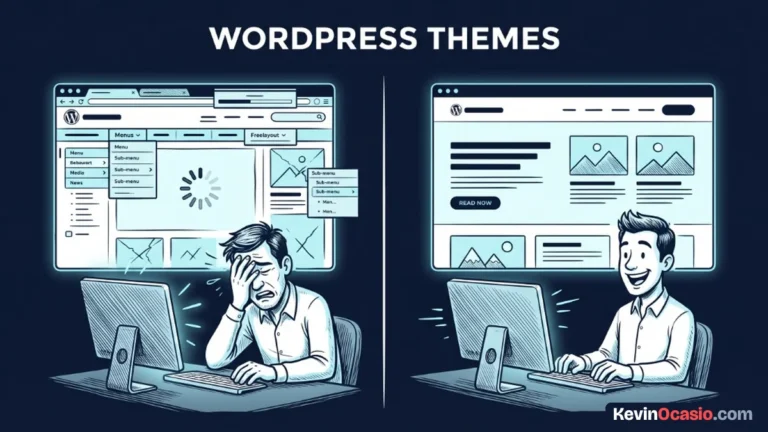
Visual page builders make big promises about drag-and-drop design, but they carry a real cost. Every time you drop a new section onto your page, third-party builders add heavy code behind the scenes. They load dozens of script files that your buyers never asked for.
Mobile visitors won’t wait around for slow pages. When a builder wraps a single button inside ten nested boxes, the browser struggles under an excessive DOM size. That extra weight slows down your mobile load speed and creates lag on cell phones.
Your buyers don’t visit your page to watch fancy slide-in effects. They want clear text that explains how your product helps them. They want to read proof, see the price, and pay you without waiting for heavy scripts to load.
Turn Off Your Header, Navigation, and Footer Links
A standard blog post needs your top menu bar. It helps readers find your archives, check out your story, and search your site. A sales page has the exact opposite job.
Every extra link on a sales page is a door leading away from the checkout cart. If your header bar has six links and your footer has twelve links, you just gave visitors eighteen chances to leave. That kills your chance to close the sale.
You might have spent days learning how to write a high-converting sales page with punchy copy. Don’t spoil your hard work with a busy menu bar. Top sales pages work on a strict one-to-one attention ratio, which means the page has a single goal and one clear action.
Open your page editor in WordPress and look at your theme layout settings. A lightweight WordPress theme lets you turn off your header, menu, sidebar, and footer widgets with simple check marks. You get a clean blank page in seconds without touching code.
Building a Sales Page: WordPress Without Page Builder Plugins
WordPress core blocks give you all the layout options you need for a sales letter. You don’t need custom code to get clean spacing and great type. Everything works right out of the box with standard tools.
Drop a Group block onto your blank page first to hold your main content. Set the content width between 650 and 750 pixels so your lines don’t stretch too wide. Narrow columns keep your text easy to read on big desktop monitors.
Use standard Heading blocks for your main hook and subheads. Drop in Paragraph blocks for your story, bullet lists for your perks, and Quote blocks for customer praise. Native blocks keep your layout clean without adding extra code.
When you want to display your offer package or pricing options, use a Columns block. You can split your layout into two or three columns with bulleted perks inside each box. Add a soft background tint to the outer group so your offer catches the eye.
Place a Buttons block right below your offer box and set your main brand color. Make the button large, center it on the page, and write clear action text. Tell the buyer exactly what they get the second they click to buy.
Native WordPress Blocks vs Visual Page Builder Plugins
Moving away from heavy visual builders makes an immediate difference in your site speed. Here’s how native core blocks stack up against heavy visual page builders for your sales page:
| Page Element / Metric | Heavy Visual Page Builder | Native WordPress Core Blocks |
|---|---|---|
| HTML Code Payload | 50 KB to 120 KB (heavy nested wrappers) | 15 KB to 25 KB (clean semantic markup) |
| External CSS and JS Files | 15 to 30 site-wide framework files | 0 to 2 core stylesheets |
| DOM Tree Complexity | Deep container nesting (1,500+ nodes) | Shallow layout tree (under 400 nodes) |
| Annual Software Expense | $59 to $199 every year per site | $0 (built into WordPress core) |
| Mobile Screen Rendering | Frequent layout shifts and tap lag | Instant painting with smooth scrolling |
| Theme Compatibility | Ties your design to third-party shortcodes | Works with any standard WordPress theme |
Core blocks also save you from broken updates. When a visual builder pushes a major version change, custom CSS and styling hooks can break without warning. That can ruin your sales page right in the middle of a live promotion.
If you run your site on fast web hosting like Hostinger, your sales pages load almost instantly. You get quick load times around the world without paying for complex caching tools.
Connect Your Sales Page Directly to a Hosted Checkout Cart
You don’t need to install a massive store plugin just to sell one digital book or course. Full-scale store plugins create dozens of database tables and add slow scripts that you don’t need for a simple product.
Keep your WordPress database clean by processing payments off your server. You can connect your call-to-action button straight to a dedicated checkout cart tool or a simple Stripe link.
Hosted cart tools take care of sales tax, card checks, receipts, and digital product delivery. A customer clicks your buy button, lands on a secure checkout form, and completes their purchase without slowing down your site.
This clean setup is how I build an online business with WordPress. Your site hosts your sales copy and content, while your checkout tool handles payments safely on its own server.
Publish Your Clean Sales Page and Start Taking Orders
You don’t need to spend weeks fighting with complicated design software to sell your work online. The free blocks already inside WordPress give you all the power you need to build clean, fast sales pages that turn visitors into buyers.
Create a new blank page today, turn off your menu links, and write your pitch using core blocks. Test your checkout link on your phone to confirm everything runs smooth, and then send your first batch of traffic to the page.
Frequently Asked Questions About WordPress Sales Pages
Do I need custom CSS to build a sales page without a page builder?
No, you don’t need custom code for a clean sales page. Core WordPress blocks let you set colors, font sizes, margins, and column layouts right inside the block editor panel.
How do I remove the navigation menu on a single WordPress page?
Most modern themes have page options in the editor sidebar where you can turn off the header and menus. If your theme supports full site editing, pick the Blank canvas page template.
What is the best content width for a sales page in Gutenberg?
A width between 650 and 750 pixels works best for sales letters on desktop screens. Narrow columns keep line lengths short so readers don’t lose their place while reading your copy.
Can I add customer testimonials and pricing tables with core blocks?
Yes, Quote blocks work great for customer reviews and Columns blocks handle pricing boxes. Adding a soft background color to the group container gives you clean visual contrast without extra plugins.
How do I take credit card payments without WooCommerce?
Generate a direct checkout link in Stripe or hook your buttons to a hosted cart tool like ThriveCart. Both tools take care of card billing on their own secure servers so your site stays fast.
Will building a sales page with native blocks improve my mobile speed?
Yes, native block pages load much faster on mobile phones because they strip out heavy script frameworks and deep code boxes. Mobile browsers can display your copy and buttons on screen right away.