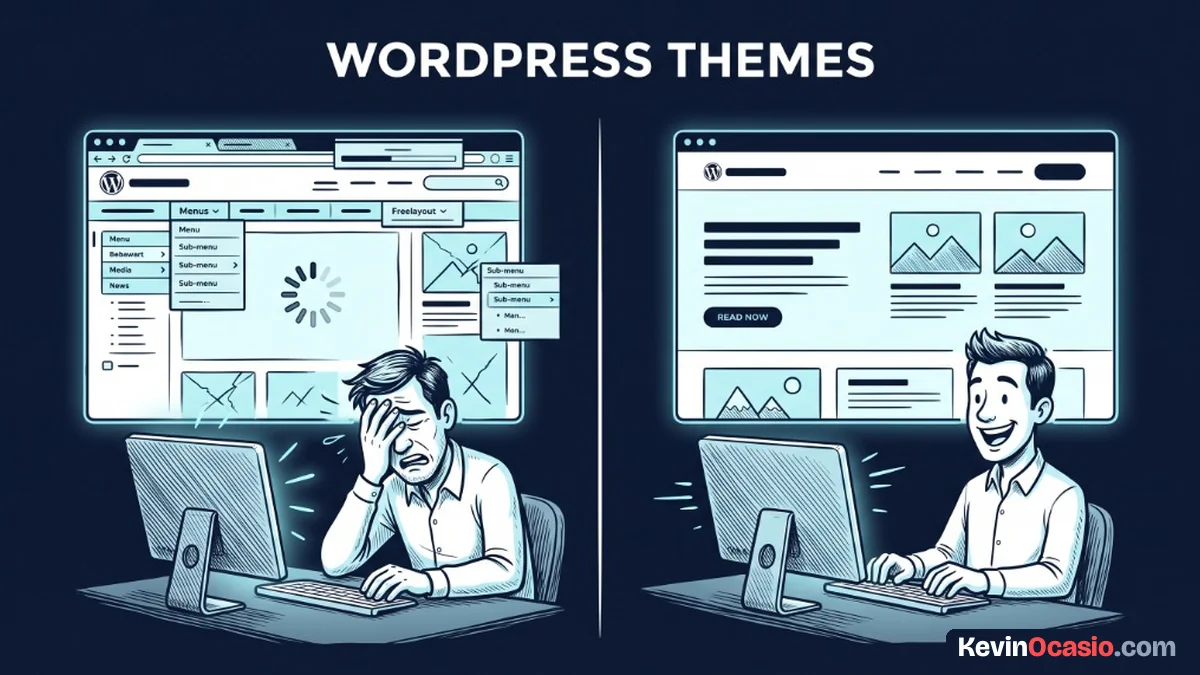
You probably picked your WordPress theme based on how pretty the demo looked. That mistake costs you leads and sales.
The Short Version
- Speed drives your sales because mobile visitors leave when a slow page lags.
- Pick a modular theme like GeneratePress that loads tiny files and uses clean WordPress blocks.
- Own your site layout without high renewal bills or messy shortcodes.
Jump to Section
Why the Best WordPress Theme for Business Keeps Its Code Minimal
The best WordPress theme for business gets out of your way and lets your words sell. Your site exists to help your buyers, collect email leads, and take orders. When a theme adds heavy visual effects to your pages, it works against those goals. You want people to read your pitch and buy.
Big theme shops love selling giant all-in-one packages. They pack five sliders, dozens of layouts, and endless animation files into one folder. The live demo looks flashy on a fast desktop link. In reality, it hands you a mountain of code that you’ll never use.
Every extra feature in a heavy theme brings a hidden tax. Your host must load extra files on each click. Your visitor’s phone must download and run all that code before the first word shows up. That lag makes mobile visitors click away before they see what you’re selling.
A simple theme keeps your pages quick and snappy on every phone. It loads plain text and clear buttons right away. Visitors get what they came for, so they don’t have to wait around before taking action.
The Hidden Penalty of Multi-Purpose Themes and Bundled Builders
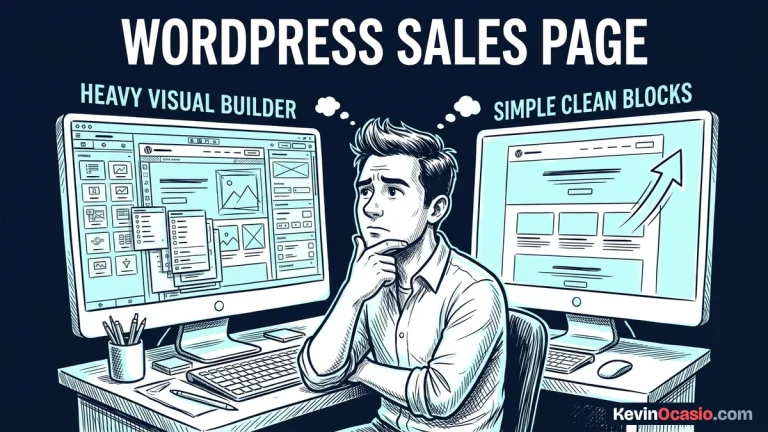
Heavy themes almost always tie your site to a visual page builder. Bulky builders like Divi or Elementor seem fun on day one, but they wrap your text in messy code. When you want to switch designs later, your pages break. It’s almost impossible to move your words when they’re trapped inside strange shortcode tags.
Beyond layout locks, big themes drag down your site speed on every visit. Many of them run old script files on pages that only need basic text and a single picture. In my guide on running a minimalist marketing setup, I share how cutting extra scripts keeps your checkout fast so you don’t lose sales.
Too many fancy styles also cause real trouble on small phone screens. When a theme pulls in heavy icon sets and custom styles, web font loading shifts your page layout before content settles. Buttons jump down the screen while someone tries to click. That bad experience costs you buyers when they can’t tap what they want.
Running a lean business means cutting out anything that slows down your sales flow. A theme packed with heavy code creates daily technical bugs. It doesn’t make sense to waste your afternoon chasing errors instead of growing your cash flow.
What to Look for in an Ideal Lightweight Theme
An ideal business theme should have a tiny core build that loads in a flash. You want a theme where the main style file is tiny, well under fifty kilobytes. It shouldn’t depend on bulky script files just to display text. When your base is that light, your pages show up right away on any phone.
Modular controls are another must-have for web builders. You should be able to turn off parts you don’t need, like post navigation or author bios, with one toggle. When you only load the parts you use, your site runs smooth and visitors get a clean read.
Look for deep support for the standard WordPress block editor. The modern block editor lets you build custom sales pages and email opt-in boxes without extra builders. You can pair this lean theme with an affordable host like the one in my Hostinger review when you build an online business with WordPress.
I always tell builders to pick software that respects their time and budget. That’s why I build on GeneratePress and recommend it as the best lightweight WordPress theme for a business site. It focuses on pure speed, modular controls, and clean code that never gets in the way of sales.
Here is how a heavy all-in-one theme compares to a clean, lightweight business theme:
| Theme Feature | Heavy All-in-One Theme | Lightweight Theme (GeneratePress) |
|---|---|---|
| Default Page Weight | 1.5MB to 3MB+ of extra files | Under 50KB of clean code |
| Script Dependencies | Loads bulky animation libraries | Pure plain code with zero bulk |
| Page Editor Setup | Traps text in slow visual builders | Uses native WordPress blocks cleanly |
| Design Portability | Switching themes breaks your pages | Clean text that stays intact |
| Mobile Load Speed | Slow renders with shifting buttons | Instant view with zero layout shifts |
Pick a Fast Foundation and Build Your Business
Take a close look at your website right now. If your theme takes several seconds to load, or feels slow when you edit a page, you’re losing money every day. That slow load speed costs you real leads.
Moving to a lightweight theme takes an afternoon, and it pays off for years. Your pages load fast, your mobile visitors stick around, and updates won’t break your site. Pick a clean theme foundation today, keep your code light, and put your time into building your business.
Frequently Asked Questions About WordPress Themes
Will a lightweight theme limit my design choices?
No, a lightweight theme like GeneratePress gives you full control over your fonts, colors, and layout widths. You can build modern, clean pages with standard blocks while keeping your load times under one second.
Do I need a visual page builder to make sales pages?
You don’t need a visual builder to make high-converting sales pages. The native WordPress block editor lets you create multi-column sections, callout boxes, and buy buttons without dragging down your speed.
How do I test if my current theme is too heavy?
Run your site through free online speed tests to check your total file size and request count. If your theme loads dozens of script files or takes more than two seconds to show text, it’s costing you real visitors.
Does a lightweight theme help my search rankings?
Search engines favor pages that load fast and stay still on mobile screens. A lightweight theme cuts down page delays and layout shifts, which helps your content win better rankings against slower sites.
Can I run an online shop with a minimalist theme?
Yes, the best minimalist themes work great with online shopping carts and product checkouts. They strip away flashy animations so your store loads fast and buyers can complete orders without delay.
What happens to my posts if I switch away from a heavy theme?
If your old theme used a visual builder, moving to a new theme can leave broken shortcode tags in your text. Switching to a standard block theme cleans up your content so you don’t have to worry about future redesigns breaking your site.
Do lightweight themes run well on cheap shared hosting?
Lightweight themes run great on budget shared hosting because they use very little server memory. You can handle lots of traffic on a low-cost hosting plan when your theme loads minimal code.
How often should a WordPress theme get updates?
A good theme should get steady updates to fix bugs, match new WordPress core versions, and keep code secure. If a theme hasn’t been updated in months, it’ll often break during major WordPress updates.