Most landing page tools slow you down with settings you never touch when you just want to launch a quick sales page or email form. The Systeme.io landing page builder gets you online without fighting messy apps.
The Short Version
- Systeme.io builds lean pages that load fast on mobile phones without complex cache setups.
- Preview your mobile columns before publishing to keep buttons large and easy for thumbs to tap.
- Solo creators save cash by skipping pricey funnel apps with heavy scripts.
Jump to Section
- How the Systeme.io Landing Page Builder Renders Clean Code
- Mobile Layout Controls and Touch Responsive Columns
- Page Speed Benchmarks and Server Delivery
- What Is Missing from the Visual Drag-and-Drop Editor
- Systeme.io Landing Pages vs Dedicated Funnel Software
- Pick the Right Setup for Your Next Launch
- Frequently Asked Questions About the Systeme.io Landing Page Builder
How the Systeme.io Landing Page Builder Renders Clean Code
You often get messy code behind the scenes when visual page builders wrap every block in extra containers. You drag blocks across an open screen, and the tool wraps each line in extra code boxes. That extra code adds weight to your files. It makes phones work harder to show your content.
The builder inside Systeme.io keeps your layout structure clean and simple. You work with sections, rows, columns, and elements. The editor keeps this order strict. That keeps your finished code small and easy for web browsers to load.
You don’t get stuck waiting for heavy scripts to load before your text appears. Visitors tap your link from an email or social post. The page shows up fast instead of hanging on a blank white screen.
Mobile Layout Controls and Touch Responsive Columns
More than half of your web traffic comes from a mobile phone. If your desktop rows shrink into tiny text, visitors hit the back button right away. You need simple controls for small screens. You shouldn’t have to rebuild your page from scratch.
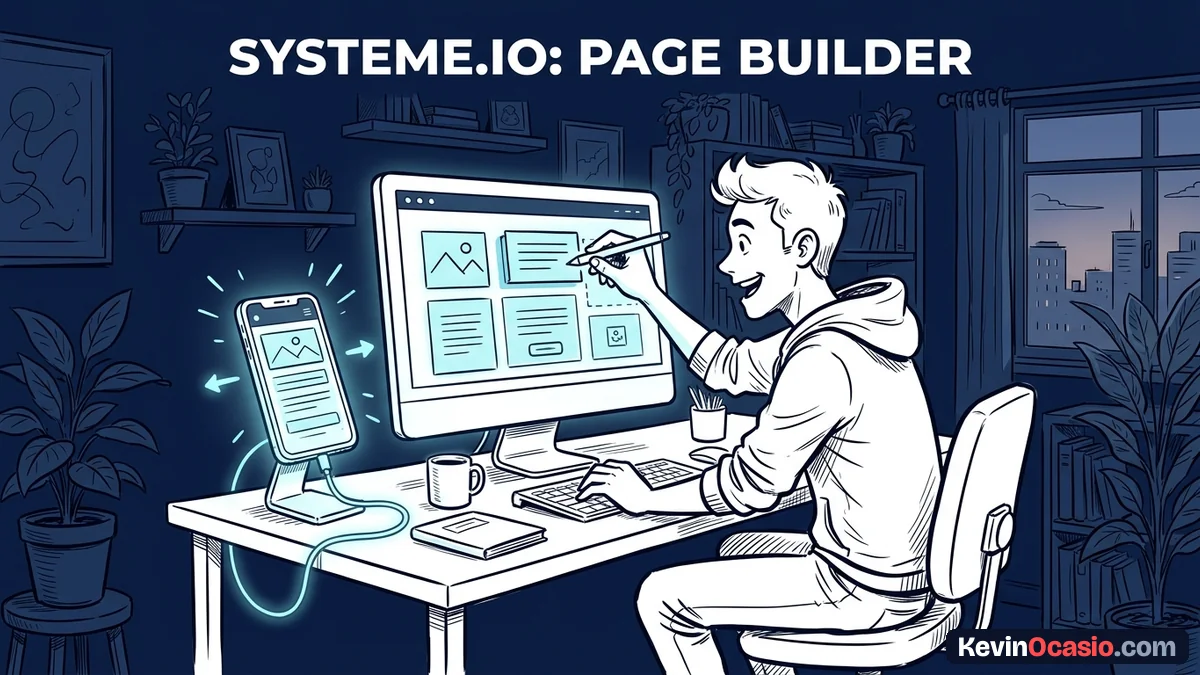
Systeme.io gives you a phone view toggle at the bottom of the editor. With one click, you see how your rows stack on a small screen. You can tweak font sizes, margins, and spacing for mobile users without changing your desktop view.
Every block also features a display switch for laptops and phones. A photo might look great on a laptop but push your signup box out of view on a phone. You can hide that photo on mobile right away. Setting proper touch targets and spacing gives your buttons enough room so people don’t tap the wrong link by mistake.
Page Speed Benchmarks and Server Delivery
Slow pages kill signups faster than bad copy. If a mobile page takes longer than three seconds to load, visitors leave before reading your offer. People tap away instead of waiting around. Every second of wait time cuts into your sales.
Systeme.io hosts your pages on global content delivery networks, so visitors pull files from the nearest server. You don’t have to set up cache plugins or clean up database files. You don’t pay for third-party hosting tools. The platform handles speed settings for you.
You might have struggled with landing page load speed on WordPress before. This hosted setup takes the technical headaches away. Your pages load fast on mobile devices because there are no heavy plugins dragging them down. That gives you a strong base for ad traffic.
What Is Missing from the Visual Drag-and-Drop Editor
When you build pages with a budget tool, you run into real trade-offs. The Systeme.io editor focuses on speed and ease of use. That means it cuts out fancy design tricks found on bigger platforms. You should know these limits before moving your business over.
You won’t find motion tools or scroll effects. If you want floating items, card flips, or custom mouse effects, this editor can’t build them. You can paste custom HTML and basic CSS code, but there’s no built-in style class tool.
The editor also lacks live team editing. Two people can’t work on the same page at once without saving over each other’s edits. For a solo operator, these missing tools won’t matter, but larger teams will feel limited.
Systeme.io Landing Pages vs Dedicated Funnel Software
Before you choose where to host your next project, look at how the page builder compares to other tools. Compare them on monthly cost, speed, and daily setup.
| Feature or Limit | Systeme.io Landing Pages | Standalone Funnel Builders | WordPress Page Builders |
|---|---|---|---|
| Starting Monthly Cost | $0 (Free plan with 3 funnels) | $97 to $297 per month | $5 to $15 per month for hosting |
| Mobile Layout Controls | Separate mobile font and padding sizes | Full mobile canvas editing | Manual device view adjustments |
| Built-in Email and Checkout | Included in the same account | Included on top plans | Needs extra plugins and add-ons |
| Page Load Performance | Fast static server delivery | Average due to heavy script files | Depends on hosting and cache setup |
| Setup Time for Beginners | Under an hour to launch | A few hours of setup | Several days of plugin testing |
If you want full control over your files and database, self-hosted WordPress stays the top pick. But you can sell products without managing software updates. An all-in-one platform like Systeme.io saves you time and cash. You get your checkout pages, email list, and digital courses in one place.
To see how the platform performs under real sales traffic, read the complete Systeme.io review. The breakdown shows free plan contact caps and email delivery rates so you know what to expect.
Pick the Right Setup for Your Next Launch
You don’t need fancy web tricks or pricey software bills to grow an audience. A strong page needs a clear headline and readable text. It needs a fast checkout form that loads right away on a phone.
Putting together a simple lead capture funnel lets you test your offer with real people. If you want more signups, study how to design an opt-in page that converts with clean layouts. Sticking to simple tools gives you more time to find buyers instead of fixing broken code.
Frequently Asked Questions About the Systeme.io Landing Page Builder
Can you build landing pages on the free plan?
The free plan includes up to three sales funnels with fifteen total funnel steps. You can build squeeze pages, sales pages, and thank-you pages without paying a single dollar.
Does Systeme.io let you connect a custom domain to landing pages?
You can connect one custom domain on the free plan. Your pages will display your own web address instead of a default systeme.io subdomain.
Are Systeme.io landing pages mobile responsive automatically?
All sections and columns stack neatly on phone screens by default. You can also customize font sizes, padding, and block visibility specifically for mobile users.
Can you add custom code or tracking pixels to pages?
Header and footer tracking scripts can be pasted directly into page settings. Dropping custom HTML blocks into your layout lets you add site stats and ad tracking pixels.
How does the page load speed compare to WordPress?
Pages built on Systeme.io often load faster than heavy WordPress sites. They don’t run large database queries or messy add-ons. They render fast on basic phone networks.
Can you hide specific page sections on mobile devices?
Every section, row, and element includes a simple screen toggle. You can check or uncheck desktop and mobile views to create clean layouts for each screen size.
Does Systeme.io charge transaction fees on sales pages?
There are zero platform sales fees across all tiers, including the free account. Stripe or PayPal only charge their standard card processing rates.
Can you run split tests on your landing pages?
Built-in split testing lets you run one active A/B test on the free plan. Paid tiers unlock up to ten tests on the Startup option. The software splits your traffic between two page variations on its own.