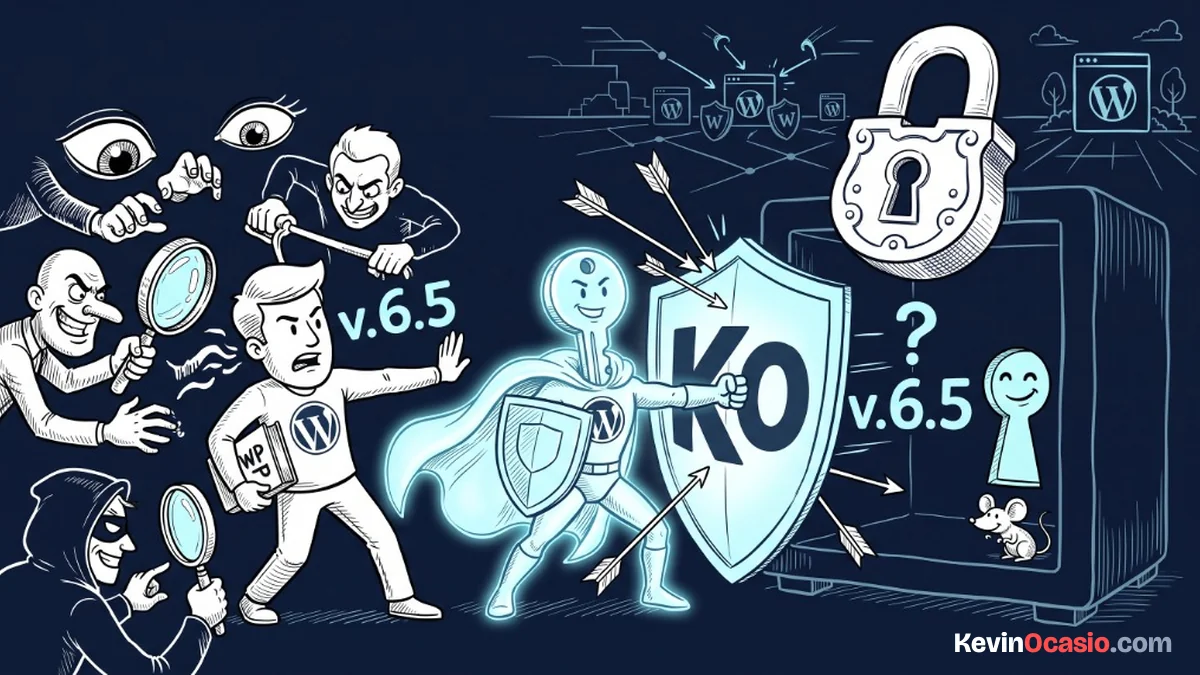
By default, WordPress broadcasts your exact core version number across your public source code, RSS feeds, and script files. Automated hacker bots constantly scan the web for sites running specific versions with known security flaws. KO Hide Version lets you hide WordPress version tags and query strings with one click to keep your site private and safe.
You can remove version tracks from your public pages without installing complex security software. This tool is part of my collection of free WordPress plugins built to protect websites with clean, straightforward code.
- Version: 1.0.0
- Requires WP: 6.0+
- PHP: 7.4+
- Frontend Assets: 0 KB
- License: GPLv2
Why I Built KO Hide Version
Whenever you load a standard WordPress page, WordPress inserts a generator meta tag into your header that tells the world your exact version. It also tacks ?ver=6.x onto every single stylesheet and script URL loaded across your layout.
Malicious bots use automated scanners to look for these version stamps. If you haven’t updated to the latest minor patch yet, that version number acts as a billboard pointing out known vulnerabilities to attackers.
I built this micro-plugin to scrub those version markers completely. It strips the generator tag from your HTML, removes version numbers from RSS feeds, and cleans query strings from stylesheet and script URLs on the fly.
How to Hide Version Tags and Script Query Strings
Here is how this security tool lets you hide WordPress version details across your site:
- Removes Generator Meta Tags: Strips the default WordPress generator tag completely from your site’s HTML header.
- Cleans RSS and Atom Feeds: Removes version numbers from all public RSS, Atom, and RDF feed headers.
- Strips Script Query Strings: Cleans the
?ver=parameter from enqueued CSS stylesheets, JavaScript files, and script modules. - Runs on Clean Filters: Operates dynamically on output filters without altering your core files or database records.
- Zero Frontend Script Weight: Operates entirely on backend PHP filters with 0 KB of frontend JavaScript or CSS loaded on your pages.
- 100% Free & Open Source: Released freely under the GPLv2 license with the full source code available on GitHub.
How to Install and Set Up KO Hide Version
Hiding your WordPress version tags takes less than two minutes:
- Download the ZIP: Grab the latest
ko-hide-version.zipfile using the download button above. - Upload & Activate: Head into Plugins -> Add New Plugin -> Upload Plugin in your dashboard, choose the zip file, and click Activate.
- Confirm the Toggle: Open up KO Plugins -> Dashboard from your sidebar to make sure the Active on Site switch is set to ON.
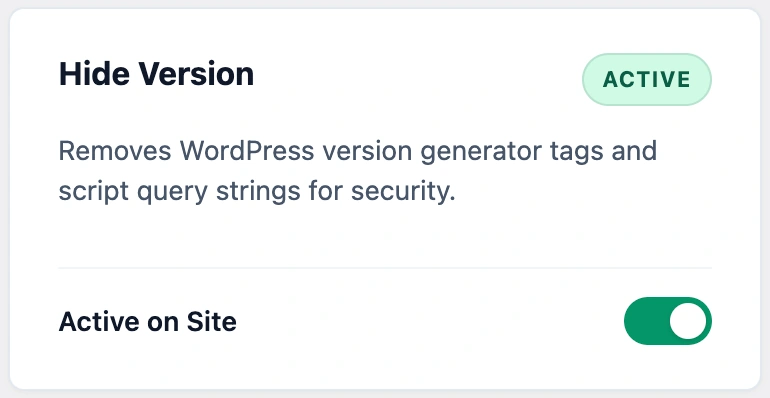
Once active, view your website’s page source code. You’ll see that all WordPress generator tags and script version parameters are completely gone.
Frequently Asked Questions About KO Hide Version
Why does WordPress broadcast my version number by default?
WordPress includes a generator meta tag in your HTML header and attaches version query strings to CSS and JavaScript files for basic caching purposes.
Why is showing your WordPress version number a security risk?
Automated bots scan millions of websites looking for specific outdated version numbers with known public exploits. Hiding your version makes it much harder for bots to target your site.
Will removing script query strings break my theme or plugins?
No. Your stylesheets and scripts continue loading and executing normally. The plugin only removes the version number parameter from the file URL.
Can I use this plugin on client websites?
Yes. KO Hide Version is licensed under GPLv2, which means you can install and use it freely on unlimited personal, business, or client websites.