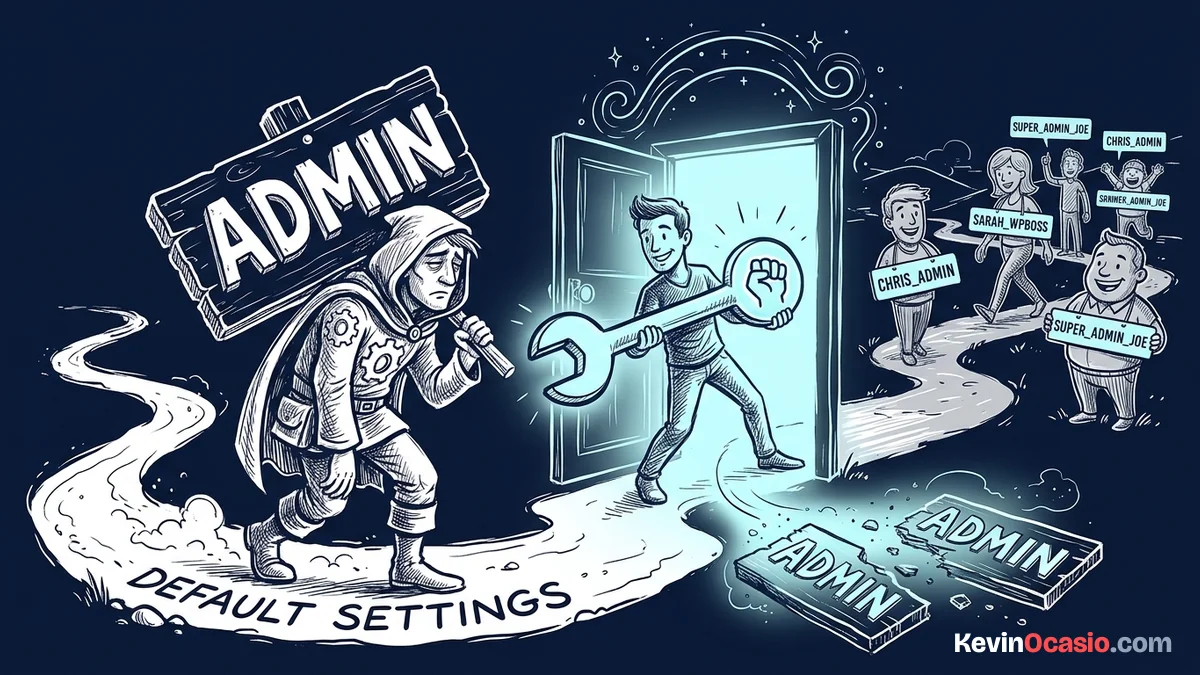
WordPress locks your account username once you create it. If your account still uses the default “admin” name, automated bots can guess your login half as fast. KO Admin Username Changer lets you safely change admin username in WordPress without touching database tools.
You can update your login name in seconds and keep all your published posts, comments, and settings intact. This tool is part of my collection of free WordPress plugins built to make site security fast and simple.
- Version: 1.0.0
- Requires WP: 6.0+
- PHP: 7.4+
- Frontend Assets: 0 KB
- License: GPLv2
Why I Built KO Admin Username Changer
Leaving your username set to “admin” makes your site an easy target for login bots. Attackers already know your username, so they only have to guess your password.
Changing your username normally means editing raw database tables or creating a new user and moving all your posts over by hand.
I built this micro-plugin to make renaming safe and fast. It updates your username directly in the database, keeps your content links in place, and logs you back in automatically.
How to Update Your Admin Username Safely
Here is how this tool protects your login records:
- Direct Username Updates: Changes your database login name without moving posts or losing author data.
- Kills Bot Targets: Removes default names like “admin” that brute-force scripts target first.
- Instant Re-Login: Refreshes your browser cookies so you stay logged in after saving.
- Zero Frontend Scripts: Runs only inside your admin dashboard with 0 KB of frontend script weight.
- 100% Free & Open Source: Released under the GPLv2 license with full source code on GitHub.
How to Install and Use KO Admin Username Changer
Renaming your account takes less than two minutes:
- Download the ZIP: Grab the latest
ko-admin-username-changer.zipfile using the download button above. - Upload & Activate: Head into Plugins -> Add New Plugin -> Upload Plugin in your dashboard, pick the zip file, and click Activate.
- Rename Your Account: Open up Users -> Change Username, type your new name, and click Save Username.
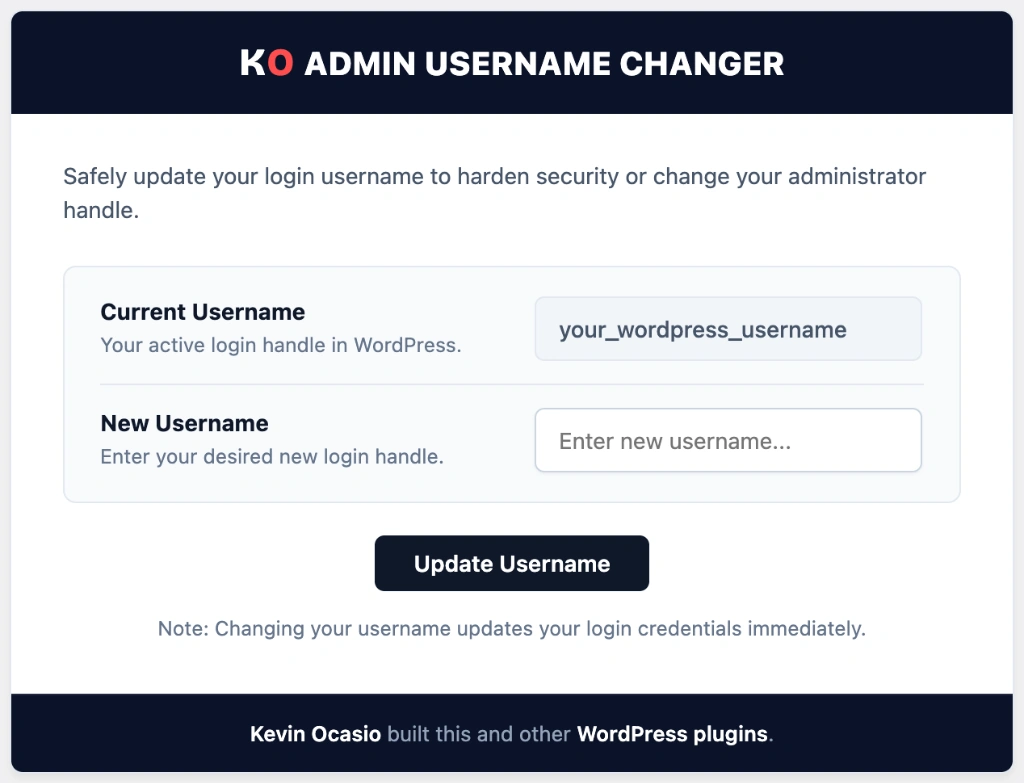
Once saved, your login name updates right away. Your published articles and author archives stay connected to your account.
Frequently Asked Questions About KO Admin Username Changer
Will changing my username delete my published posts?
No. Your user ID stays the same, so all your articles, pages, and comments remain linked to your account.
Do I need to edit phpMyAdmin or database tables?
No. The plugin handles the database update safely through standard WordPress user functions.
Can I change the username for other users on my site?
Yes. Site administrators can select and rename any registered user account from the plugin screen.
Can I use this plugin on client websites?
Yes. KO Admin Username Changer is licensed under GPLv2, so you can use it freely on any website.