You set up a WordPress site to sell products or write posts, and someone says basic hosting is too slow. They tell you to get a cloud server on Cloudways, but they leave out the extra bills and tech chores that come with it.
The Short Version
- Hostinger delivers quick page loads with free business email and flat rates starting at $2.99 a month.
- Cloudways charges higher rates starting at $11 to $14 monthly, plus extra fees for mailboxes and offsite backups.
- Pick Hostinger for lean setups so you can grow your traffic without managing server droplets.
Jump to Section
- Hostinger vs Cloudways: Flat Pricing or Hourly Billing Traps
- Loading Speeds and Built-in Server Caching Without Custom Configs
- Business Email and Domain Costs That Add Up on Cloudways
- Daily Dashboard Management: Solopreneur Simplicity vs Sysadmin Headaches
- Website Limits, Resource Allocation, and True Room to Scale
- Pick the Host That Protects Your Budget and Daily Focus
- Frequently Asked Questions About Hostinger vs Cloudways
Hostinger vs Cloudways: Flat Pricing or Hourly Billing Traps
You’ll be surprised by how differently these two hosts bill your account. Hostinger uses flat pricing where you pay upfront to lock in a low rate. Their Premium plan starts at $2.99 a month on a 48-month term ($143.52 total), renewing at $10.99 a month. If you want daily backups and faster NVMe drives, their Business plan costs $3.99 a month ($191.52 upfront for 48 months) and renews at $16.99 a month.
Cloudways uses hourly billing that hits your card at the end of each month. Their basic DigitalOcean Micro plan costs $11 a month ($0.0357 an hour), while their DigitalOcean Small plan runs $14 a month. That fee only covers the raw server slice. It doesn’t include email inboxes or offsite backups.
This table compares real entry costs, renewal fees, and included tools across both platforms.
| Hosting Feature | Hostinger Premium | Hostinger Business | Cloudways DigitalOcean Micro |
|---|---|---|---|
| Starting Price | $2.99/mo (48-mo term) | $3.99/mo (48-mo term) | $11.00/mo (hourly pay-as-you-go) |
| Renewal Rate | $10.99/mo | $16.99/mo | $11.00/mo (no term discounts) |
| Domain Registration | Free for 1st Year | Free for 1st Year | Not Included (Buy Separately) |
| Custom Business Email | Up to 100 Free Accounts | Up to 100 Free Accounts | $1.50/mo per mailbox (Rackspace) |
| Automated Backups | Free Weekly | Free Daily | $0.033/GB (billed separately) |
| Server Setup | LiteSpeed Web Server | LiteSpeed Web Server | Standard Cloud Stack |
Surprise hosting invoices hurt your cash flow. Paying a small flat fee keeps your monthly bills low. That leaves more cash for traffic and new products.
Loading Speeds and Built-in Server Caching Without Custom Configs
You lose sales when your pages load slowly, long before buyers pull out their credit card. Hostinger runs on LiteSpeed web servers with built-in caching. That cache talks directly to the free LiteSpeed Cache WordPress plugin. You turn it on with one click in your dashboard so your pages don’t lag.
Cloudways uses a custom cloud setup with multiple caching layers. It runs fast when tuned well, but it takes hands-on maintenance. When a cache rule breaks or plugins clash, your site slows down and you’ve got to fix the issue yourself.
You can see more speed tips in my guide on how to keep a high-traffic WordPress site running fast on a budget. For content sites, Hostinger gives you top speed right away so you won’t have to edit server files.
A basic 2 GB server on Cloudways doesn’t leave much room for traffic spikes. When lots of people hit your sales page at once, that cloud droplet can run out of memory. Hostinger spreads traffic across a managed network. That keeps your checkout live during busy launches.
Business Email and Domain Costs That Add Up on Cloudways
You need an email address matching your own domain to build trust with buyers. Hostinger includes custom domain email with every plan. You can set up 100 free email accounts on Premium and Business plans. Each inbox comes with 1 GB of storage.
Cloudways doesn’t host email on their servers. To get a business email on Cloudways, you must buy their Rackspace add-on for $1.50 per mailbox each month. If you run three sites and need two mailboxes each, that adds $9 a month to your bill.
Site backups work the same way. Hostinger includes automated backups, and their Business tier gives you daily restore points. Cloudways charges $0.033 per gigabyte each month for offsite storage, rounded up to the nearest fifty cents.
Storing offsite disaster recovery backups keeps your files safe. Nobody should pay extra fees for basic site safety when that’s part of normal web care. Hostinger includes those tools without extra line items on your receipt.
Daily Dashboard Management: Solopreneur Simplicity vs Sysadmin Headaches
Your time belongs on marketing, writing copy, and helping buyers. Never waste your working hours running server software. Hostinger built their own control panel called hPanel. It’s clean and made for folks who want to run a business without writing code.
Setting up WordPress on Hostinger takes two clicks. You can add free SSL and test plugin updates on a staging copy. You never have to touch a command line. In my breakdown of Hostinger, I showed how their control panel cuts out the confusing junk found in old web hosts.
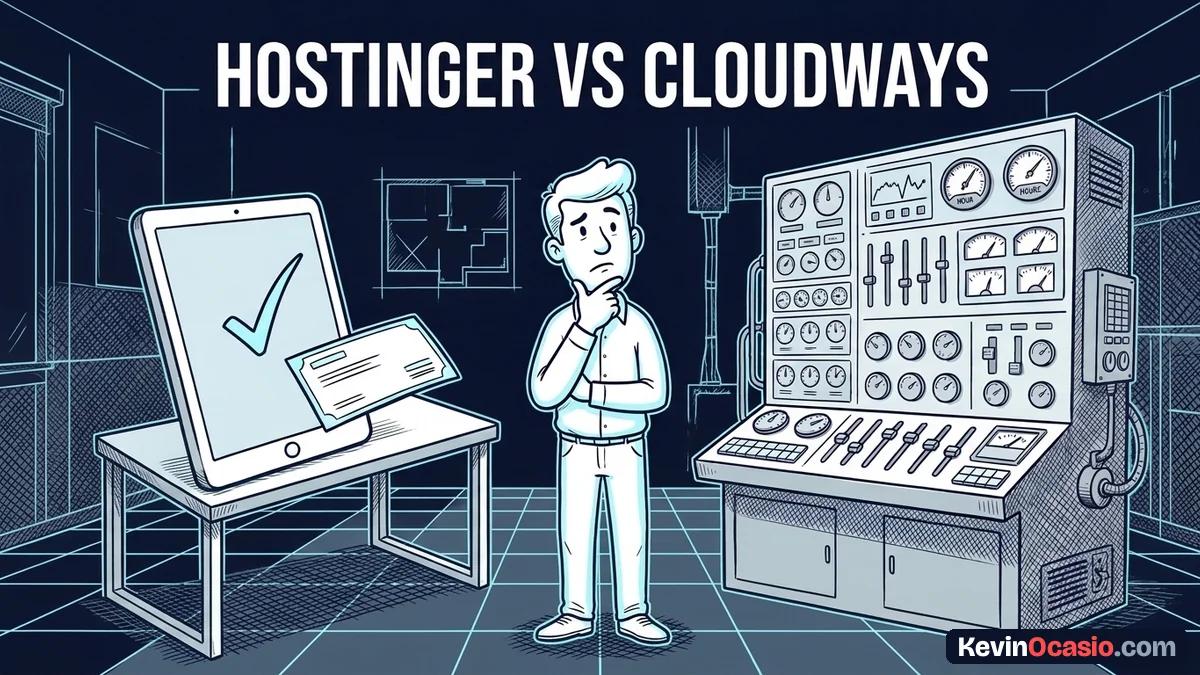
Cloudways takes a very different path. Their platform is made for agencies and web coders who look after client servers. You choose your cloud company and select a data center. Then you choose server size and set up scaling rules.
When a server error pops up on Cloudways, you’ve got to fix it yourself. You have to read log files, restart database tools, and open firewall ports. If you want a fast site without reading tech guides on weekends, picking Hostinger web hosting saves your time and energy.
Website Limits, Resource Allocation, and True Room to Scale
You might look at Cloudways because you can host unlimited sites on one server. While that sounds great, real limits hit you fast. Every site you add draws from the exact same slice of memory and computing power.
If you put three blogs and two sales funnels on a starter 2 GB Cloudways server, one busy page can eat all the memory. That hurts performance for your other pages. Upgrading your server adds to your monthly fee, so your hosting costs climb fast.
Hostinger sets clear plan limits so your sites stay fast. Their Premium plan supports up to 3 websites and 20 GB of storage, while their Business plan supports unlimited sites and 50 GB of NVMe space. Each site gets its own room. One busy project won’t drag down the rest of your web pages.
To see which server type fits your business right now, read my guide on shared hosting vs cloud hosting. It shows where your cash goes furthest. Starting small and growing as sales rise keeps your profit high.
Pick the Host That Protects Your Budget and Daily Focus
You protect your profit when you keep your monthly bills low. That also leaves your daily focus sharp for writing and selling. You don’t need costly cloud droplets, hourly meter math, or coder tools just to publish posts and sell products.
Cloudways works fine for design agencies that charge clients for server care. But for solo creators and bloggers, it adds extra headaches and extra monthly fees that eat into your profit.
Hostinger gives you everything you need in one clean plan. You get fast LiteSpeed servers, free business email, daily backups, and a simple dashboard. All of that starts under four dollars a month so you’ll keep your bills low. Set up your host, build your site, and spend your days creating assets that bring in sales.
Frequently Asked Questions About Hostinger vs Cloudways
Is Hostinger fast enough for a serious WordPress site?
Yes. Hostinger runs on LiteSpeed web servers with built-in server-level caching that delivers fast page load times so you won’t need expensive speed plugins.
Does Cloudways include free email accounts?
No. Cloudways doesn’t include email hosting on their servers, meaning you must pay $1.50 per month for each Rackspace mailbox or use Google Workspace.
Can I migrate my site from Cloudways to Hostinger?
Yes. Hostinger provides a free automated migration tool inside hPanel that moves your WordPress files and database over with zero downtime.
Why is Cloudways more expensive than Hostinger?
Cloudways charges a management fee on top of third-party cloud systems. They bill you hourly for server resources without bundling domains or email accounts.
Do I need sysadmin skills to run a website on Cloudways?
While Cloudways simplifies cloud server setups, you’ll still need to understand server scaling, database service restarts, and memory limits when traffic spikes.
Which Hostinger plan is best for a growing WordPress blog?
The Business plan at $3.99 per month is the sweet spot because it includes daily automated backups, 50 GB of fast NVMe storage, and higher visitor capacity so your site won’t slow down.